

How To Turn Off Motion Blur In GTA 6 (And Why You Should)
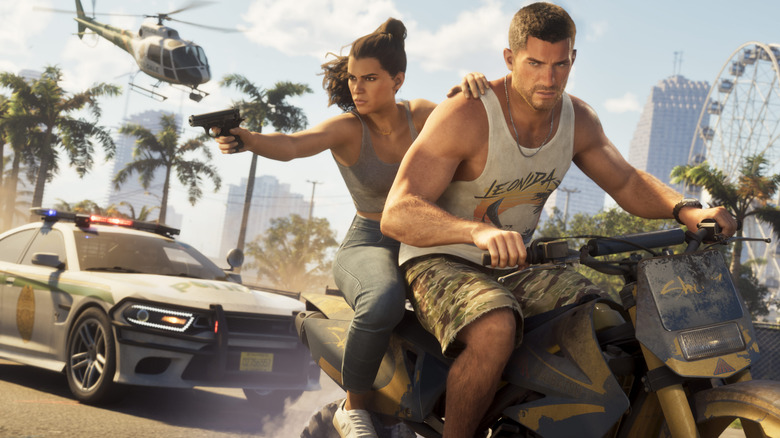
Motion blur is arguably a great way to make video games feel more cinematic. However, in a game as large as "Grand Theft Auto 6," you may want to consider switching it off. Rockstar has already gone fairly heavy on the depth of field (as expected), which softens the image in certain situations, and combining that with strong motion blur can make the overall progression feel unnecessarily blurry. This is particularly noticeable when driving at speed or moving the camera, where the extra blur can take away the incredible detail in the game's environment. For some players, myself included, the excessive blur can cause dizziness.
Fortunately, "GTA 6" lets you adjust the strength of its motion blur, so you don't have to settle for the default effect and compromise any of the details. Whether you want the sharpest image possible or simply prefer a cleaner, less distracting presentation, here is how to turn off the motion blur and why lowering its effect in-game may be a better option.
How to turn the motion blur off in GTA 6
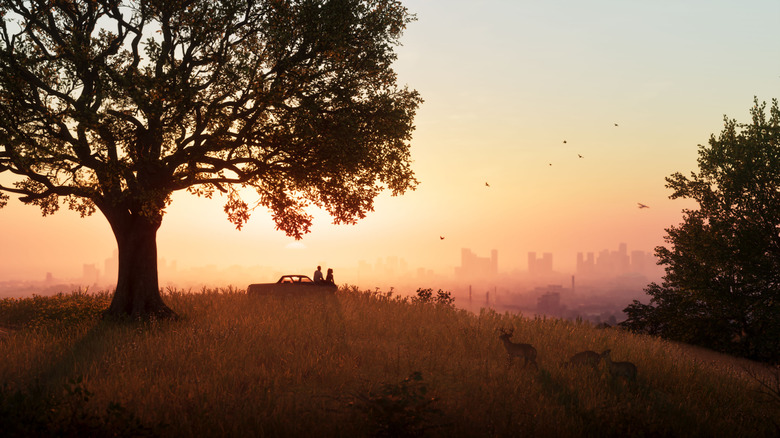
In most cases, motion blur does its job to make the game feel more cinematic, especially in fast-moving games. But in "GTA 6," it might be doing more harm than good. You don't have to put up with it, though, as adjusting the setting is quite simple. To do that, simply follow the steps below:
- Open Settings
- Navigate to the Display tab
- Find Motion Blur Strength
- Lower the slider to zero to disable motion blur completely
This game's setting is adjustable rather than a simple on/off, which is actually a good thing. If you are someone who enjoys motion blur and want to use that in "GTA 6" too, you can surely do so by experimenting with different strengths until you find the right balance that works for you.
However, turning it off is recommended, not because motion blur itself is bad, but because of how it interacts with "GTA 6"'s other visual effects. When its strength is maximum, instead of enjoying the detail Rockstar has packed into Vice City, you can end up looking at a noticeably smeared image. On the other hand, at 30 FPS, motion blur can help make camera movement feel smoother and less jarring. It also contributes to the cinematic presentation Rockstar is aiming for. Removing it entirely can make camera movement feel less fluid, even if the image looks sharper. If you prefer that, lowering the strength rather than turning it off could be a better compromise.