

What To Do With An Old Roomba Robot You No Longer Want To Use
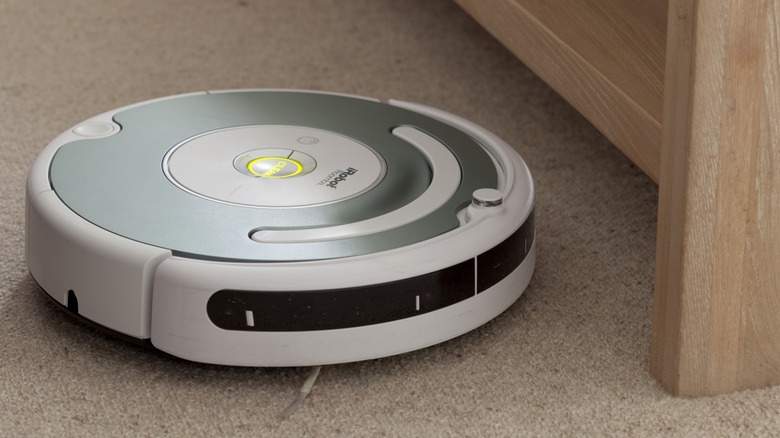
Roombas have become a household name when it comes to robot vacuums. However, in 2025, the company best known for producing these devices, iRobot, declared bankruptcy. The company was then acquired by the Asian tech giant Picea, also renowned for making robot vacuum cleaners. While this change wasn't as significant for the average consumer as it was for shareholders, it did mean users would have to say goodbye to some older models.
After the ownership change in January 2026, iRobot discontinued sales for two of its older model Roombas, the i3 and the J9+ Combo. If you were the unfortunate owner of one of these models, you might be thinking of getting an upgrade. Even though the older Roombas haven't stopped working, the company's focus on the new lineup will eventually lead to discontinued spare parts and app support for older ones. That said, if you are thinking of discarding your old Roomba, there are pointers you should keep in mind before simply tossing it.
Roombas map and store a general layout of your house. You don't want that information falling into the wrong hands, so wiping all personal data from the device before discarding it is a smart first step. Unless your Roomba has completely ceased working, it's always a good idea to donate it rather than throwing it in the trash — it might help out someone else immensely. There are also some safety concerns when discarding devices like vacuum cleaners, as they contain lithium-ion batteries, so you need to be careful.
You can donate, recycle, or dispose of your old Roomba responsibly
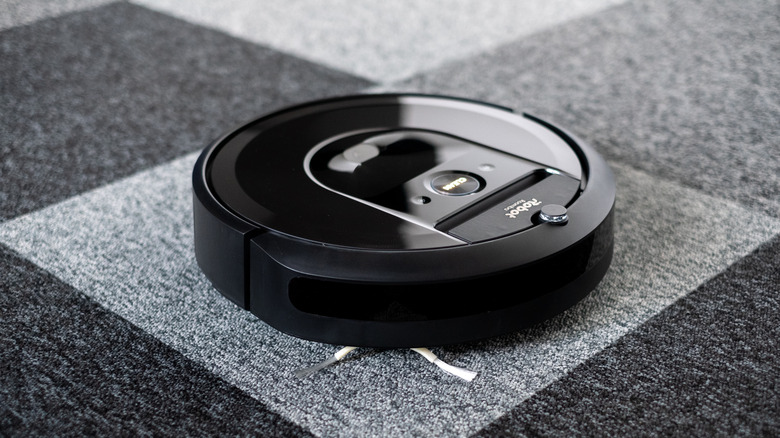
Regardless of whether you decide to discard your Roomba or donate it, the first thing you want to do is erase any personal information the Roomba has stored. This includes a layout of your house as well as your personal Wi-Fi settings. You can easily do this via your Roomba's mobile app, which allows you to edit and delete all that information. Make sure you don't leave anything in the device's memory storage, since it could become a safety issue later on. This also makes it easier for the next owner to store their information if you decide to donate it.
The next tip is to clean the internal dirt. A Roomba's main job is to collect dust and transfer it into the dust collection bag, but hair and other particles can get tangled in the brushes over time. If your Roomba's efficiency has gradually decreased, this could possibly fix the issue and get it working properly again. Sometimes, a Roomba's functionality decreases due to excess dirt buildup, just like a PC and other devices.
Once you're done with both of those tasks, you may need to look for a way to dispose of it. Since Roombas are battery-powered, you cannot toss them in the trash, as that would be hazardous. Instead, you should look to recycle the appliance since others might be able to use the spare parts for their own devices. The best way is to visit a local e-waste center and have it recycled. Follow your model's instructions if removing the Roomba's battery yourself, and make sure to dispose of the appliance responsibly.
Your old Roomba can be traded in for store credit toward a new model
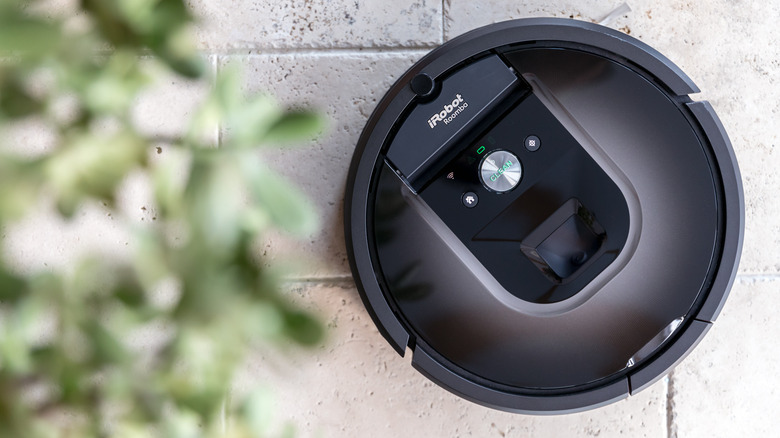
With iRobot being purchased by Picea and older models being discontinued, is it possible to trade old Roombas in instead of donating or throwing them away? Yes. Even though you might think your Roomba isn't worth much anymore, it can help you with your next purchase. iRobot has an official trade-in program set up in the U.S. that allows consumers to trade in older models for credit. This is done in three easy steps.
The first step is getting an estimate. To do this, you need to open the trade-in program on the company's website and select the model you currently have. Next, input the serial number of your device. If you're having trouble locating the model or serial number, they should be written on the underside of your Roomba. Once you've entered your details, it will tell you how much trade-in credit the company will offer you. After that, all you have to do is send in your old Roomba, and the credit will be applied directly to your account.
If you're not satisfied with iRobot's own trade-in program, you could always take your chances at a local retail store. Stores like Best Buy offer trade-in programs for vacuum cleaners and smart home products, but you'll need to check with your local outlet to see if it's available. Recycling or trading in your Roomba is significantly better than tossing it out in the trash. This solution is both environmentally friendly and can benefit both you and the next owner, making it a win-win situation.