

6 Ways To Find New Songs With Apple Music
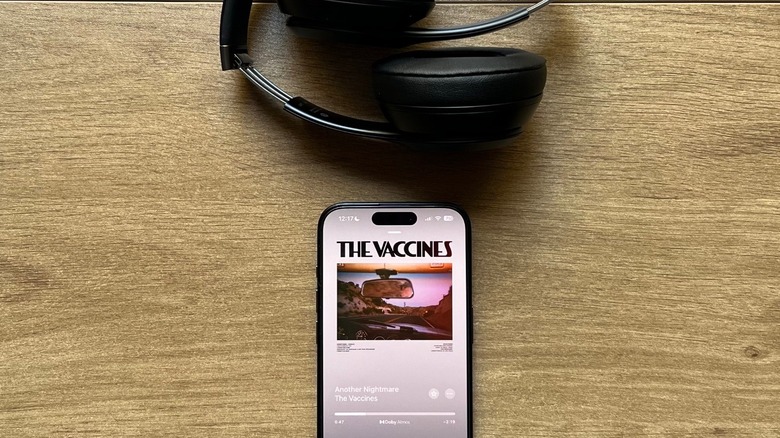
Apple Music is a popular app, but its algorithm for finding new songs isn't considered to be as good as the one from Spotify, which is part of why many people ditch Apple Music. Still, it's not so hard to find new music when using Apple's streaming service if you know where to look.
The company relies on a "New" tab that has recommendations curated for you, in addition to everything all the other users are listening to. That includes individual songs, curated playlists based on an artist, genre, and period; and a Radio tab, which can also help you discover new songs by listening to specific stations or even interviews from artists, celebrities, and more.
As a longtime Apple Music user, my way of discovering new songs is a bit simpler than that. When I'm obsessed about an artist, especially when I'm listening to a lot of new indie artists with just a few singles released, I like an Apple Music feature to find similar artists, which is at the bottom of the Album or Artist pages. If I like their vibes, I just go through this rabbit hole until I had enough of listening to new songs for a while.
Still, that's not the only way users can find new songs, artists, and albums. In this article, you'll get to know a few ways to find new songs with Apple Music. Those include the ways Apple intended, and other tips to find settings and relatively hidden corners of the app to discover new trends, indie artists, and more.
Apple Music's New and Radio pages
The first way to find new songs with Apple Music is by opening the "New" tab, next to the app's home screen. At the top, there are updated playlists, new album releases, and so on. However, some of the best parts of this tab are "Best New Songs," "New This Week," and "Recent Releases." These are built based on what you already listen to so you don't lose a launch by one of your favorite artists or bands. When you scroll down, you get more details about "Updated Playlists," which Apple curates daily, weekly, or monthly. That includes the "Daily Top 100," which shows what people all over the globe, your country, and other regions are listening to. There is also "City Charts," "Everyone's Listening To," and "Trending Songs."
Personally, I think it's hard to find good tunes from very broad suggestions. This is why Apple's second alternative of finding new songs is to use the Radio tab. There, you have access to six different radio stations, including the live Apple Music Radio 1, with shows from celebrities, artists, and more. You can also explore other features from the Radio tab, including "Latest Radio Episodes," "Artists Take Over," and "Listen to Interviews."
Another great way of discovering new artists through Apple's official method is to check the "Apple Music Sessions," further down the radio tab. This feature artists playing their songs and covers live, which adds a nice and exclusive way to discover more from artists and see their takes on other people's songs that you can't find anywhere else.
How I discover new songs with Apple Music
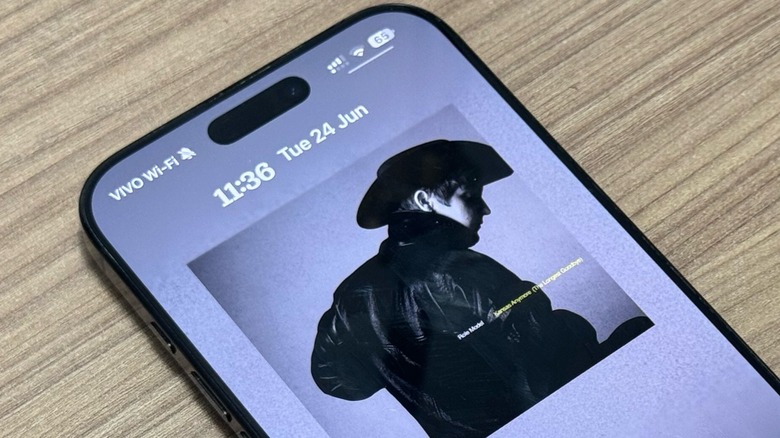
On top of the suggestions above, the way I find it more effective to discover new tunes is to start with your own music taste — especially if you're like me and like to gravitate in specific genres. If you start favoriting songs, artists, and albums, you give a clear indication for Apple Music about what you like. Based on that information, the system not only plays what you enjoy more often, but it also starts to experiment with adding in songs you might like.
The more you train Apple Music to understand your tastes, the easier it will be to find similar artists and new songs. This is why the "Similar Artists" feature on any Artist page is so powerful. There, you can discover amazing information like Clairo's alternative group called Shelly, or The Vaccines' second band Halloweens — in addition to all the others that have a similar vibe.
Another music discovery feature is called AutoPlay, which is Apple Music's mysterious infinity symbol option under the playlist button of a song you're listening to. If you tap it while listening to a playlist or an album, Apple Music will start populating your next-up list with new songs based on what you already listen to, so you can get a better idea of what else is available to you.
Finally, don't forget to ask Siri to play songs you like. When you do, Apple Music will create a radio station that will feature the songs you like, of course, but also layer in other tunes that you may not have heard before. Those songs typically go super well with your current vibe, which can also become a great way to discover new music.