

How To Dispose Of Old Hard Drives (The Safe Way)

If you have hard drives that no longer serve you, maybe due to limited storage or finicky operation, it might be time to finally get rid of them. First, if it does still work, consider ways you can use an old hard drive so you don't regret throwing the gadget away. It could be used as a backup drive, to move files between systems, or as a portable boot drive. But if it won't work in these ways, or you'd rather reduce clutter, it's time to safely dispose of it.
Don't just toss it in the trash, nor drop it off at a local recycling depot without taking care to ensure your private information remains as such. To properly dispose of a hard drive, you need to wipe it of any software, files, and data. Then, physically destroy it to ensure there's no possible way anyone can access your files.
Even if they're seemingly innocuous, like backups of old photos you've now moved to the cloud or old copies of archived work, it's surprising how much can be gleaned about a person from the simplest of information. From there, it's time to take it in for safe recycling.
Wipe and destroy data
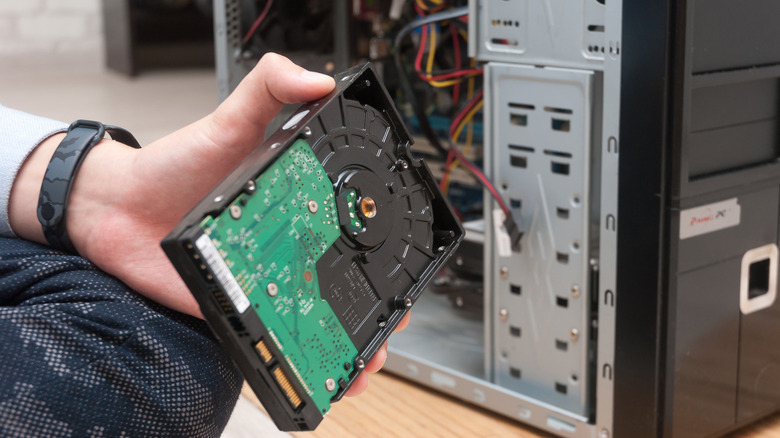
Just like with a phone, wiping a hard drive is simply a matter of erasing data and resetting it, options you can find within the Settings menu of the drive. First, ensure that if the hard drive is still functional, you back up important files before they're gone for good. Once ready, don't just delete files – this only frees up space to add more. The files still technically exist until the available space is overwritten.
You can use data sanitization software that overwrites the drive with zeros or random information, so that your files are completely gone. Such software can usually be loaded onto a flash drive that you can connect to the computer or hard drive to begin the process. You can also use tools like this military-grade USB gadget from Destruct that can wipe drives, making data unrecoverable, before you recycle them. Follow this up with a reformat of the drive, which will make sure that any data that somehow survived cannot be recovered.
Reduce, destroy, recycle
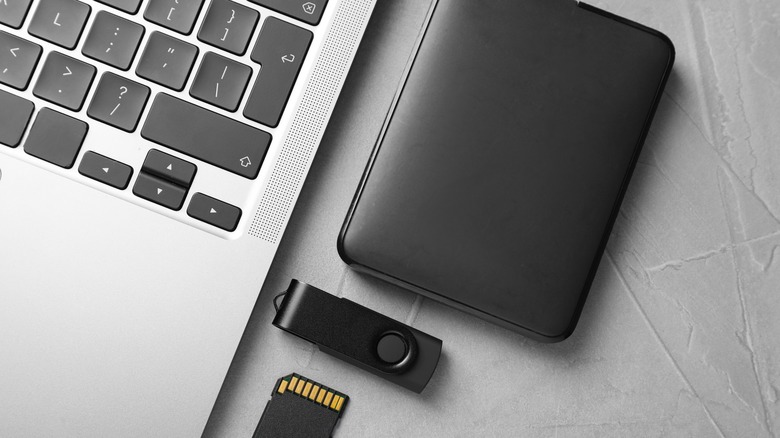
Once you're confident that the drive is completely wiped clean, go the extra mile and physically destroy it. Don't try to do what you see in the movies and microwave it: that's really dangerous.
If it's a hard disk drive (HDD) inside a computer, first remove it and remove the casing. Then take a drill to it, making several holes through the platters so it can't be read. But believe it or not, there are still ways for skilled people to extract data from a partially damaged drive. You can also degauss it, which is a method using a powerful magnet. But this doesn't work on solid-state drives (SSDs), and chances are you don't have the right gear to do this at home.
For both HDDs and SSDs, grab a hammer, take it outside, and go to town. It can even double as a great stress reliever. Once it's in pieces, take the segments to a safe recycling depot for disposal. If you know a trusted recycler that destroys technology in accordance with regulations, you can take the drive directly to them after erasing it. But if there's especially sensitive data on it, you're best to take matters into your own hands first.