

4 Clever Uses For Your Old TV Soundbars
We may receive a commission on purchases made from links.
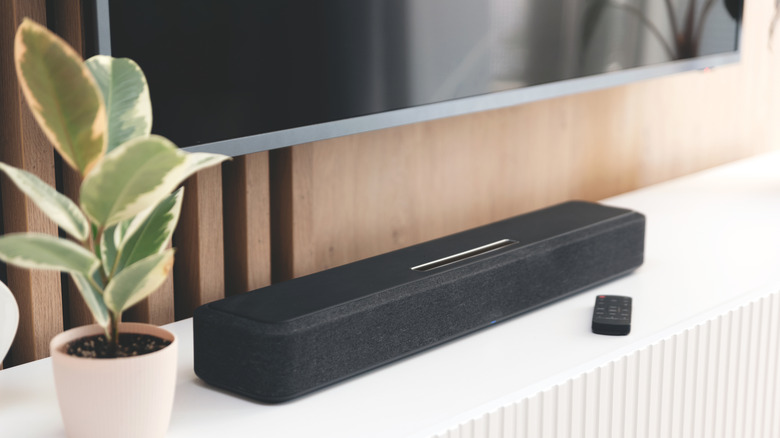
Despite the advancements in picture quality, one area where modern TVs fall short is sound quality. Because the built-in TV speakers don't provide the best sound, buying a soundbar for your TV can significantly improve sound quality and even improve dialogue clarity. As a result, soundbars have become essential TV accessories. But once you're ready to upgrade your audio setup to something else, like a home theater setup, it shouldn't mean the end of your old TV soundbar. While your old soundbar may no longer meet your needs when watching movies and TV shows or playing music in the living room on a Saturday morning while you're cleaning, don't dispose of it yet or let it gather dust in a drawer.
Your old TV soundbar can still come in handy in other areas in your home because, fortunately, it is one of those smart devices that connect without an HDMI cable. If you're unsure what to do with your old TV soundbar or you're already letting it gather dust, we'll show you four clever ways you can make use of it around the home. Your soundbar might even be overkill for some of these uses, but it'll be better than just sitting around.
Use it as a PC speaker
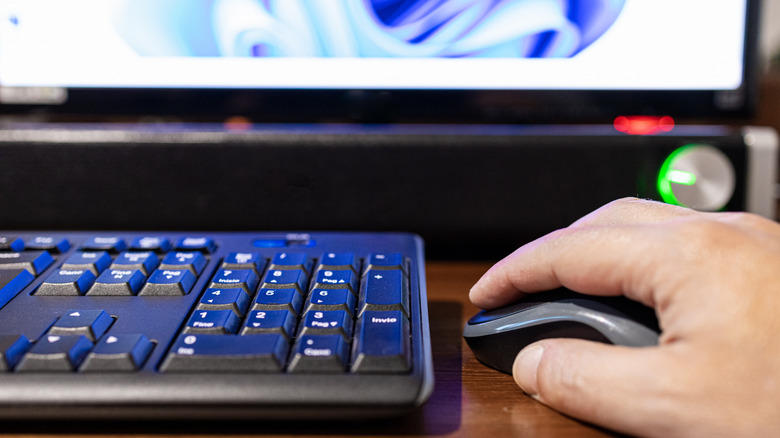
PCs don't have built-in speakers, unlike laptops. If you need audio, you'll certainly have to get a decent pair of bookshelf speakers or pick up a good pair of headphones recommended by audio experts. While these are the most typical choices, your old TV soundbar can also be a valid option to give your computer a source of audio output. The best part about using a soundbar for your PC's audio needs is the ease of connection and placement. You can connect the soundbar to your PC in various ways, including wirelessly via Bluetooth or by using a cable via the Aux port.
Soundbars can range in size, but they typically occupy less space, so you can fit them on most desks. If your soundbar is large and won't fit on your desk without obstructing the monitor, you can find a way to hide it somewhere under the desk. That way, it won't take up precious real estate on the desk and stand in the way of work or gaming sessions. Now, instead of wearing your pair of headphones or earbuds from morning to evening, which can get rather uncomfortable, you can switch to the soundbar for audio.
Pair it with a record player for better sound
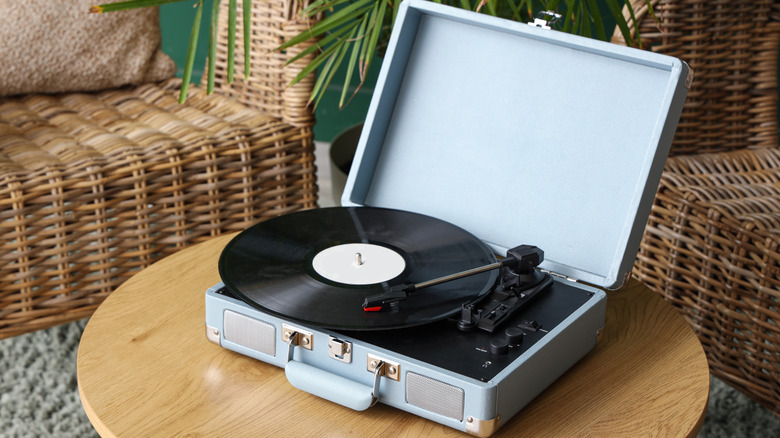
If you have a record player or turntable, you shouldn't throw away your old TV soundbar. While record players do come with built-in speakers, their sound quality isn't usually that great, especially if you enjoy high-fidelity audio. So, instead of putting up with poor audio quality from the record player, you should make use of your old soundbar for better sound. It'll save the soundbar from gathering dust in a corner and even save you some money since you'll no longer need to get dedicated speakers for your record player. Use an RCA cable or even an Aux one to establish a connection, depending on the type of turntable.
For instance, if you have a record player with a built-in pre-amplifier, like the 1 by ONE High Fidelity Record Player, you can use the RCA output port to connect to a soundbar that has the same port. If your record player doesn't have a built-in pre-amp, you may need to purchase one to connect your soundbar. Some record players have Bluetooth support, in which case, you won't even need a cable to connect it.
Audio output for your smart-home hub
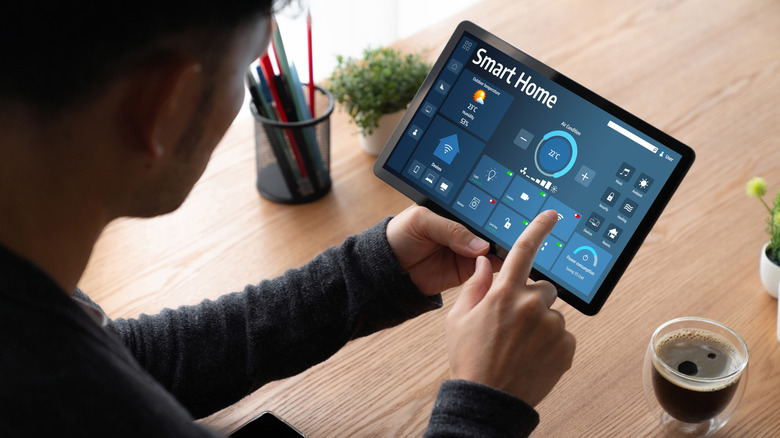
Your old soundbar can also become the main audio output device for your smart home ecosystem. This will mean that all audio from any device connected to your smart home ecosystem will play via the soundbar instead of using tiny smart speakers. While some newer soundbars include smart features such as Wi-Fi support and voice assistants like Google Assistant and Alexa built in, your old model might not have these smarts. However, if you're lucky enough to have an old soundbar that has smart features, then connecting to your smart home ecosystem for voice control will be easy.
But even if your soundbar doesn't have any smarts, it doesn't stop you from using it as a regular speaker in your smart home ecosystem. Simply use an Aux cable to connect the smart speaker to your soundbar, and the output will automatically be rerouted. With a soundbar as the output source, you'll get higher volume and better sound quality, letting you hear updates from your smart home ecosystem regardless of where you are around the house. It's also much better if you play music at home via voice commands.
As a Bluetooth speaker for a room
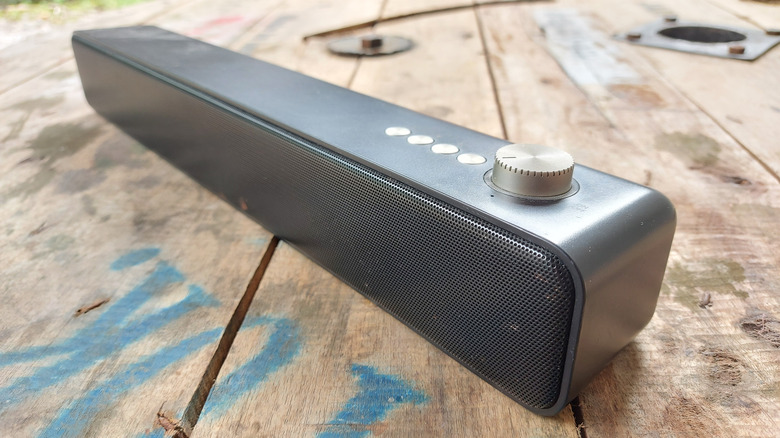
If you're a music enthusiast, your old TV soundbar can also serve as a Bluetooth speaker for your garage, bedroom, kitchen, or home gym. Using your soundbar as a room-filling wireless speaker will indeed be a significant upgrade, especially if you didn't already have an audio system in other rooms. Luckily, for this use, your old soundbar doesn't necessarily need to support Bluetooth. If your soundbar is old, you can simply get an inexpensive wireless adapter, such as the Comsoon Bluetooth receiver, that lets you use the soundbar wirelessly.
If your soundbar has an RCA connector, the iFi Audio Zen Air Blue is a solid pick with Bluetooth 5.0 support and a range of higher-quality Bluetooth codecs (including AAC and aptX HD). It's certainly pricey, but the resultant audio is of higher quality, thanks to support for better codecs. Another alternative is to use an old MP3 player or iPod with a 3.5mm jack and keep it connected to the soundbar at all times, so you don't have to use your phone to play music.