

What Does Apple CarPlay Actually Do?
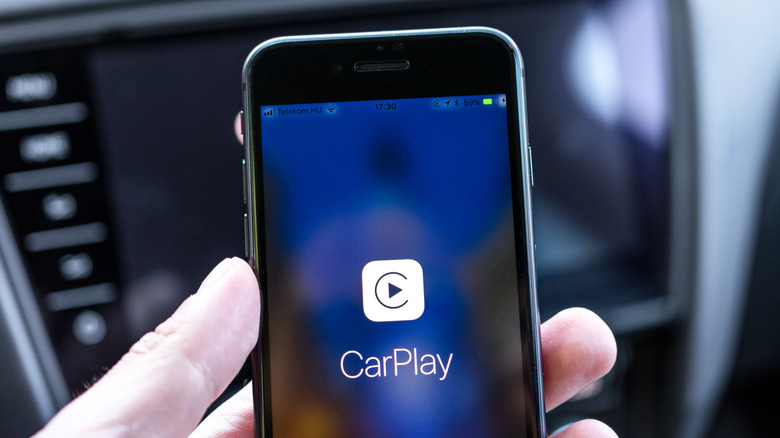
If you've bought a new car in the past few years, you've likely seen the Apple CarPlay logo pop up on the dashboard (and if you don't, you might buy an adapter to allow for this functionality) — but what does it actually do? At its core, Apple CarPlay is a smarter, safer way to use your iPhone while driving. Instead of fumbling with your phone for music, messages, navigation, or calls, CarPlay mirrors key iOS features onto your vehicle's infotainment display, providing a familiar interface explicitly designed to minimize distraction.
CarPlay brings Apple Maps to your car's screen, complete with live traffic, rerouting, and turn-by-turn directions. It also lets you send and receive texts hands-free, listen to voicemails, browse playlists, stream podcasts, and control apps like Spotify, Apple Music, Audible, Messages, and Apple Podcasts. Additionally, CarPlay integrates with calendars and smart home controls (in supported vehicles), and now supports improved dashboards that show navigation, media, and vehicle info all at once.
The real benefit is that CarPlay feels seamless; your contacts, preferences, music library, and apps are already there because it runs off your iPhone, not the car. Whether your vehicle supports wired USB connection or wireless CarPlay, the result is the same — a more connected, more convenient driving experience that reduces the temptation to reach for your phone. So while it may look like just another dashboard feature, Apple CarPlay fundamentally changes how drivers interact with technology behind the wheel, turning your car into an extension of your iPhone without compromising safety. There are also plenty of hidden apps and features that can further enhance your CarPlay experience, beyond what's built in.
Is Apple CarPlay worth using?
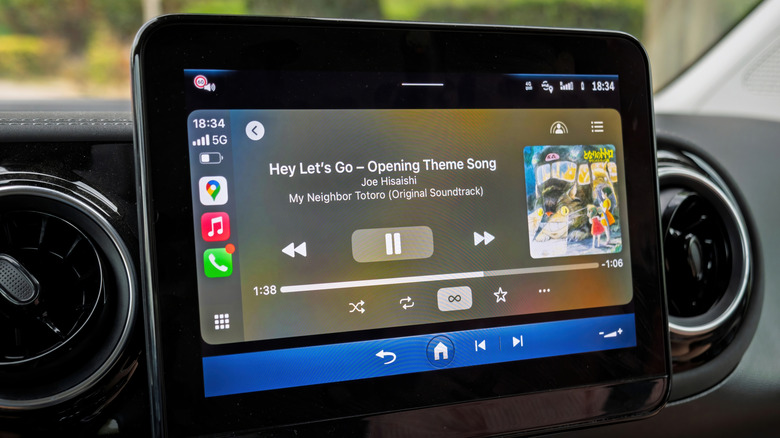
For most drivers, Apple CarPlay isn't just a convenience feature, as it genuinely improves the driving experience. The biggest advantage is familiarity: If you already know how to use an iPhone, there's virtually no learning curve. Instead of digging through a manufacturer's oft-confusing interface or tiny on-screen buttons, CarPlay gives you large icons, simple menus, and voice control that actually works. That alone makes everyday tasks like checking directions while driving, or switching playlists, feel effortless rather than frustrating.
Safety is another major factor. Modern vehicles often warn drivers not to interact with their phones, yet many built-in infotainment systems still push people toward tapping through multiple screens just to perform basic actions. CarPlay reduces that friction by making Siri the primary input, letting you send messages, place calls, or ask for directions without taking your hands off the wheel. With that being said, certain automakers, most notably GM, are migrating away from CarPlay.
CarPlay also has staying power. While factory systems can feel outdated after a few model years, CarPlay improves with every iOS update. New features, redesigned apps, better Siri performance, and wider app support all arrive without needing a new vehicle. For drivers who lease, upgrade cars frequently, or simply dislike clunky infotainment software, that longevity matters.