

You Can Turn Your TV Space Into A Home Cinema - Here's How
We may receive a commission on purchases made from links.
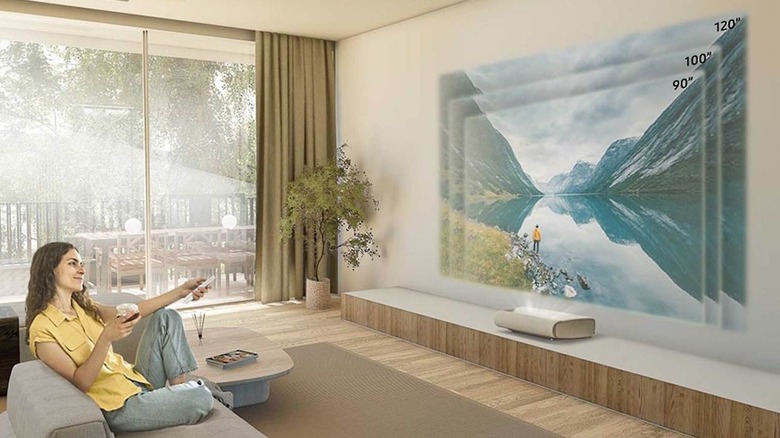
You love your 65-inch 4K TV, but you're also well aware that the wall it's mounted to could accommodate an even larger screen. That said, investing in a panel that's too big is one of the most common mistakes people make when buying a new TV, especially if you can't relocate furniture. Sitting too close to all those pixels — regardless of the display's supported resolution — can sometimes be too overwhelming for our eyes and brain. But if you're determined to bring grander visuals to your living room — and you've got a decent budget to work with — we actually recommend ditching a TV altogether in favor of an ultra-short-throw (UST) projector.
Video projectors come in all shapes and sizes, but what's great about UST models is that they can be positioned just inches from a wall or screen you're projecting onto. Instead of worrying about where to mount it and how far away it should be, you can focus on finding the projector that's going to give you the best brightness levels, color accuracy, and HDR support. Companies like Samsung make UST projectors, and we think the Samsung Premiere LPU7D is one of the best options for building out a home cinema. It delivers a picture as large as 120 inches when placed only 14.9 inches away from a wall, and its laser light technology is rated to last up to 20,000 hours.
Leveling up your screen and sound
While you can project an image right onto a wall, you'll want to make sure it's as smooth and uniform a surface as possible. You'll also want to be mindful of what color the wall is, and be ready to invest in some paint if you're dealing with a hue that's too bright, dark, or glossy. Or, you could invest in an ambient light-rejecting (ALR) screen to pair with your UST projector. This Elite Screens 115-inch model uses ceiling light-rejecting material to keep ambient light at bay, which also helps to enhance native colors and contrast. If you're dealing with one or several windows in your viewing space, adding blackout curtains will help to stop sunlight in its tracks — while also providing some sound dampening for your theater space. Speaking of sound: a beautiful-looking home cinema is nothing without a propulsive audio system to back it up.
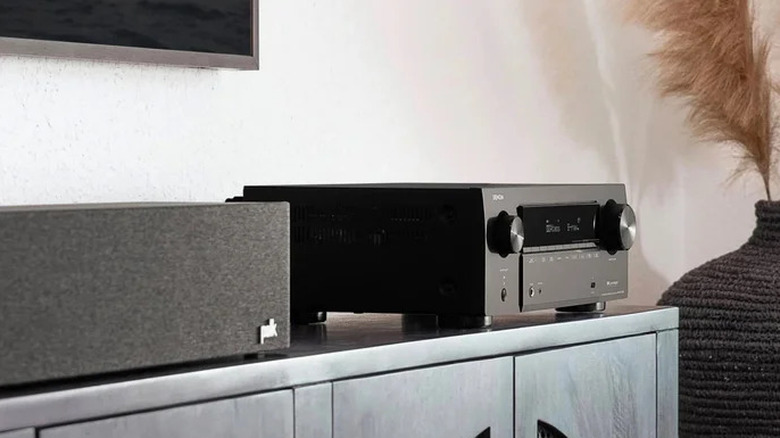
While many AV manufacturers make soundbars that are designed to virtualize a larger surround setup, it's hard to beat the real deal. That doesn't mean you'll have to run out and buy a complete 11.4.4 Dolby Atmos setup, but it's a good idea to keep future-proofing in mind. You could start with something like the Klipsch Reference Series 5.1 Home Theater Pack for your speakers and subwoofer, which features built-in elevation speakers on top of each floor-stander for Atmos and DTS:X height effects. Pair that bundle with an AV receiver like the Denon X1700H to act as your home theater hub, and you'll have an excellent foundation for additional speakers and AV components down the line.
Your home theater is only as good as its connections
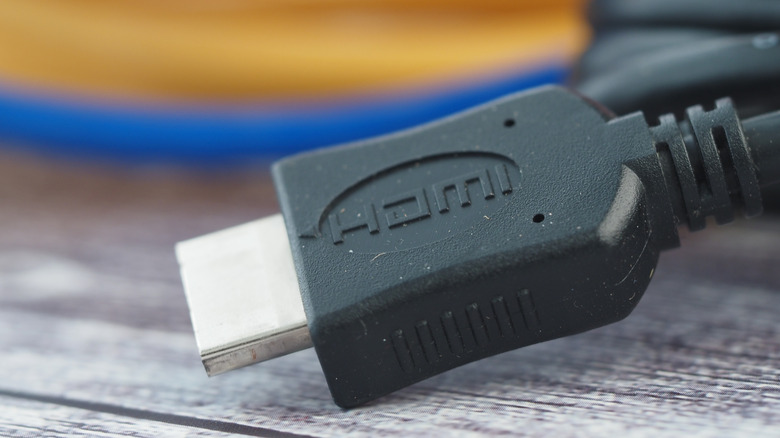
HDMI cables are the main connectors used by the majority of home theater products, including UST projectors and AV receivers. And when you're wiring up a proper home cinema, which HDMI port you use on your projector, TV, and receiver is more important than ever. For the best picture, you'll want to stick to hardware that supports the HDMI 2.1 standard for next-gen gaming features like 4K/120Hz and Variable Refresh Rate. For the best sound, you'll want to make sure both your projector and receiver use HDMI eARC, especially if you plan on setting up a Dolby Atmos system.
You'll also want to make sure you're investing in the right kind of HDMI cables to complete these pathways. Sticking to wires that are Ultra High Speed-branded and/or 48Gbps-rated, like the Cable Matters HDMI cable, is usually a safe bet. Turning your regular TV space into a full-fledged home theater isn't a project you have to complete overnight. But making sure you're investing in all the right hardware will set you up for years of cinematic entertainment. Spend your time buying the right projector, audio equipment, and proper connections — then add to your setup at your own pace.