

Use Windows 3.1 Straight From Your Browser To Boot Up Pure Nostalgia
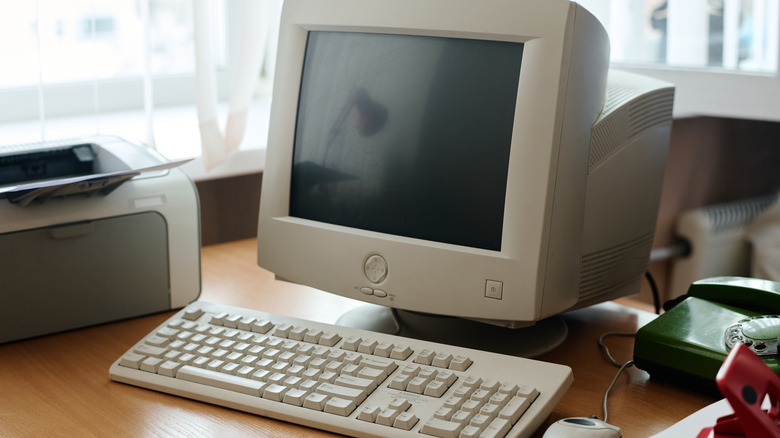
Let's go back in time to an era of personal computing, where dial-up internet was cutting-edge and desktop monitors were enormous. Specifically, let's jump to April 6, 1992, the day Microsoft released Windows 3.1 — a game-changing update that brought a complete graphical interface to the popular operating system. Gone were the days of the DOS command line interface, as users were enveloped in a new world of multimedia extensions and a bump-up in modem speed.
While Windows 3.1 has long since faded into computing history, developer Jeff Parsons found a way to bring it back to life. Using his PCjs Machines emulator, he managed to get a fully functional copy of Windows 3.1 running directly inside a web browser. The emulator uses an IBM PC AT configuration running at 8 megahertz, equipped with 2 megabytes of RAM and IBM VGA graphics, all powered by PC DOS 3.30 as its underlying operating system.
It replicates the original Windows 3.10 setup by loading from seven 1.2-megabyte distribution diskettes, which Parsons preserved with complete directory listings, letting the environment behave much like it did on early '90s hardware. Parsons also posted the Windows 3.1 setup and emulator files on his GitHub page, so anyone curious can take a closer look.
And if you want to follow up your 3.1 emulation with even more PC nostalgia, these five 1990s websites are still alive and waiting for you to explore. Here's to CERN for teaching us all about the World Wide Web.
A desktop frozen in time
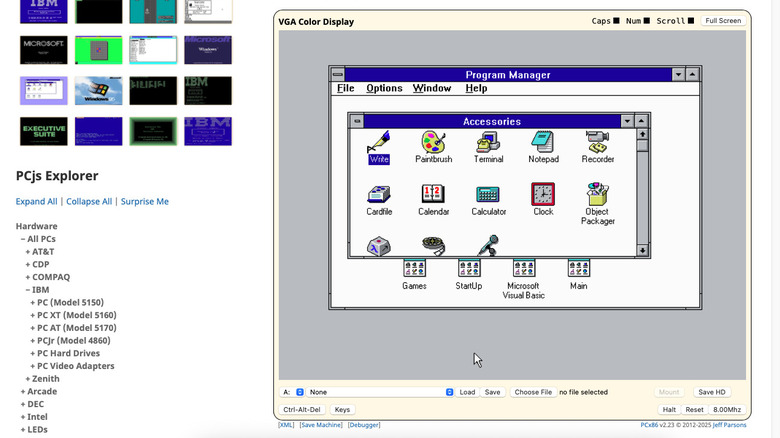
Once Windows 3.1 finishes booting, you land right back in the old-school Program Manager — that grid of boxes and icons that used to be "the desktop" before the Start Menu took over. The Main group has all the basics: File Manager if you want to poke around the drive, Control Panel for messing with system settings, and several other options. The Accessories folder is fully stocked too, with retro staples like Terminal, Paintbrush, Media Player, and Sound Recorder. Everything is functional, and yes, you can rummage through the entire directory tree to see how the OS was organized back then.
Since JavaScript powers the whole thing in your browser, there's nothing to install. Just click and you're in. Hit Full Screen and you can almost convince yourself your modern monitor is actually a chunky VGA display from the pre-Y2K era. Keep the windowed view, and a floppy-disk dropdown appears along the bottom: a nostalgic reminder that software once arrived in stacks, not downloads.
Parsons didn't stop at Windows itself, either. The repository includes classic shareware, old versions of Microsoft Word, digitized PC Magazine back issues, and even beloved games like King's Quest and The Oregon Trail. It's less an emulator and more a time capsule for those who remember when double-clicking felt like sorcery. Maybe the best part: you don't need to rely on dated hardware to see this dated version of Windows — so you'll finally be able to repurpose your old PC towers.
When Windows wasn't lightning-fast
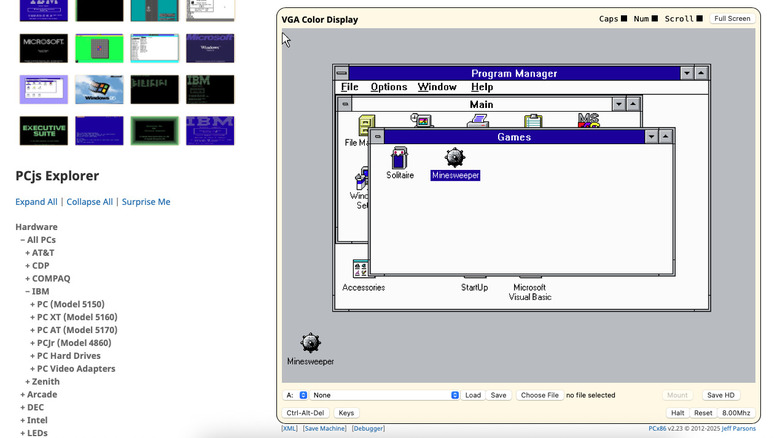
Parsons' emulator drops you straight back into the era where everything about Windows felt a bit flatter and slower, and we're all about his blast-from-the-past ingenuity. It's also a great reminder of how far hardware has come. The entire Windows 3.1 experience runs in JavaScript, inside a tab you probably have sitting next to Spotify, Gmail, and like 12 other things. And launching software is as simple as clicking Load — no floppy disk stacks, no setup.exe treasure hunts.
We've been down this nostalgia rabbit hole before. There was that guy who tried to run Windows 98 on actual vintage hardware back in 2017 and genuinely tried to use it as one would a modern PC. It worked, but with some limitations around the web-browsing experience. We also talked about another Jeff Parsons success: the ability to run Windows 95 in your web browser. These little time-travel experiments are fun, but they're also a good reminder: the distance between then and now is way bigger than we usually give it credit for.