

Why There's A Key Icon On Your Android Phone's Screen (And How To Turn It Off)
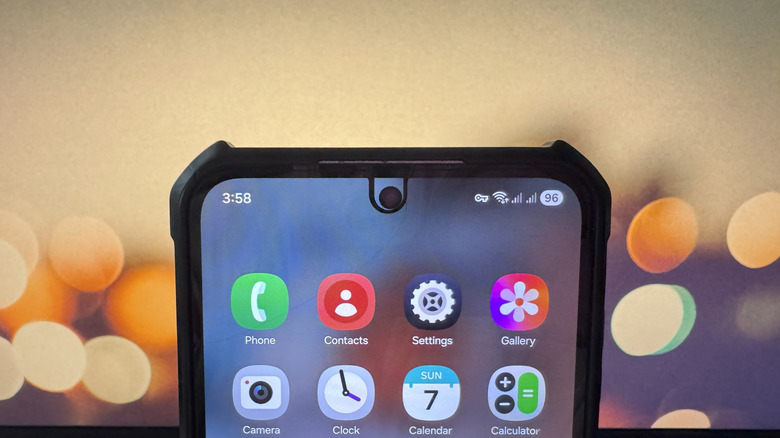
Your Android phone's status bar tells you a lot about what's currently happening on your device. It's where you look to find out what time it is, how long until you need to recharge, and whether or not you're connected to Wi-Fi. Besides these routine status bar icons, you might also notice others that appear from time to time. For instance, there's an N icon on your Android screen when you're using the built-in NFC function, and a rectangle with Wi-Fi icon during screen casting sessions. Another status bar icon you might encounter is one shaped like a key.
The key icon on your Android screen means you're connected to a VPN service. VPN — which stands for Virtual Private Network — is a secure connection that safeguards you against online tracking and allows you to access region-restricted websites. This is made possible by masking your real IP address and using the VPN server's IP address. Every time you turn on the VPN service on your Android phone, a key icon will appear in your status bar. But you can disable it just as easily.
How to turn off the key icon on Android
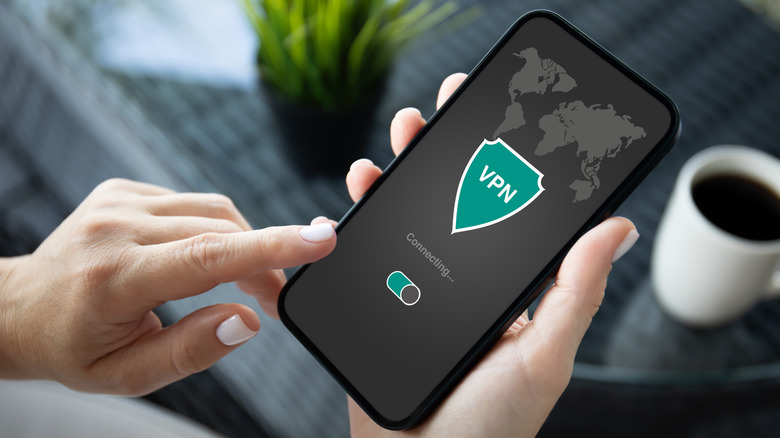
If you installed a free VPN app on your Android phone, like Windscribe or ProtonVPN, and then turned it on, it's relatively easy to remove the key icon from your status bar. Simply launch the third-party VPN app and hit the off or Disconnect button on the home screen.
If you set up a VPN directly via your phone's settings and connected to it, you can turn off the key icon on your Android in the Settings app too. Open Settings, type VPN in the search bar, and select the result that comes up. Then, disable the active VPN service you're using.
Certain Android phones like Google Pixel 7 and newer also include a built-in VPN service. To disable VPN on Pixel phones, here's what you need to do:
- Go to the Settings app.
- Select Network & internet from the menu.
- Tap on VPN.
- Open VPN by Google.
- Toggle off Use VPN.
After disconnecting from the VPN service — whether it's from a third-party app, manual setup, or built-in — the key icon on your Android screen should automatically disappear.