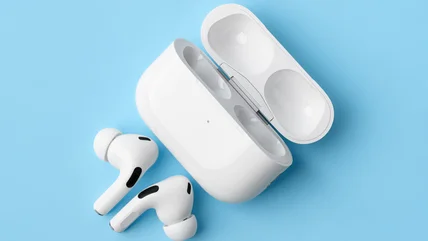
The Best AirPods Setting To Change If You Hate Background Noise
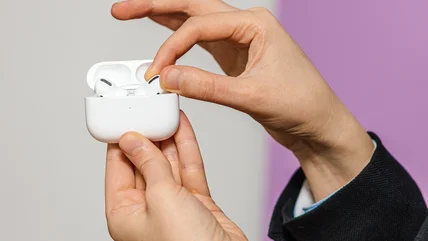
Your AirPods have several listening modes, but one can make noisy rooms far easier to handle. Here’s where to find it and how to use it properly.
Read More


The unique content on BGR is a result of skilled collaboration between writers and editors with broad journalistic, academic, and practical expertise.
In pursuit of our mission to provide accurate and ethical coverage, the BGR editorial team consistently fact-checks and reviews site content to provide readers with an informative, entertaining, and engaging experience. Click here for more information on our editorial process.
Your AirPods have several listening modes, but one can make noisy rooms far easier to handle. Here’s where to find it and how to use it properly.
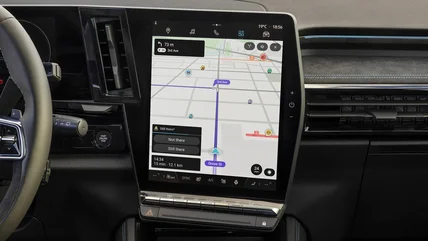
Read MoreWaze can do more than find a route and warn you about traffic. Several lesser-known features come in handy before, during, and after a drive.
Read MoreYour eyes can move a pointer, select icons, and open menus once a hidden iPhone setting is enabled. Even tiny controls can work better than expected.
Read MoreHaving issues with frustratingly slow speeds when you're trying to upload files to Google Drive? Try these possible solutions to your problem.
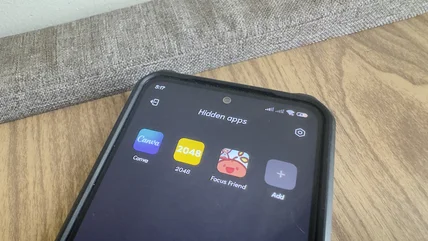
Read MoreIf you can't find a hidden app or want to ensure that your child is using age-appropriate apps, here are some easy methods to locate them on your smartphone.
Read MoreYou may have noticed a little triangle in the status bar of your Android phone and wondered what it is. Here's what you need to know about the feature.
Read MoreIf you're looking for a video doorbell to enhance your home's security, one of the biggest choices you'll have to make is between wired and wireless.
Read MoreYour AirPods actually offer a ton of surprising features, and you can get the most out of those features with these free App Store apps.
Read MoreKitchen displays are extremely useful for upgrading your kitchen, but they can be quite expensive unless you know how to repurpose your old tablet as one.
Read MoreIf you're having trouble with your LG TV not connecting to the Internet or regularly dropping the connection, the solution could be pretty simple.
Read MoreBelkin makes some of the best accessories, including compact ones that are great for travel and small workspaces. Here are our top picks worth checking out.
Read MoreMany Anker power banks feature various lights that illuminate under different circumstances. Here's what those lights mean and how to use them to your benefit.
Read MoreBigger may sometimes mean better when it comes to electronic devices, but that's not the case for these five gadgets that pack lots of punch in a tiny frame.
Read MoreGoogle is soon releasing the Pixel Tag -- its version of the AirTag -- and here are all the ways you can use it to never lose your valuables.
Read MoreControlling your smart home devices can quickly become a task if each requires a separate app. Here are budget options that work with Alexa and Google Home.
Read MoreOffline music has become popular again in recent years, but you need a separate device to play it. Here's how to turn your old phone into an MP3 player.
Read MoreAirPods are meant to be full-featured out of the box, but they also support other functionality. Here are five AirPods features you need to manually enable.
Read MoreThe webOS UI on LG TVs gets a lot of praise for its intuitiveness, but you can take things a step further by customizing a few menus to your liking.
Read MoreIf your Apple Airpods are experiencing some of these common issues, these are ways to troubleshoot them.
Read MoreDo you struggle while juggling multiple tasks on your single-screen Windows machine? Here's a built-in feature that could be a gamechanger for you.
Read MoreNetgear routers sometimes refuse to cooperate, and the issue can be anything from your firewall to ad blockers and wrong credentials. Here's how to get in fast.
Read MoreIf your LG TV is starting to run slowly, you may be able to get it back up to speed by freeing up some memory. Here's what you need to do.
Read MoreTP-Link is primarily known for its suite of routers and other network devices. However, it offers a variety of highly-rated products from multiple categories.
Read MoreYouTube Music has some lesser-known features that make finding and sharing music a lot more fun. Oh, and there's even a way to bring in your old playlists.
Read MoreOnePlus smartphones offer many great features, but these five tend to fly under the radar within the company's proprietary OxygenOS version of Android.
Read MoreGetting a grasp of the LG TV Magic Remote can be difficult due to the various buttons and their functions. Here's what every symbol on your Magic Remote means.
Read MoreThe OnePlus Pad Lite and the iPad Air are both mid-tier tablets you might consider for your mobile computing needs. Here's how they compare to each other.
Read More