

Is Wireless HDMI As Good As Wired?
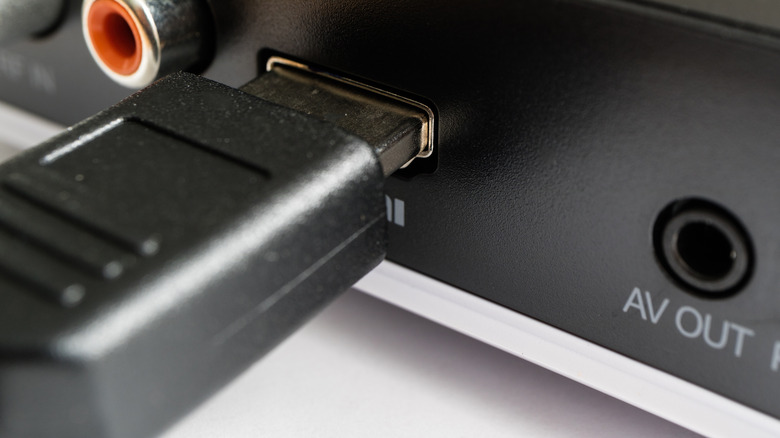
You may be able to ditch the messy wire bramble behind your TV. Wireless HDMI is a viable option for connecting media devices, and it's achieved using wireless HDMI transmitters in place of a traditional cable. Basically, you connect a transmitter to the broadcast device, like a game console or media player, and a receiver to the TV. There are no cables cluttering your setup, and it works great in open spaces with few obstructions. Wireless HDMI enables unique opportunities, like connecting a gaming PC to your main TV from another room.
But there are trade-offs. For starters, wireless HDMI equipment is more expensive than a cable. A high-quality 20-foot HDMI cable is about $20 or less, while wireless HDMI kits are usually over $100. Second, 1080p HD output is more common, not 4K. The range is fixed, as well. The traditional wired HDMI range is defined by physical cable size, but you can always run more and use switches or extenders. The range for wireless HDMI cannot be extended. If you want more range, you have to buy new equipment. You can offset this by getting a device with a longer range upfront, which is typically 30 to 200 feet, though outliers can reach 600 to 800 feet. Additionally, wireless HDMI receivers and transmitters sometimes require power via USB.
Because wireless signals are prone to interference from other signals, like Wi-Fi, or nearby electronics, you could see feed delays with out-of-sync audio or video. Wired HDMI is not without cons, though. You have less flexibility with a cable, but the connection is more stable. The longer the cable, the more likely there will be signal degradation. It really comes down to whether wireless HDMI is a good choice for your situation.
Wired HDMI versus wireless HDMI: which is better?
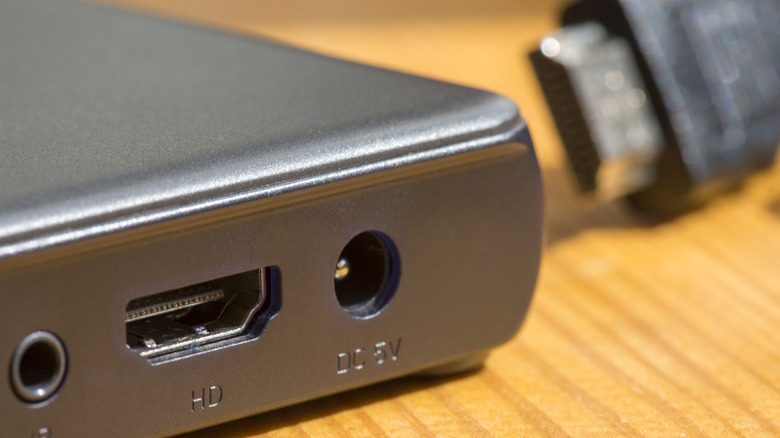
It might sound like a cop-out, but due to the trade-offs and differences, the "better" option is mostly subjective. If you want the best possible video and audio quality with a state-of-the-art home theater setup, including surround sound, wired HDMI is always the better option. It's more reliable, can transmit uncompressed 4K and 8K resolution video, and will exhibit less interference, if any. Grab one of the best HDMI cables available, plug everything in, and call it a day.
If you don't mind taking a slight visual downgrade, hate the look of cluttered wires, or want to use a unique configuration like plugging in an HDMI device semi-remotely, the wireless HDMI route is the better way to go. In addition, wired cables are cheaper and will likely always be, so if you're on a budget, the wireless HDMI setup might not be the right choice. That's before even considering that wireless HDMI receivers and transmitters may require an additional power source.