

You Can Move Apps And Channels On Your Roku Home Screen - Here's How
Roku streaming devices and smart TVs are a budget-friendly option for accessing popular entertainment apps like Netflix, Disney+, and HBO Max. The Roku TV software is also easy to use and updated frequently, as new features are added alongside security patches and other optimizations.
One of the core parts of the Roku TV interface is the Home Screen: This is where all of your downloaded Roku apps are displayed, as well as any Roku shortcuts you've created for functions like powering off your TV or selecting a particular HDMI input. Whenever you add a new app or shortcut to Roku TV, it's automatically positioned at the bottom-right of the home dashboard. But for many users with a penchant for organization, not having your apps alphabetized is a major annoyance. Fortunately, moving these UI tiles is far less complicated than accessing your Roku's secret menus.
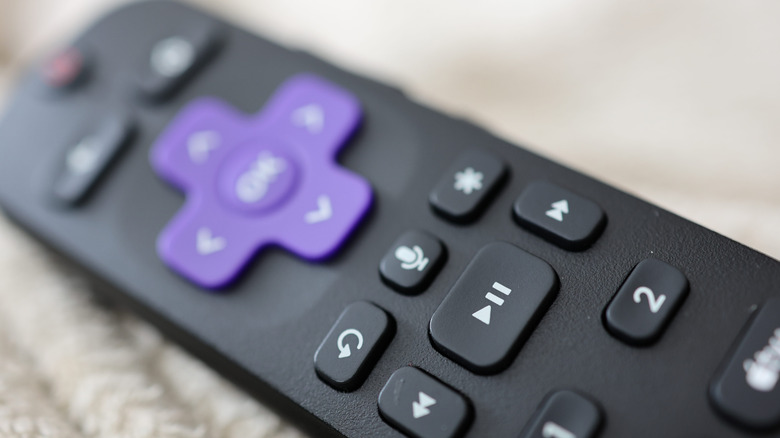
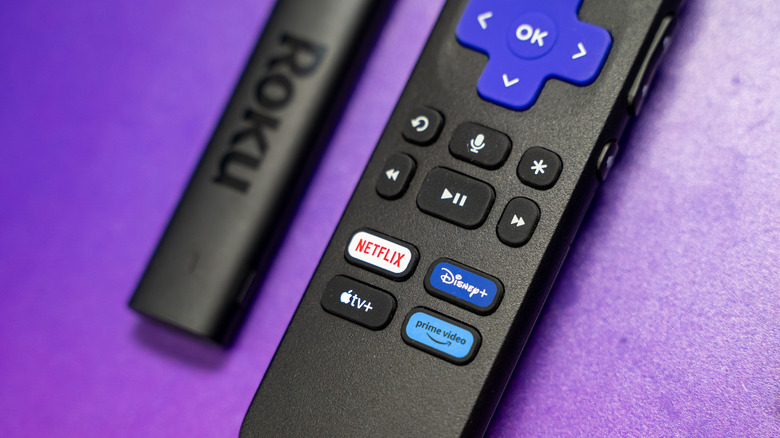
All you have to do is highlight the tile you want to move on your Roku's Home Screen. Then, press the star button on your Roku remote to pull up the options menu. Use the directional pad to select the Move app option, then use the remote to position the tile in its new location. When you're done, press OK. That's all there is to it.
You'll have to repeat these changes for every Roku device you're logged into
There are plenty of hidden features every Roku user should know, but personalizing your device's UI is an extremely straightforward and quick process. With just a couple of button presses, you'll be moving apps and shortcuts in no time.
That said, if you happen to own more than one Roku device that is signed in with the same Roku account, do keep in mind that when you move a tile, the change only applies to the device you're using at the time – and won't sync to other Roku hardware. So, if you're all about arranging your apps in a particular order, you'll need to do so for every Roku device you're signed into.
Whether you're thinking about buying a Roku Streaming Stick or already own one, you won't be able to completely customize the aesthetic of every Roku screen and menu. However, having control over the layout of the home dashboard is a significant plus.