

You Can Turn Your Raspberry Pi Into A TV - Here's How
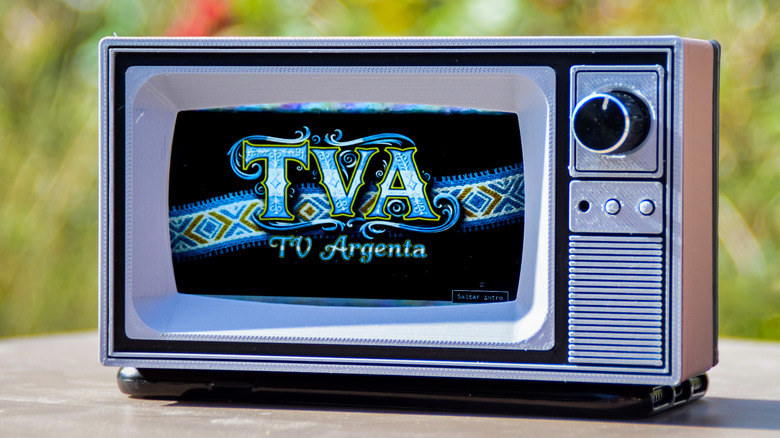
From arcade cabinets and retro gaming handhelds to retrofitted vintage camera flash devices, you can revive past tech with a Raspberry Pi computer. Projects, like these 10 Raspberry Pi projects to check out in 2025, are a great way to get started, but if you want to outfit your home with retro tech, take a look at projects like the TVArgenta, a CRT-style TV that runs on the Raspberry Pi computer.
The TVArgenta, which includes trappings like an old TV enclosure and channel-surfing knob, is made by Ricardo Sappia. This is a passion project designed to display popular Argentinian commercials from his childhood in the 1990s. Now in Germany, Sappia made TVArgenta as a way to preserve those memories and share with kids the commercials that remind him of home. TVArgenta may have been designed for commercials, but, for those with an imaginative mind, it has a lot more uses. While it's an advanced project that requires multiple components and 3D-printed parts, it's nonetheless a fun, inventive example of what's possible with a Raspberry Pi.
How does TVArgenta work?
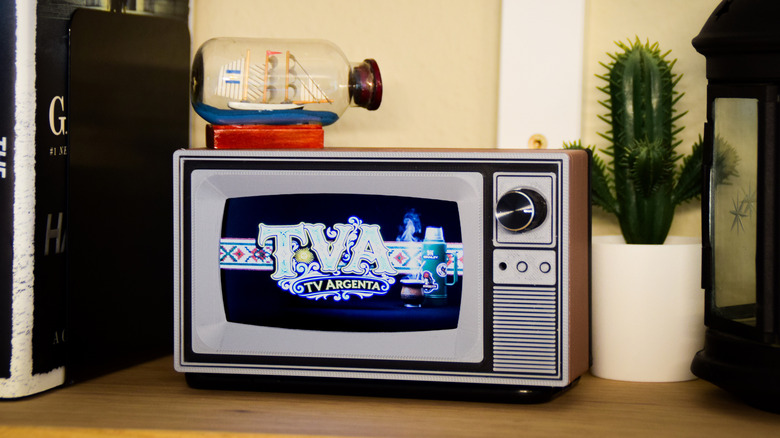
If you regret throwing away your old CRT TV, TVArgenta looks and works much like the one you remember, albeit at a much smaller scale. You turn it on and use the knob to change channels. However, the tech used to make this possible is far from what CRT TVs used. For this project, Sappia used the following components:
- Raspberry Pi 4
- 4.3-inch display
- Rotary encoder
- Small audio amp and speaker
- Custom 3D-printed enclosure
- Power supply, SD card, and mounting hardware
For a full list of components needed, as well as the 3D files to print the enclosure on your 3D printer, you can check out the project on Maker World. You can also visit the TVArgenta project on GitHub to download the files needed for the Raspberry Pi.
After setting up TVArgenta on your Raspberry Pi and mounting the display and other components within the enclosure, you can use the web UI to manage content. Because TVArgenta runs completely offline, you'll need to use the web UI to upload content. You can also tag content and create specific channels that group content, which makes turning the knob on the TV feel like the real thing. Changing the channel also introduces a bit of static and noise to sell the effect. If you wish, you can set up channel intros that play every time you change into a specific channel. Once you set everything up to your liking, you'll hardly have to tinker with it, unless you want to add more content or create new channels.
What can you do with TVArgenta?
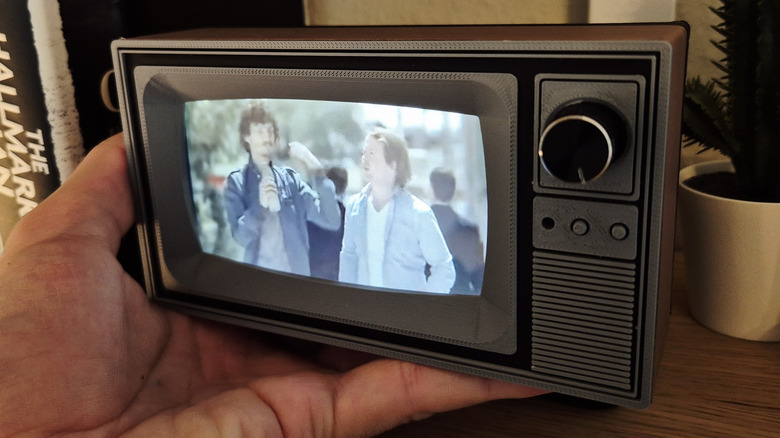
The primary use case for TVArgenta is playing nostalgic commercials in the background, but if you're not interested in commercials, you have options. The TVArgenta is not limited when it comes to the type of content it can display. The device stores content locally, so you can upload any video content via the web UI, including movies, anime, iconic football matches, F1 races, or your favorite YouTube clips. The possibilities are pretty much infinite.
The TVArgenta is undeniably cool. It's a conversation starter that deserves a prominent place in your home or workplace. You can leave the device running on your desk with old "Simpsons" reruns, or you can put it on your kitchen counter to display "Iron Chef" episodes that will get you in the mood to cook. Either way, once you build a TVArgenta, what you choose to do with it is up to you — it's a fun way to repurpose an old Raspberry Pi.