

This One HDMI Setting Could Ruin Your Smart TV Experience
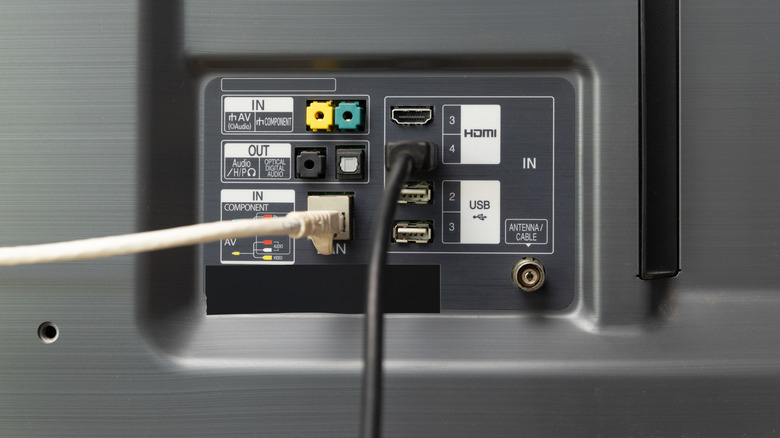
There's an obvious appeal to having full control of multiple electronics in an entertainment center simultaneously, all without having to get up from your spot on the couch. In the current era of smart TVs and interconnected setups, this has become easier to achieve, and indeed, many smart TVs are equipped with the necessary setting to facilitate it. That said, this particular setting, HDMI-CEC, can be a bit temperamental, and could end up hindering your viewing experience more than helping it.
HDMI-CEC is short for "HDMI Consumer Electronics Control," and it's a linchpin setting that allows you to control external devices connected to your smart TV via an HDMI port. When it works properly, it's very convenient, allowing you to control devices like Blu-Ray players or soundbars with a single remote. If all of your devices won't play nice, though, you may experience frustrating hitches like a lack of sound coming through or your TV being unable to pick up a signal as a result of this HDMI setting.
HDMI-CEC offers greater control over your entertainment center
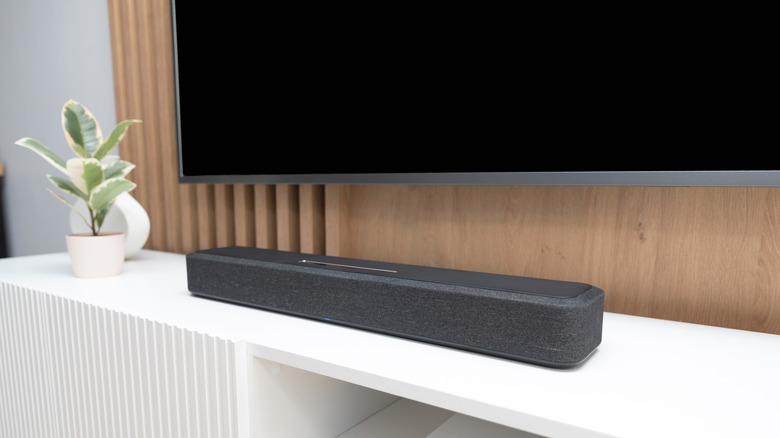
The Consumer Electronics Control feature is present on smart TVs from the major brands, including Samsung, Panasonic, Phillips, and Roku. In a nutshell, when two CEC-compatible devices are linked up via an HDMI cable, like a smart TV and soundbar, the CEC software syncs their controls. This, in turn, allows you to manipulate both devices with a single compatible remote. Additionally, this framework can be used to daisy-chain multiple compatible devices via an HDMI hub, creating an elaborate entertainment center you can control with a few buttons.
Assuming all of your connected devices are working in perfect harmony, you'll be able to use them with fewer interactions than normal, as everything activates itself as necessary. For example, if you have a game console hooked up to your smart TV via HDMI-CEC, your TV will automatically switch to the console's HDMI input when you turn it on via the controller. Or, if you use HDMI instead of optical for your soundbar, you can raise or lower its volume using the buttons on your TV remote, instead of needing to use a dedicated speaker remote.
HDMI-CEC can cause issues

While HDMI-CEC can be incredibly convenient for those who use a large number of devices, that convenience hinges on all of the devices working in perfect concert. Unfortunately, whether or not different devices from different manufacturers will cooperate tends to be a bit of a toss-up. If your devices won't connect properly, it can lead to a variety of problems when using your smart TV.
If there's an issue with device compatibility or your physical connections, your entertainment setup could experience several problems. For example, there is a category of issues collectively known as High-bandwidth Digital Content Protection Lockup, or HDCP Lockup for short. HDCP is meant to ensure HDMI connections aren't used for illegal video-copying purposes, and all connected devices must support it. If one of your devices doesn't, the audio or video on your TV could be completely cut off until you disconnect it.
Similar problems can occur if your devices have outdated firmware, a loose or faulty HDMI connection, or simply don't support HDMI-CEC connections. It's not always immediately clear which device is causing the problem, so this can result in lengthy, frustrating troubleshooting. All to say that while this HDMI setting can be convenient when it works, if it's not working with your TV, just turn it off.