

How Long Will A QLED TV Actually Last? Here's What Experts Say
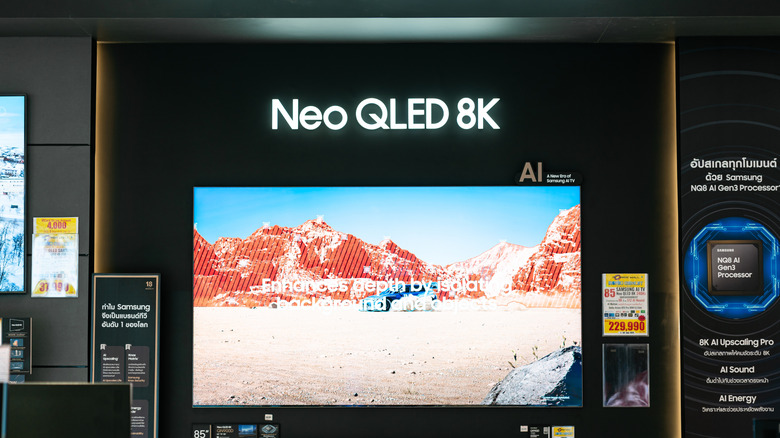
Technology doesn't last forever, and depending on how long you leave devices on — TVs especially — their lifetimes may vary significantly. Most TVs last five to seven years or 40,000 to 60,000 hours. That range could stretch up to 10 years or beyond, based on the type of technology — considering factors such as LCD versus OLED, how well the device is made, how long you leave the TV on for, and how bright the panel is. Believe it or not, some budget TVs are known to last five to 10 years. Talk about value. Of course, the prevailing question is: Out of all the options, how long will a QLED TV actually last? Do they usually enjoy a longer, or shorter, lifespan than other TV technologies?
The short answer and most relevant is that a QLED TV will last as long as other types, between seven to 10 years usually, but it's not out of the ordinary for them to last even longer. That's because QLED technology takes advantage of an incorporated backlight that reduces instances of burn-in. Samsung QLED TVs, for example, are expected to last in the range of 70,000 and 100,000 hours, or more than a decade. By comparison, OLED TVs tend to have relatively shorter lifespans. OLEDs begin to fade in brightness over time because the subpixels degrade after long periods of use. QLEDs do not have that problem.
Is there a way to make your QLED TV last longer?

Sometimes, a mechanical or electrical failure can cause a TV to become inoperative before its anticipated lifespan has been exhausted, with common problems including blown capacitors. That may be a costly repair. But there are some measures and practices that can help prolong the life of your TV, regardless of the technology used.
- Turn the TV off when it's not being used. Don't leave the screen on at all hours.
- Don't let the TV overheat, which means giving it ample space around the front, sides, and back for ventilation.
- Connect the device to a surge protector or uninterruptible power supply (UPS) for added voltage protection, rather than just plugging it right into an outlet.
- Clean off dust and wipe the screen down regularly.
- Adjust brightness and contrast, and keep the brightness lowered as much as you can stand.
- Try not to leave the same static image or content paused on screen for a long time, as this can cause burn-in. This is mostly a concern with OLED panels but it's still a good habit to follow.
No matter how well you take care of a TV, eventually it will require replacement. Being aware of a few common signs that it's time for a new TV can be vital in such cases.