

5 Clever Uses For Your Old Kindle
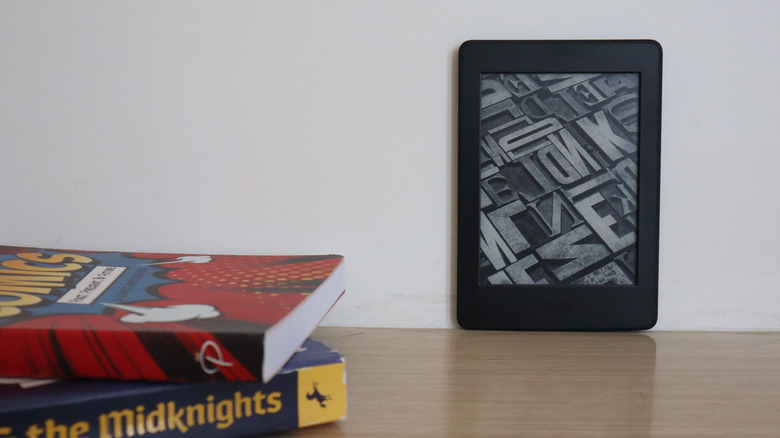
There's something deeply nostalgic about gadgets we once loved. This connection we feel towards technology is especially true when it comes to things like e-book readers. These devices were with us through countless stories, quiet nights, and long journeys. But even with all that love and nostalgia, old devices often end up tucked away in a drawer once we replace them with newer, shinier, or slimmer models. But what if there are ways to breathe a new life into these old Kindle devices?
There's a whole world of creative upcycling waiting around the corner, and you can use some of the ideas to bring your Kindle back to life. After all, it's basically a screen that can become a digital clock, a photo frame, or a fridge message board for your grocery lists. These creative tips will not only reduce your electronic waste but will also add something beautiful and meaningful to your home and your life.
Kindle clock
If you don't know what to do with your old Kindle, how about turning it into a clock with some personality? This is one of the most fun and literary ways you can repurpose your device. Instead of just showing boring digits like any other clock on the planet, you can make the Kindle screen display time through quotes from your favorite books, poems, or stories. Prop up your Kindle on a stand and let it show you quotes from books like "Alice in Wonderland" that will highlight the time. After all, it's always six o'clock at the Mad Hatter's tea party.
But to turn your Kindle into a clock, you'll have to jailbreak your device, so you can install custom software that controls the screen. You then need to generate a set of images for each minute of the day, containing your favorite quotes and highlighted time — written in bold — so it's easy to read. Once you load these image files onto your Kindle, a small script checks the clock and shows the matching images. It's like a storybook clock that ticks in literary lines. The Kindle clock is more than a time display. It's also an art installation and a wonderful way to give new life to your old e-book reader. That said, if you want to save your old Kindle for another project, you can similarly repurpose your old iPad tablet instead.
Smart home display
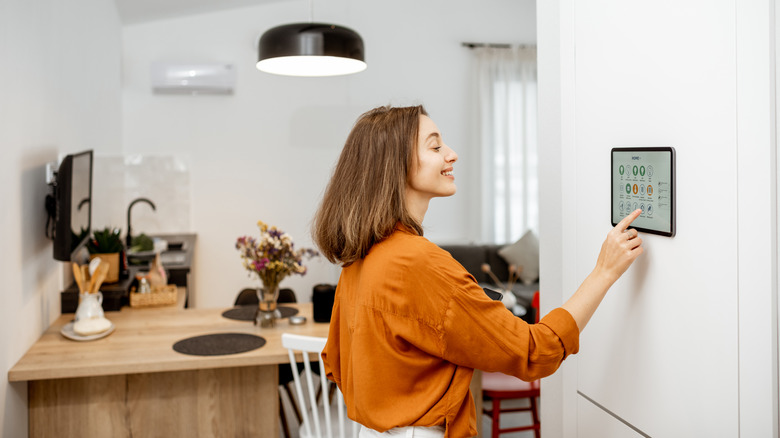
Another clever way to make your old e-reader a part of your everyday life is to turn it into a smart home display. That's because Kindle's low-power e-ink screen is perfect for showing always-on information without draining the battery. You can mount your Kindle on a wall and make it display information such as weather, events calendar, reminders, or sensor readings from your smart home system. The screen refreshes only when the data changes, so it stays easy to read.
To achieve this, you'll have to set the Kindle to display a custom webpage that updates with your smart home info. One easy way to host a dashboard on Home Assistant, and point the Kindle's browser to that page. The Kindle will sync over Wi-Fi to show your dashboard in black and white, keeping it updated in intervals of your choosing. But if you want more flexibility, you might want to jailbreak your device and install custom apps and scripts that refresh the screen automatically and handle data pulling on their own. One easy way is to use a tool such as KUAL and then run a script that will fetch your dashboard images from a local server.
Fridge message board
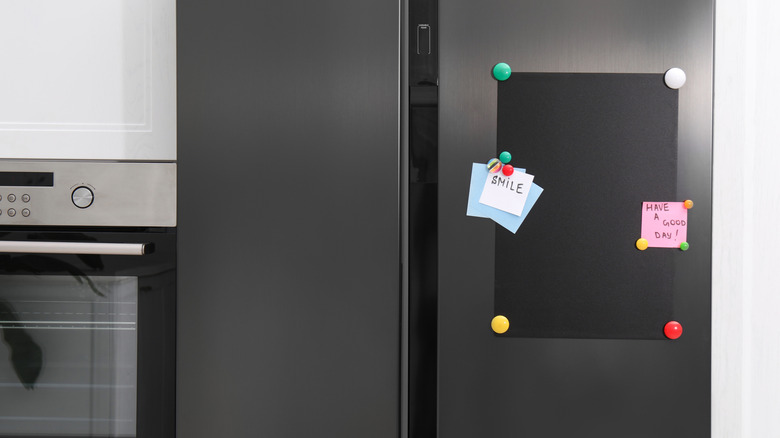
Turning your old Kindle into a fridge message board is one of the sweetest ways to keep the family connected. Instead of being an old drawer relic, your Kindle can become a low-power e-ink noticeboard that can easily be hung on the fridge door so everyone can see it. It can display messages, reminders, or quick notes for everyone in your household to look at or edit.
You can use simple magnetic strips to mount the Kindle. But that's the easy part. You'll need to run a small Ruby server at home, which is a practical use for a Raspberry Pi. Set up a family email for which everyone can send a message they want displayed on the Kindle. The Raspberry Pi will "listen" to these emails and turn the latest one into a simple image or a web page that'll be displayed on your new fridge message board. You may want to disable the Kindle's screensaver so the messages are always on display. The result is a charming, black and white, message display without flashy colors or distracting notifications. A simple e-ink screen showing that "don't forget the milk!" note from your loved one.
Music reader display
Although older Kindles weren't designed as music players, some creative people discovered fun ways that allow your e-ink display to interact with your favorite music. For devices like the Kindle 2, you can use the mini USB port to load MP3s directly via USB. Although the sound might not be great, a Kindle music player would give you a throwback to the classic days of digital music. You can also use your old e-book reader to display song titles, artists' names, or grayscale track art. This can be achieved by connecting it to your home speaker setup.
If you insist on playing music with your newer Kindle model, don't worry, there's a workaround. Even though the newer Kindles don't support playing music, free web tools such as Kindlify.co can transform your device into a controller for services like Spotify. You'll have to open a simple, minimal web interface in the Kindle's browser, and you can tap the screen to pause, skip, or queue up tracks playing on another device. Your Kindle won't stream audio itself, but it will beautifully display your tracks in e-ink and let you take control of your player.
Digital photo frame
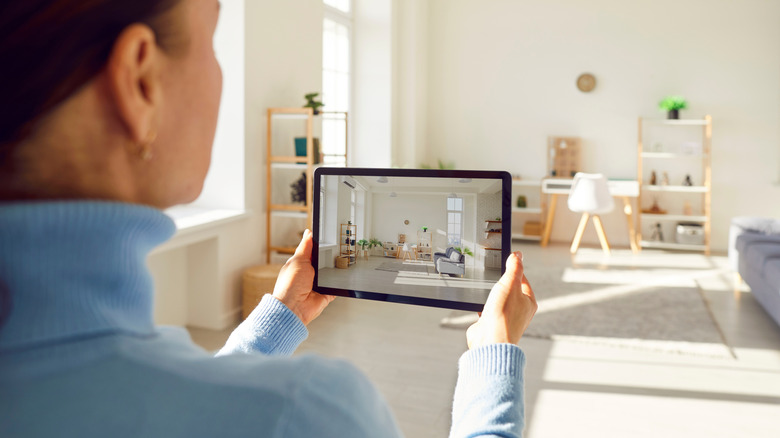
Turning your old Kindle into a digital photo frame is a beautiful way to breathe new life into it. It will give you a new and interesting way to display your memories or digital art. Kindle's e-ink screens look almost like printed paper, and they don't glow like tablets, so your photos will always look soft and peaceful. Because e-book readers lose power slowly, once you set up an image or even a slide of images, it will stay up for days or even weeks without charging. You can choose to mount your new Kindle digital photo frame on the wall or keep it standing on the table. If you don't want to worry about the battery dying, you can keep it plugged in so it never turns off.
To make it happen, you'll first need to jailbreak your device so it can display custom images instead of book menus. Then upload a folder full of images you want to display, and run a simple script or app to auto-rotate the photos at your chosen interval. This way, you'll turn your Kindle into an image carousel that feels like a slow slideshow of memories.