

If You Have A 2.4GHz Router, You Need To Upgrade - Here's Why
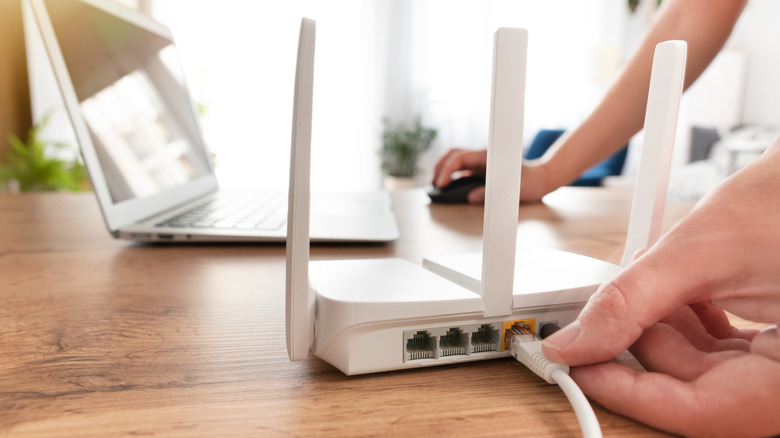
If you pay for a fast internet plan, but the Wi-Fi still feels slow, the issue may lie with your router rather than the internet provider. In many homes, the internet modem receives the promised speed from your internet provider, but loses efficiency during Wi-Fi distribution because the device is a single-band model operating solely on 2.4GHz.
For years, the single-band 2.4GHz technology served as the industry standard for Wi-Fi, but has become insufficient for modern demands. More connected devices, 4K streaming, and online gaming push bandwidth and stability demands beyond what older hardware can deliver. Keeping a router like that can waste the full potential of the internet plan and drag down the entire home network.
Fixing the issue is straightforward, but it oftentimes requires a hardware upgrade. Ditching your old gear for a dual-band router (or even a modern Wi-Fi 6 or 7 model) is the quickest fix to boost internet speeds across your entire home.
How 2.4GHz routers bottleneck your Wi-Fi connection

The 2.4GHz band isn't dead yet, since gadgets like Bluetooth speakers still rely on it. But running your whole house on a single-band router can create a major bottleneck on Wi-Fi speed. Even if the box promises high speeds, reality rarely matches the marketing. Between outdated security protocols and signal traffic, these units struggle to push past 100 Mbps wirelessly.
You end up with a connection that flies via Ethernet cable, but becomes slow as soon as you switch to Wi-Fi. In addition to the performance limitations of an exclusive 2.4GHz router, congestion poses another problem. Neighboring networks and other electronic devices contest this band, meaning your Wi-Fi signal competes directly with various local devices, potentially degrading connection quality further.
In practice, that competition shows up as instability: Videos buffer or freeze, online games run with high ping, and web pages take longer to load. Consequently, using 2.4GHz routers, especially in cities, ensures the home network will operate below its ideal capacity, regardless of the subscribed internet plan's speed.
How an upgrade to 5GHz fixes connection issues
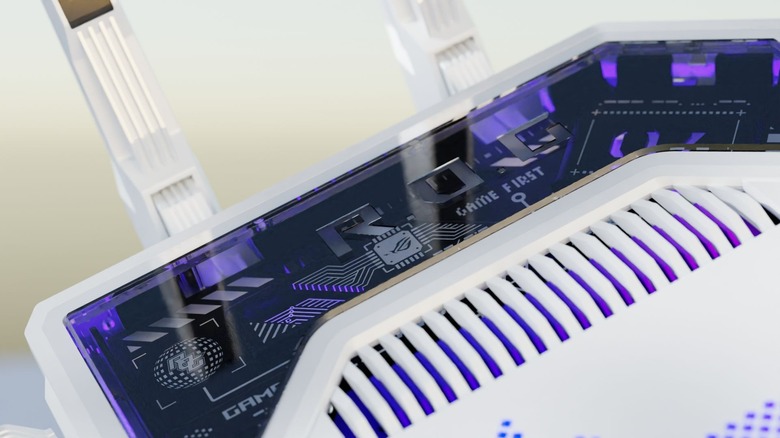
You don't necessarily need Wi-Fi 6 or 7 to see a jump in Wi-Fi connection quality, since a standard dual-band router often does the trick. By unlocking the 5GHz band, which is faster and less cluttered than 2.4GHz, you get a dedicated lane for internet speeds over 100Mbps. Because fewer neighbors clog this frequency, it handles heavier downloads much better.
Moving to 5GHz finally lets your Wi-Fi catch up to the speed you're actually paying for. It creates enough bandwidth for tasks like UHD and 4K streaming and competitive gaming to coexist, eliminating the friction usually caused by a crowded home network.
If the new router also supports Wi-Fi 6 or Wi-Fi 7, the upgrade can feel even more stable in homes with lots of connected devices. Modern routers handle many connections at the same time more smoothly, which reduces the "traffic line" that forms when everyone goes online together.