

You Can't Turn Off Ads On Roku, But You Can Stop Them From Tracking You
We may receive a commission on purchases made from links.
Roku streaming devices and smart TVs are available just about anywhere consumer tech is sold. Once powered and connected to Wi-Fi, its hardware provides a user-friendly interface for accessing apps, live TV channels, screen mirroring, and more. One of the only drawbacks of Roku TV OS is the ads scattered about the home screen and screensaver. We ranked every Roku streaming device from worst to best, but no matter how much money you drop on one of these streaming peripherals — or Roku-powered smart TVs — ads are going to be an unavoidable part of your user experience. Roku can also monitor your search history and share this data with other companies.
Fortunately, Roku users do have some control over the type of ads they will see. They also have a say in who has access to their personal information. Starting with the latter, go to Settings > Privacy > Privacy Choices, and check the box that says, "Do not share/sell my information." You may also want to check the box that says, "Limit use of sensitive information." To avoid seeing certain types of ad content (e.g., alcohol, politics, violence), go to Settings > Privacy > Advertising > Sensitive ad content, then choose the categories you would like to opt out of. Once you press OK, these preferences will be saved and applied to all devices tied to your Roku account.
Roku limitations you should know about
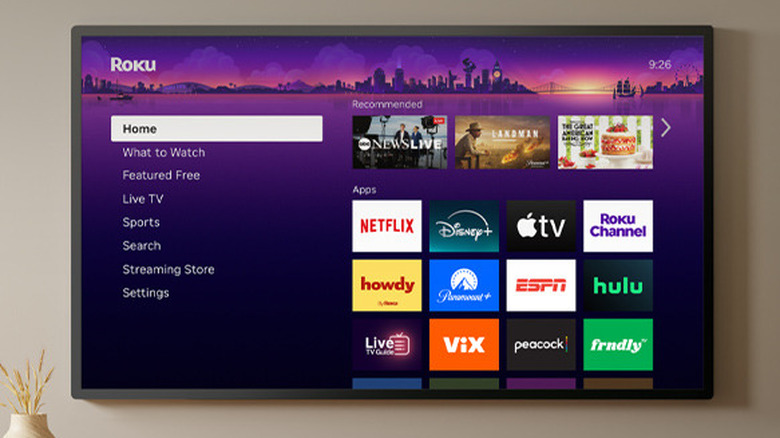
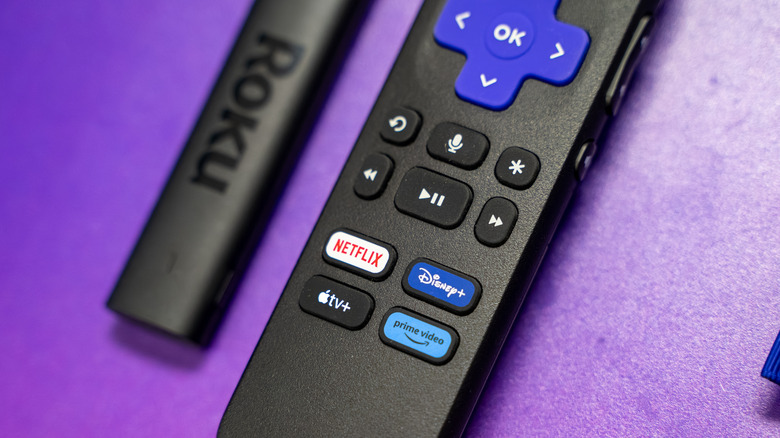
Roku also allows you to hide individual ads that you may come across, replacing it with an alternative promotion. To do so, just highlight the ad and press the Star button on your Roku remote. Select Hide this ad and OK. You can only do this several times per day, though, at which point you'll be locked out of hiding ads until your 24-hour limit is reset. Something else to keep in mind: Ad preferences are currently limited to those on display. Video ads, ads in partner apps, and specific apps shown to all users, such as themed backgrounds, cannot be customized at this time.
Having a say in what Roku marketing you see and what the company can do with your personal data is important — especially if you're the type of streamer who values privacy and security. And while we've discussed a handful of hidden features every Roku user should know about, these simple ad and tracking settings are not buried too deeply in Roku TV OS. Now that you've optimized your streaming device for a more personalized movie and TV show-watching experience, it's time to download one of these five essential Roku TV apps to truly get the party started.