

You Can Store Your Car Keys On Your Android Smartwatch - Here's How
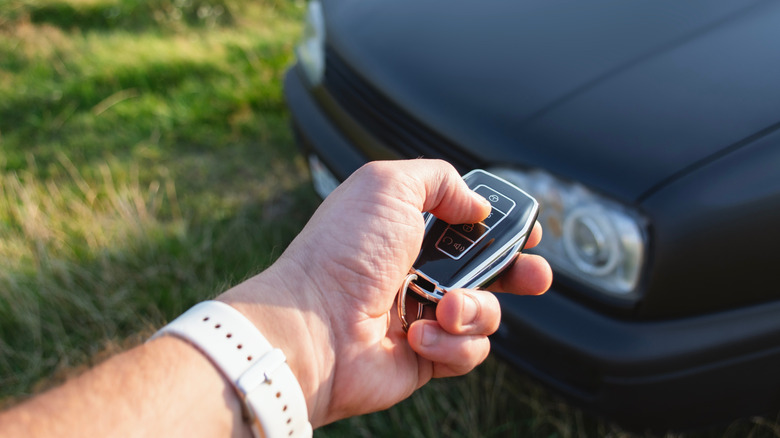
There's a safer way to unlock and start your car than using the key fob that comes with it, assuming you own the right hardware. The right combination of a vehicle, an Android phone, and an Android smartwatch will let you use the handset in your pocket and the wearable on your wrist to unlock the car, start it, and manage all the other controls a traditional key fob offers. Enabling digital car key functionality on your smart devices will ensure you always have access to your car, even when you forget your fob. Also, the digital car key can be shared with others if more than one person drives the same vehicle. Access can be rescinded just as easily, a feature that comes in handy if the phone or watch is stolen.
Both Apple and Google support digital car keys on phones and smartwatches. The setup process is similar for the two ecosystems. In each case, drivers will need to ensure they own the right car and run the appropriate operating system versions that support digital car key features. After that, they can pair the car with the phone and the watch. The car keys will be stored in the respective wallet app.
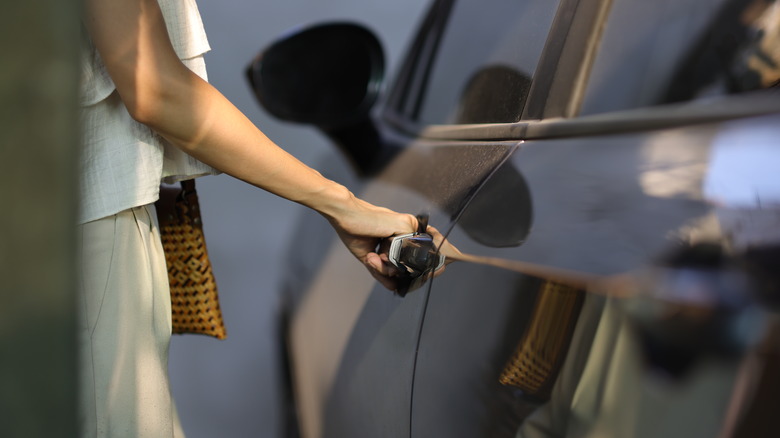
Depending on the car model, you may have to touch your Android device against the door handle to lock and unlock your car. You may also have to bring the device next to the car key reader to start the vehicle. The best option is called "passive entry," allowing you to control the car (lock/unlock and start) without holding the device next to the handle or key reader.
How to store car keys on an Android smartwatch
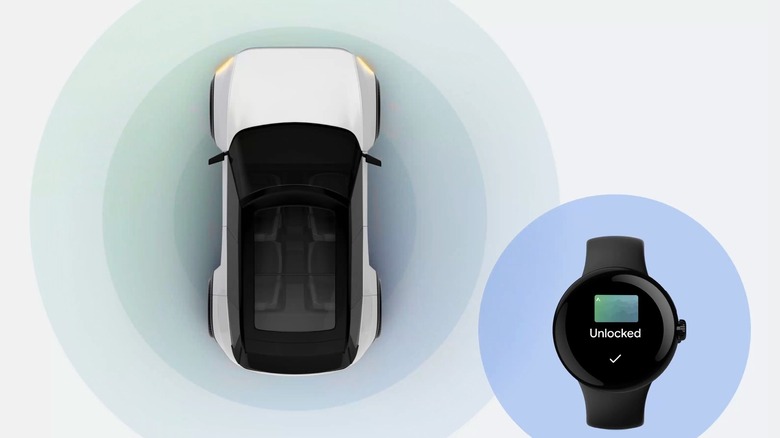
Smartwatches traditionally work with smartphones rather than being standalone devices, regardless of platform. That means the Android phone is the main device you'll pair with your car before moving the digital car key to your smartwatch. We've already explained how to store your car keys on your Android phone. You have to use the official app from your car manufacturer, use an email link from the car manufacturer, or use the car head unit to pair the Android phone with the car. This process turns your handset into a digital car key that can be used instead of the key fob.
A Google support document explains that you can add the digital car key to your Android watch if you're wearing it while you set up the car key on the handset. Another option is adding the car key to the watch if you set up the wearable at a later date. The smartwatch setup will prompt you to add the car key to the device. Finally, Google explains there's an "add to watch" prompt in Google Wallet. Head to your digital car key settings and use the feature with a compatible Pixel Watch.
Digital car keys are stored securely on the device, not in the cloud, whether it's an Android phone or watch. Once the digital car keys are saved, they'll offer a more secure experience. They connect to the car via Bluetooth and Ultra Wideband (UWB) technology. This makes them more secure than key fobs, which are vulnerable to relay attacks. For additional protection, you can set up a screen lock for the digital car keys. Importantly, the digital car key will still let you unlock and start your car even if the smartwatch or phone battery has run out.
Which Android smartwatch and car do I need?
While storing car keys on an Android phone and an Android smartwatch should be straightforward, it only works if you have the right hardware. Google lists the following brands on its digital car key page: Audi, BMW, BYD, Denza, Genesis, Hyundai, Kia, Mercedes-Benz, Mini, Polestar, Porsche, RAM, Volvo, and Yangwang. You'll need to check each car manufacturer's website for specific models.
Also, ensure your Android hardware supports digital car keys. The same Google page mentions the compatible devices below. For smartwatches, the company only mentions its Pixel brand:
- Google: Pixel 6 and later, Pixel Watch 3, and Pixel Watch 4
- Oppo: Find N3, Find N3 Flip, Find N5, Find X8, Find X8 Pro, Find X9 & Find X9 Pro
- Xiaomi: Xiaomi 12 & 12 Pro, 13, 13 Pro & 13 Ultra, 13T & 13T Pro, 14 & 14 Ultra, 14T & 14T Pro, 15 & 15 Ultra, 15T & 15T Pro, MIX Flip, Poco F7 Ultra
- Motorola: Motorola Edge 50 Ultra, Motorola Razr 50 Ultra, Motorola Razr Plus 2024, Motorola Razr 60 Ultra, Motorola Razr Plus 2025 & Motorola Razr Ultra 2025
- OnePlus: OnePlus 11, OnePlus Open, OnePlus 12, OnePlus 13 & OnePlus 15
For Samsung devices, the Korean giant has a dedicated support page that explains which Galaxy-branded smartphones will work with specific car vendors. The page doesn't list Galaxy Watch models. For other Android phone and Android smartwatch brands, users will need to see whether the vendor has enabled digital car key support.