

3 Signs It's Time To Replace Your Old Roku Stick
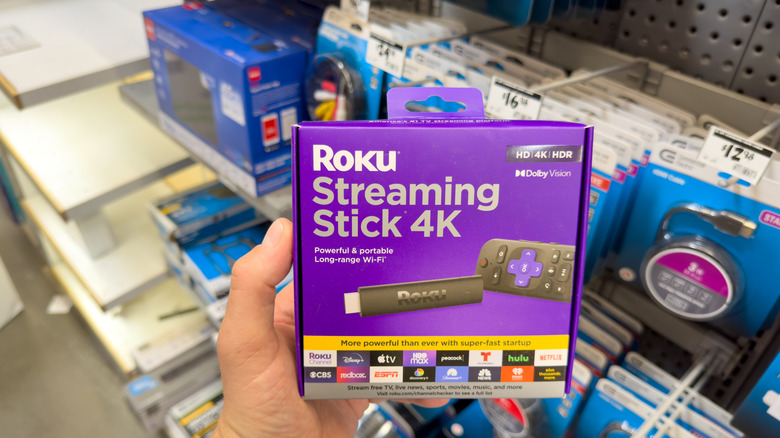
Streaming tech has come a long way over the years, and there are plenty of major streaming devices from multiple brands to choose from. However, more streamlined devices like the Roku Streaming Stick have cropped up because of how small they are — making them easy to hide away behind your TV. But while these smaller streamer boxes help cut down on wire clutter, they don't always last as long as you might hope. So, how exactly do you tell when you need to replace your old Roku Streaming Stick?
Well, there are ultimately a few different factors that you'll want to take into account before going out and buying a new one. Chief among them is not only how old your Roku Stick is, but also how well it's performing. Have you been having problems for a long time, or did they just start? What kind of apps are experiencing the issue? Before you go out and buy the next new Roku that comes out, it's good to stop and determine what the issue is and whether you can fix it with a little bit of effort.
It starts freezing and performing slowly
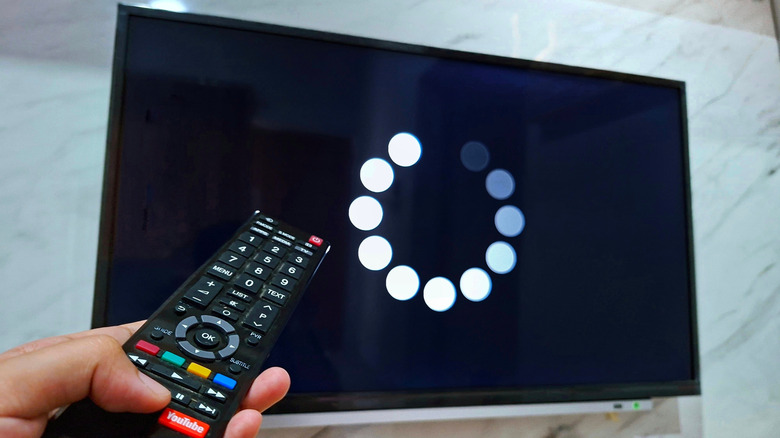
One of the most obvious signs that it's time to replace your Roku Stick is that it starts experiencing consistent performance issues. This can be anything from taking an unusually long time to load apps and content to freezing when looking through menus. You might also experience random crashes, where the Roku Stick completely reboots during playback or operation. These are all massive red flags that you shouldn't just ignore if you want to keep the device running smoothly. While occasional glitches can absolutely happen with any technical device, persistent problems could indicate that your hardware is starting to struggle. Some older Roku Sticks — like those from the first generation — perform slowly as it is, so age is also an important factor to consider.
If the device is one of Roku's newer sticks, then performance issues could spell another issue, and it might be worth reaching out to Roku support specifically. Another performance-related issue to watch out for is degraded video quality. If you notice that streams are defaulting to lower resolutions despite having adequate internet bandwidth, or if you're experiencing frequent pixelation, grainy screens, or audio sync problems, your Roku Stick may be running into issues when processing video streams. While you can troubleshoot some of these issues and even speed up your slow Roku TV, if you continue to experience them, it might be best to replace your Roku Stick.
The Roku stick keeps overheating
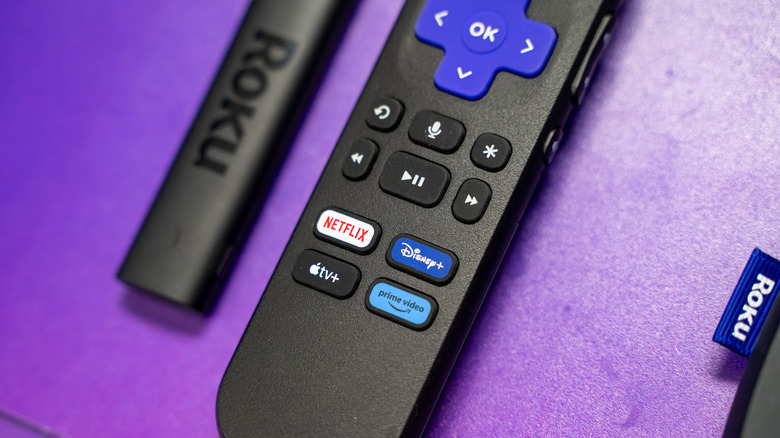
Another big issue to look out for is if your device starts overheating. Heat is one of the worst enemies of any piece of hardware, as the internal components can get fried. If you're running into performance issues with your Roku Stick, then check to see if it's overheating. You can do this by touching the device and seeing if the exterior is overly warm to the touch. Keep in mind that some warmth should be expected, so if you feel a little, don't rush out to buy a new one. It also might be possible to curb the overheating by ensuring the Roku Streaming Stick is in a well-ventilated area and that it isn't clogged with dust or debris.
You can try cleaning your Roku Stick with a microfiber cloth, or even moving it to a different HDMI port that's away from the TV's heat outlet vents to see if the issue gets resolved. You can also try blowing any debris or dust out of the HDMI port or any vent holes. This isn't guaranteed to make a difference, but it's always nice to go through the list of possible solutions before you shell out more money for a new streaming stick. While you're at it, make sure you're using the supplied power adapter with the stick.
Your Roku is no longer receiving updates
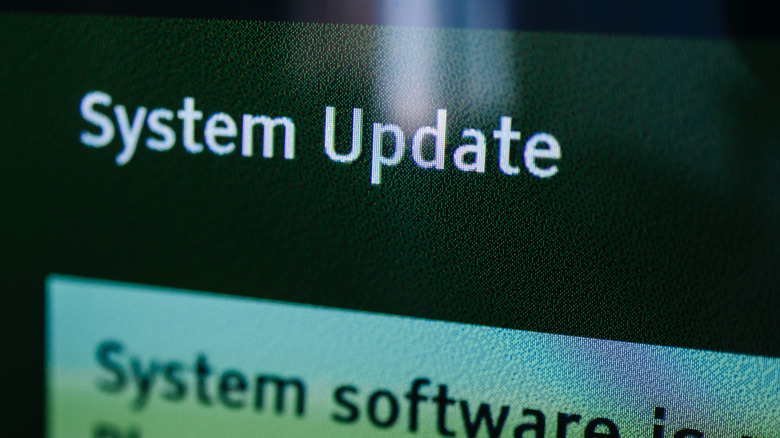
One of the biggest telltale signs it might be time to upgrade your Roku Streaming Stick is if Roku itself stops releasing new updates to the device. Exactly how long Roku streaming sticks last differs based on the model, but you can usually expect at least four years out of your device based on most user feedback. Of course, this doesn't take into account other issues that might pop up out of nowhere — like something that causes the device to physically break, etc. Unfortunately, Roku also doesn't really provide any details on how often it stops updating new devices.
The best way to check for updates is to navigate to your Roku Stick's Settings page and then head to System > Software Update > Check Now. Your Roku should also automatically download and apply new updates, with the company claiming that devices check for updates randomly every 24-36 hours whenever they are powered on. If your Roku fails to get any more updates, then you may want to look into getting a newer device. However, you can also continue using your old device, so long as it works with the apps you want to use.