

Your Sound System Is Probably Plugged Into The Wrong HDMI Port — Here's Why
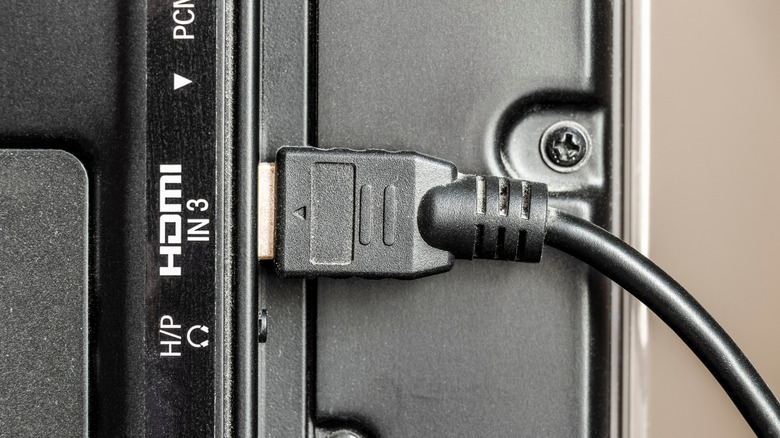
Modern televisions and sound systems are amazing pieces of technology. But they can also be overwhelming with so many ports, confusion over HDMI cables, and format protocols that can leave even the biggest technophile sometimes wondering what goes where to get the most from their setup.
And if you plug your sound system into the wrong port on your television, you might not be taking full advantage of what it can do. Not all HDMI ports on televisions work the same. Several technologies, such as ARC, eARC, and HDMI-CEC, work together to get the most from a sound system. These features provide users with something that standard HDMI can't — control.
HDMI Consumer Electronics Control (HDMI-CEC) comes with added functionality that allows users to control connected HDMI devices. Many television manufacturers have their own naming scheme for HDMI-CEC. Mitsubishi calls it NetCommand, LG labels it SimpleLink, Samsung calls it Anynet+, and so on. But whatever it's called, you'll want to enable it to get the most out of your television's HDMI ports.
HDMI-CEC gives you more control over all compatible devices
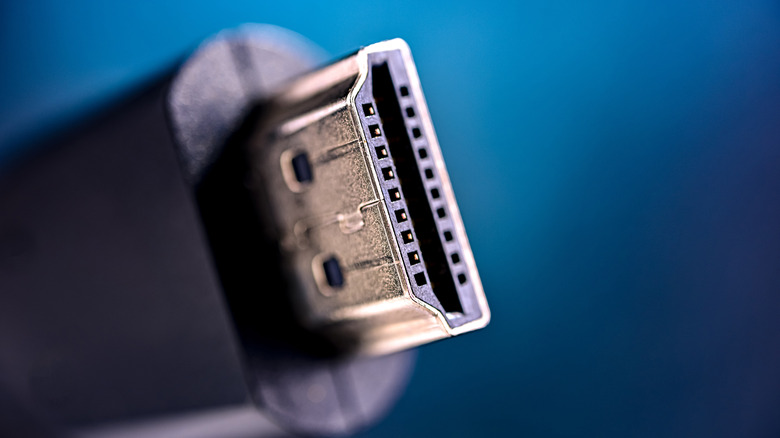
HDMI-CEC allows you to control audio, video, and gaming devices that are connected to your television's HDMI ports. Instead of being a data transfer technology for audio and video, HDMI-CEC allows devices to communicate with one another. This makes it possible to use your television remote or another device's compatible remote as the primary control method for all of your devices.
This means you won't have to switch between your TV remote to watch content and the sound system remote to adjust audio, and you won't need a universal remote to handle multiple devices. It essentially condenses all connected device functions to the single press of a button. Press the "volume down" button on the TV remote, and the whole system responds, not just the audio from the television.
Press the power button, and all connected devices will turn on or off. While HDMI-CEC provides many benefits, many manufacturers have the feature disabled in the settings menu. This means a number of users may not even realize that they aren't taking full advantage of all of the features that something like their sound system can offer.
Gain access to better audio formats through ARC and eARC
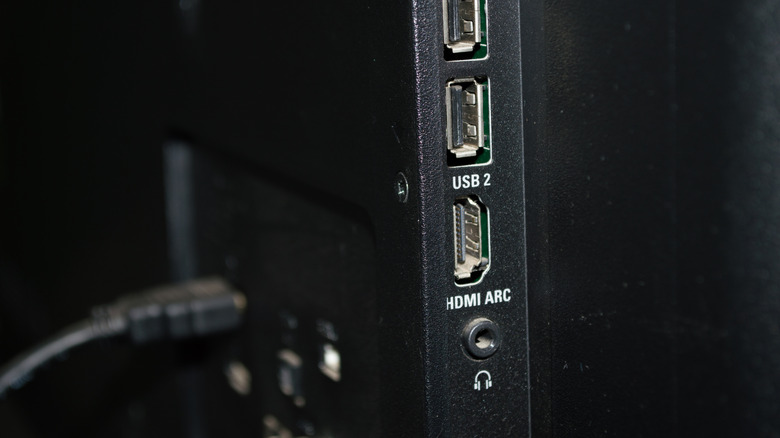
Not every HDMI port is capable of using ARC and eARC, meaning that you might not have your audio system plugged into a port that's providing the highest quality, especially if you connect through the older TOSLINK format. Audio Return Channel (ARC) allows for multiple devices to be plugged into your TV and all their audio sent to your sound system via the HDMI cable plugged into the ARC port.
ARC runs on the HDMI 1.4 specification and supports compressed Dolby Digital/DTS audio, and limited support for compressed Dolby Atmos, depending on your television. The Enhanced Audio Return Channel (eARC) builds on ARC and uses the HDMI 2.1 specification, allowing for much more bandwidth. This means eARC-capable HDMI ports support lossless audio, giving you access to Dolby TrueHD, DTS-HD, DTS:X, and Dolby Atmos.
If you want the most from your sound system, make sure that HDMI-CEC is enabled and that your audio system is plugged into your television's ARC or eARC port. Just be aware that some HDMI 2.1 ports might actually be considered fake, so if you aren't getting the most from your devices, make sure to check your display's fine print.