

5 Essential Windows Apps You Won't Find On Linux
There is no doubt that Linux has come a long way in the last five years, thanks in large part to Valve opening the door to gaming with Proton. Linux has always been a capable operating system, but its lack of support for certain apps and games over the years has clearly kept some potential users away. While things are finally looking promising on the gaming side, the utility app side still has a few holes to fill, and some of them are pretty notable.
Whether you're an artist, office worker, or designer, some of the most business-critical apps are still absent from Linux, leaving them essential on Windows. Whether the choice not to support Linux stems from its low market share, or the difficulty of programming for moving targets like ever-shifting desktop environments, and their display servers, such as Wayland and X11, there are a lot of reasons Linux isn't at the top of the list when it comes to app support. Windows is still the place to be when particular tasks need to be done, and these are the apps that offer unique functionality you simply won't be able to replicate on Linux.
Microsoft Word
At the top of the list of Windows apps not supported on Linux is Microsoft Word. Word is often a mandatory app for many careers, from the writing and editing world to administrative assistants. Worse, many of Word's key features are locked within the desktop app, the very app that isn't available on Linux. If you require specific layout or view options, you won't find them in the online version of Word. The same goes for macros and form scripts. Basically, a lot of the advanced formatting is missing from Word's online app on Linux.
The online version of Word is free to use, while the official desktop app is part of Microsoft's 365 subscription (which starts at $9.99 a month). Thus, an incentive is needed to differentiate the two versions, such as paywalled features. So even though Microsoft Word is accessible on Linux as a free web app, the desktop app remains essential on Windows. There is simply no way around it: if your job or school requires you to use one of Word's paywalled formatting features, such as page orientation, you'll be doing so on a supported OS, such as Windows.
If you're intent on using Linux, there are a few Word alternatives available. Google Docs works well because it has always been available for free as a web app, and that won't change anytime soon. It's dependable, works offline, and continues to gain new features. But if you require something that's OS-native, there's always LibreOffice Writer, which is free and open source and offers solid Microsoft Office compatibility across Linux, macOS, and Windows. While these apps won't be able to recreate Word's functionality 1:1, keeping Word essential on Windows, it never hurts to check out the competition.
Adobe Photoshop
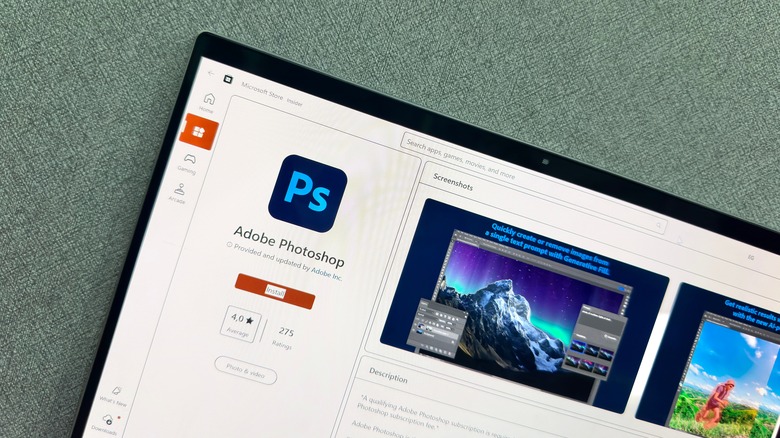
Another app that keeps many people from using Linux is Adobe Photoshop, which remains essential on Windows. Over the years, Adobe has built Photoshop into the go-to photo-editing app on desktops, but it does not support Linux. Rather, Photoshop supports macOS and Windows, and now that it is the industry standard for design, it's a hard app to avoid if you work or go to school in a field that requires it, from graphic design to digital art to photography.
While plenty of Photoshop users aren't happy with the company, thanks to questionable cancellation fees (that the FTC is taking action against) and its anti-consumer, costly subscription model, there's no denying its dominance across fields. Of course, there is a web app option, and it even offers a free trial, but in the end, extended access will require a subscription (starting at $22.99 per month), just like the desktop app. Much like Microsoft limiting the features of Word's web app, Adobe does the same with Photoshop's web app. If you require Photoshop's advanced tools, offline access, and plugin support, the desktop app is your only choice, making it essential on Windows.
Of course, there are alternatives to Photoshop out there that work across operating systems, including Linux, and while they mostly won't help you escape specific Photoshop requirements at your work or school, they can be handy as personal replacements. There's GIMP and Krita, both open-source and free with support for multiple operating systems, and if you're looking to replace more of your Adobe suite, Darktable makes for a solid Lightroom alternative.
AutoCAD
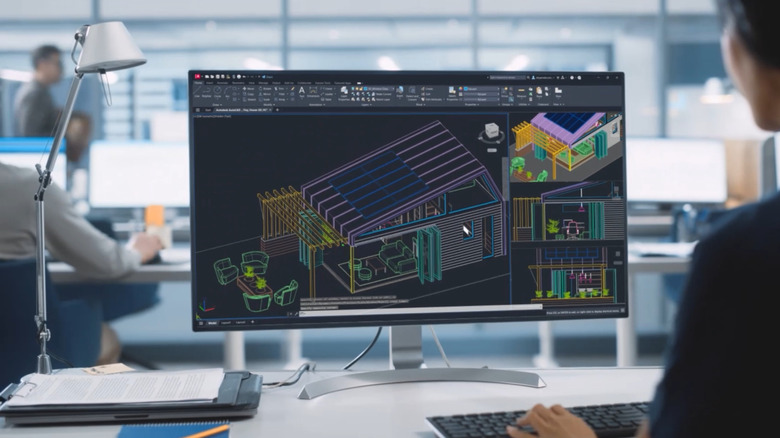
Like many apps built on Microsoft's .NET Framework, Autodesk's AutoCAD doesn't offer support for Linux. For professional architects, engineers, designers, or students who require specific AutoCAD functions such as custom scripts that won't work in competing apps, Windows (as well as macOS) remains essential. But unlike Adobe and Microsoft, even the online version of AutoCAD isn't compatible with Linux, and since both WINE and VMs also struggle to run the desktop app, users are left with no choice but to run it on a supported OS.
Autodesk also offers a handful of vertical products tied to AutoCAD, which are specialized tools that help with the design process, such as AutoCAD Architecture, Electrical, Mechanical, and Plant 3D. If you require any of these specific features, Windows is the best choice for your OS since Autodesk designs AutoCAD as a Windows-first product; it's the preferred platform, especially if you require plugins (macOS's version leans more on 2D design).
At the very least, if you are a Linux user or are simply looking for AutoCAD alternatives, there are a few options available. They won't offer all of the features of AutoCAD, but if all you need is 2D support, LibreCAD is both open source and free to use across Linux, Windows, and macOS. There's also FreeCAD if you need to model in 3D, and as the name suggests, it is a completely free app. It's also open source and available across Linux, Windows, and macOS.
Paint.NET
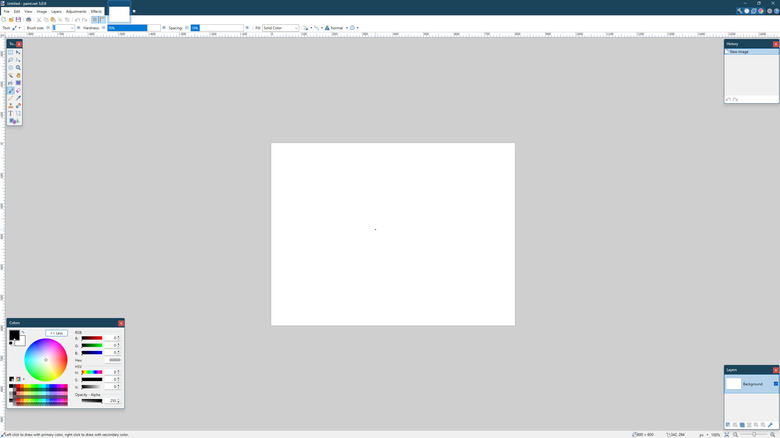
Since Windows has been around for ages and offers backward compatibility, it supports a wide range of apps, giving users ample choice for specific needs. Windows may ship with a free Paint app, but sometimes you need more than the basic features it offers, like layer support, but don't want to sit around waiting for Photoshop's painfully slow bootup. This is precisely where Paint.NET shines, and as you can tell from the name, it's built on the .NET Framework, which means it's fully proprietary to Windows.
Paint.NET is completely free to use, and not only does it offer layer support, but it also offers unlimited undo and plenty of plugin support that dates back many years. It's considered by many to be one of the best paint/photo editing apps on Windows, a perfect middle ground of features that isn't bloated like Photoshop, yet allows users to move quickly with an intuitive interface like Paint. But the only way you'll ever be able to use the app is on Windows, making it an essential app on the platform.
Still, just because Paint.NET is proprietary to Windows doesn't mean there aren't a few alternatives worth exploring. While apps like Krita and GIMP are fine Photoshop replacements, they aren't as light as Paint.NET. Thankfully, an open-source clone exists, known as PaintPP, built in C++ and Qt, using OpenCV instead of the .NET Framework. However, it currently only supports Linux and hasn't been updated in a while. If you require an alternative that works on Linux, Windows, and macOS, Pinta is a fine choice and supports layers out of the box.
ShareX
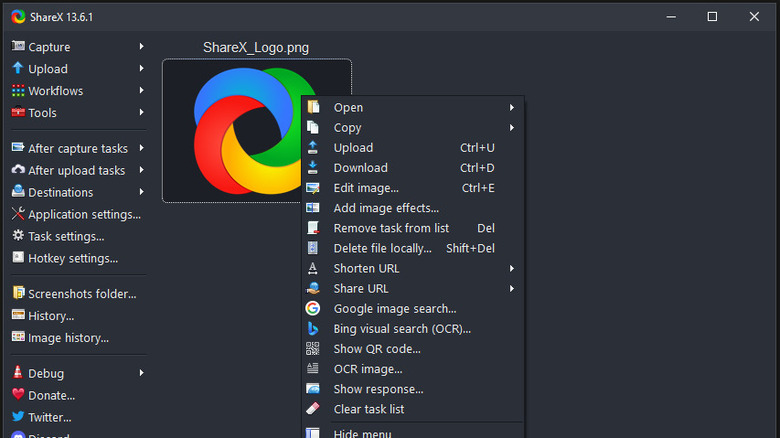
Screenshotting and capture tools are rarely something one immediately considers when installing apps for their OS. But once you run into a wall on Windows with the stock Snipping Tool, you realize there must be better ways to capture your screen. One of the most prominent apps is ShareX, and thanks to its multitude of options for taking screenshots, like custom and multi-region capture, you're in control rather than the app. You can even record a video of your screen, and then output that video as a GIF for easy upload across sites and services.
Somewhat similar to Paint.NET, ShareX is built on Windows-specific technologies like the .NET Framework and Windows Forms, so you won't find the app on macOS or Linux. It's Windows-only, but it is free and open source, and since it's so handy, outpacing Windows' stock app with a plethora of features, many consider it essential on the platform (especially now that Windows 11 has stuffed unwanted AI into the Snipping Tool).
The good news is that there are some worthwhile alternatives out there that work across different operating systems. Flameshot is a solid choice thanks to its customizability and in-app editing. It's also open source, free to use, and it supports Windows, macOS, and Linux for the trifecta. Then again, if you require something much more powerful, there is always OBS, which not only takes screenshots but also records your screen or streams it to popular services like YouTube and Twitch.