

3 Clever Uses For Your Old Xbox One (Beyond Traditional Gaming)
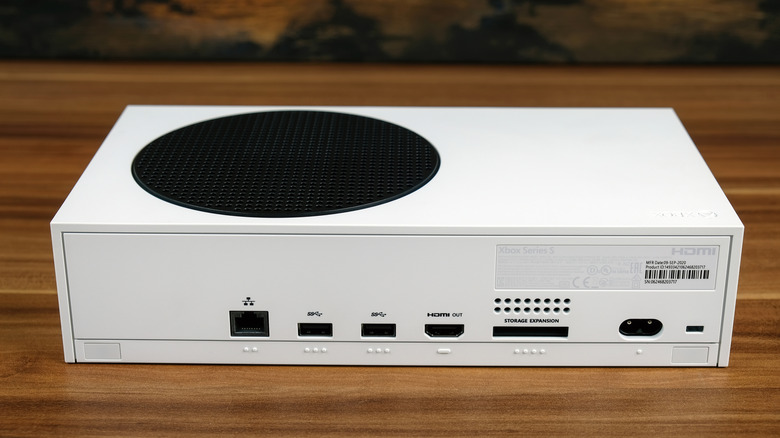
An inevitability of console gaming is that your hardware will age out. It will get outperformed by a next-generation console with higher specifications and support for fancier graphics. Now that we are well into the ninth generation of home video game consoles, some gamers might be holding onto their consoles from the previous generation, maybe even forgetting them in the closet or garage.
But rather than letting an old console collect dust, why not dedicate it to something more useful? If you happen to have an Xbox One lying around that you don't want to play but aren't sure how to repurpose, we have a few ideas that can breathe new life into it. From converting the console into a dedicated media center to taking advantage of the built-in Blu-ray player, you can get more out of this platform in a handful of clever ways.
Use your Xbox One as a physical media player
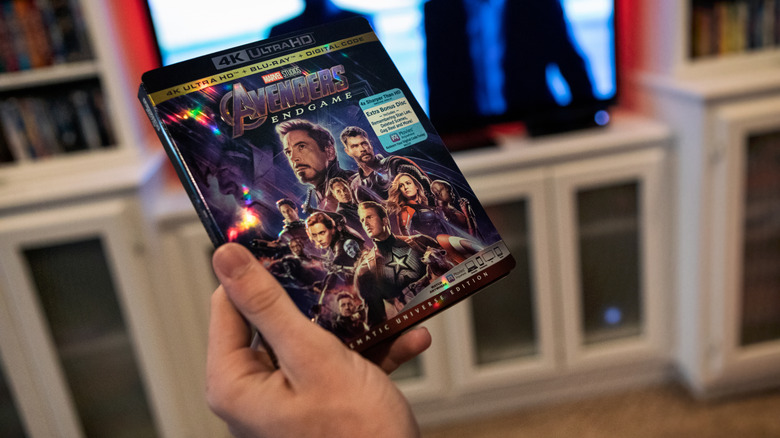
Not every Xbox One console has a Blu-ray player; the S model released in 2019 was all-digital. Still, the majority of Xbox One consoles came with a drive that reads Blu-ray discs and DVDs. Some Xbox One S and X models even offer 4K Blu-ray support (with a few restrictions), making them easy to convert into physical media players and saving you the cost of a dedicated Blu-ray disc player.
There are many benefits to watching uncompressed videos, such as those on Blu-ray discs. First, by keeping your media on physical discs, you don't have to worry about streaming bitrates, internet speeds, or ping between your connection and a faraway server. Insert the disc into the Xbox One drive and play it.You don't need an internet connection except to download the player the first time. Second, collecting physical media means you don't have to worry about the movie or show being edited or changed behind your back, as can happen with content on streaming services.
Being in full control of your media definitely has its upsides. So if you don't already have a physical media player in the house, you can cleverly repurpose your old Xbox One as a dedicated Blu-ray and DVD player to fulfill that role, rather than buying a new Xbox with continually rising prices.
Turn your Xbox One into a full-fledged media center
The Xbox One platform offers apps via the Microsoft Store. Most are streaming services like Netflix and Hulu, but media center apps like Kodi are also available on the platform. You can install a media center on your Xbox One and store your media on the built-in hard drive, easily turning the console into a dedicated digital media library.
What's especially nice about rolling your own media center is that you are in control of your collection, much like acquiring physical Blu-ray discs. And unlike the Xbox One's Blu-ray player app, which sometimes struggles with 4K discs, you can confidently run 4K video with Kodi on your Xbox One and play it without issue. After all, the hardware is made to play demanding 3D games at high resolutions, so playing 4K video files is hardly a workout in comparison. It's perhaps overkill, but it's also more future-proof than dedicated streaming boxes manufactured with borderline underpowered hardware.
So, rather than purchasing a streaming box to convert into a media center, convert your old Xbox One and save yourself a few dollars.
Dedicate your Xbox One as a game streaming device
If you aren't interested in using your old Xbox One for native console gaming, using it for cloud-based game streaming is a good choice. Game streaming can easily satisfy the need for new games, since it is fundamentally different than traditional console gaming: Your console's hardware isn't actually running the game natively; it's simply streaming it.
Game streaming offloads all the work of running games to distant servers, which is how you can play newer Xbox Series X|S games on an Xbox One, making it feel like a current-gen console. In the last few years, cloud gaming has grown in popularity, and companies like Microsoft started offering subscription services, such as Game Pass with Xbox Cloud Gaming for $9.99 a month.
Better yet, you are not limited to just Xbox Cloud Gaming on an Xbox One, as the console also supports the Edge browser, which can be used to pull up game streaming sites like Nvidia's GeForce Now. This service is available with limited free use or with paid subscriptions that start at $9.99, further expanding your selection of streamable games to PC-exclusive titles. If you're also a PC gamer, you can even stream your Steam library to your Xbox One through services like Shadow, with subscriptions starting at $37.99 a month. So, rather than playing the console's aging library of native titles, you can make your Xbox One a dedicated cloud gaming machine.