

New Windows 11 Security Update Might Have Killed Some Computers
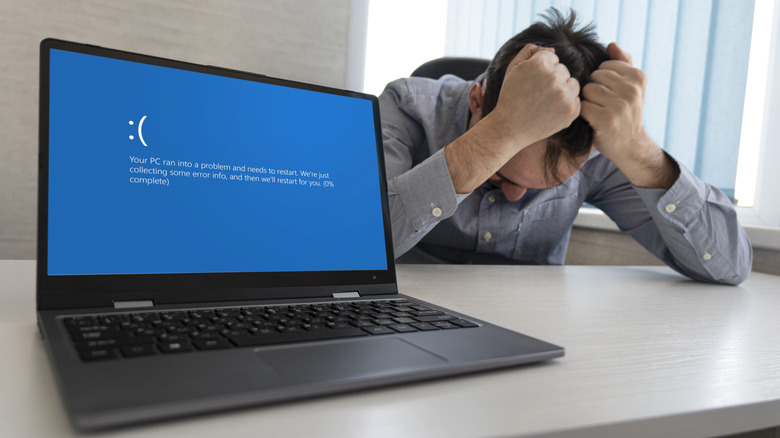
The series of destructive Windows 11 updates continues. The January 2026 security update for Windows 11, titled KB5074109, was meant to include routine fixes for networking and power issues, a new deployment process for Secure Boot certificates, and a phasing-out of outdated modem drivers. However, some Windows 11 users found that their computers would not boot up after installing the update. For the average person who has never experienced a failure to boot, encountering this type of catastrophic error is effectively the same as having a dead PC.
Update KB5074109 rolled out on January 13 for Windows 11 versions 24H2 and 25H2. Reports soon started coming in that computers were crashing on startup and displaying the error message, "UNMOUNTABLE_BOOT_VOLUME." Some users also noted a black screen with the error message, "Your device ran into a problem and needs a restart." Microsoft released two out-of-band (OOB) updates on January 17 and January 24, respectively, to address issues encountered following the release of update KB5074109. As of January 25, users were still reporting failure to boot via the Microsoft Learn forums, indicating that the out-of-band (OOB) updates likely did not resolve the boot issue.
There is a strong sentiment among tech gurus that Windows 11 is a broken mess, and the frequent release of system-breaking updates like KB5074109 only serves to propagate that idea. Many are still lamenting the discontinued support of Windows 10, especially when problematic incidents reaffirm that Windows 11 is not as stable or reliable as its predecessor.
What can you do if a Windows 11 update kills your computer?
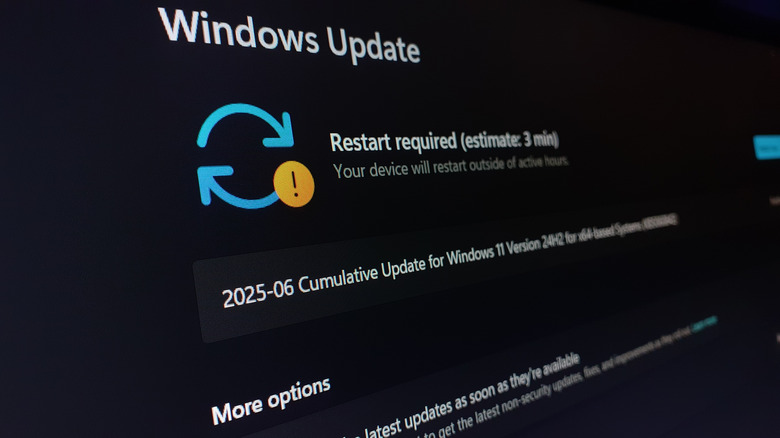
The disastrous effects of the January 2026 update have reportedly affected only physical devices (not virtual machines) running Windows 11 versions 24H2 and 25H2. If your computer is unable to boot due to a troublesome update, you may have no other option but to manually uninstall the update using the Windows Recovery Environment. However, keep in mind that recovering your computer to an earlier state might mean losing some recent data if you haven't backed it up.
Even if your computer is working just fine after the January 2026 update, you may choose to err on the side of caution. You can check if your computer has the update by opening Settings > System > About. On this screen, under "Windows specifications", you can see your operating system's current build. The KB5074109 update is identified as build 26200.7623. If you see "OS build: 26200.7623," then you have the January 2026 update installed.
It's not impossible to get your computer back in order after it gets bricked by Windows 11 updates, but you might have to give yourself a crash course in IT support to do so. You can also patiently wait and hope that Microsoft rolls out a fix in a timely manner. Either way, Microsoft's mismanagement of Windows 11 can certainly be frustrating — and it's likely pushing more and more people toward new and improved Mac products.