

How To Replace The Battery On Your MacBook
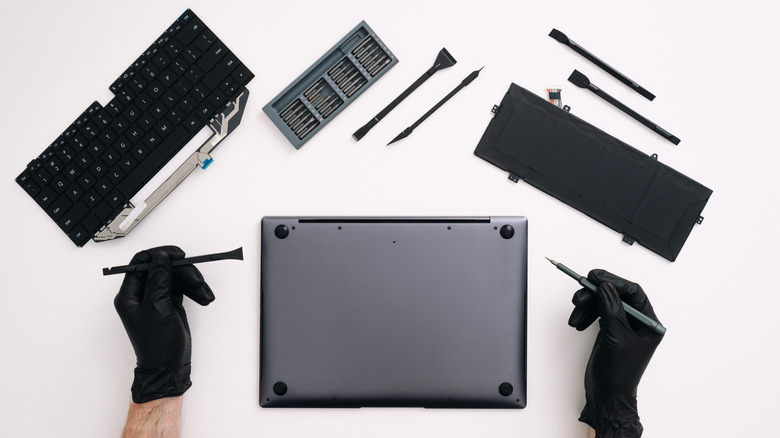
Whether you're a long-time MacBook owner or you've dug into our MacBook Air buying guide recently, the time will come when you may consider changing your laptop's battery. The vast majority of laptops these days use rechargeable lithium-ion batteries, which lose efficiency and degrade over time. After several years, your MacBook may not last as long as you remember, and a battery swap could be just what the tech doctor ordered. Generally, this process requires removing some screws and carefully detaching the battery. Simpler yet, the Apple Store will do it for a fee.
However, battery replacements on laptops aren't all equal. In this guide, we'll give you a quick primer on what to expect when replacing a MacBook battery, some helpful resources to consider, and the tools you may need to complete the job. However, don't think of this as a full step-by-step deep dive, as there are too many types of MacBooks for that to be effective. So, if you don't want to go and spend money replacing batteries at the Apple Store, read on.
Should you consider having Apple do the repair?
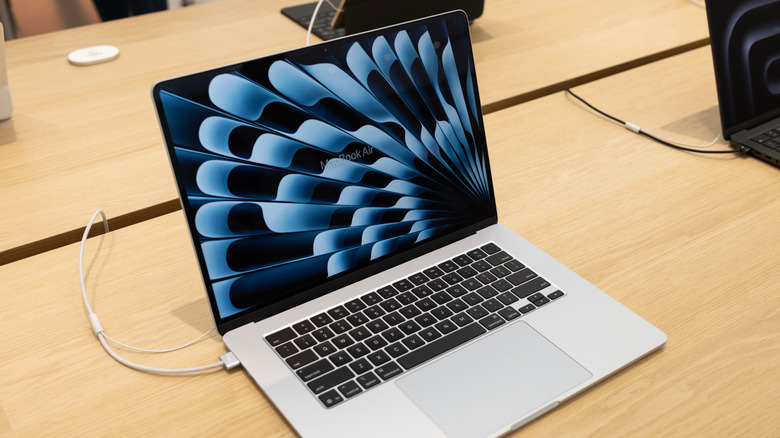
Apple offers a variety of settings, as we covered recently in our iPhone battery settings guide, aimed at optimizing your MacBook's charging time and prolonging its life by managing how much the battery is charged. But this is, in essence, delaying the inevitable wearing out of your laptop's power source. That's why acommon repair done at the Apple Store is battery replacement.
Punching a few recent models into the Apple Store repair estimator, we found a range of prices spanning $199 for the latest M4 15-inch MacBook Air to $249 for the higher-end 16-inch MacBook Pros. Model year and configuration will affect the final price, but you'll likely spend hundreds of dollars to have the professionals replace it. Going this route does come with some benefits, such as peace of mind that Apple knows how to make these repairs, and a guarantee that it'll be done right. But if you want to try to save some money and learn how to do this process yourself, there is a way.
How to replace a MacBook's battery and what tools you'll need
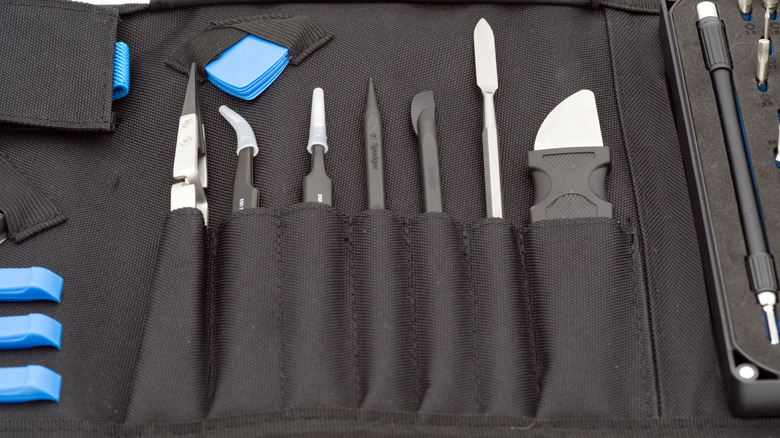
If you're game to open up your computer and try a battery replacement yourself, then there are a few key steps to remember. First, you'll need to open up your MacBook, which typically involves removing a handful of screws and popping some locking tabs using a small plastic tool. Once opened, locate and disconnect the battery's power connector to avoid the common mistake DIYers often make. Then, soften the adhesive securing the battery and carefully remove it. Finally, repeat the steps above in reverse to connect the new one.
These steps are, of course, just general guidelines. To get detailed instructions on how to repair your specific MacBook model, search for an article on a site such as iFixIt, which has articles with detailed rundowns by model. You can buy toolkits and replacement parts from iFixIt to ensure you have everything you need for your repair. At the end of the day, patience is key — go slow, don't force any parts too hard, use the right tools, and you'll have a new working battery installed.