

OLED Vs. IPS Panels: What's The Difference?
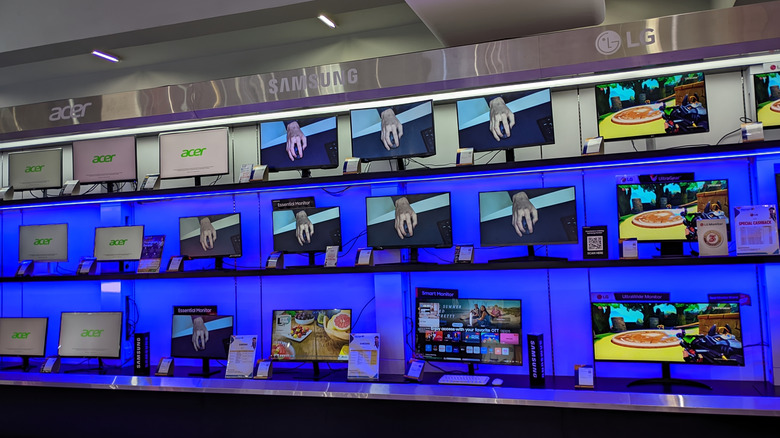
When you're building your computer setup, there are a ton of things to keep in mind, including which are the best PC brands and the tools required to build a PC. But more importantly, you need a solid monitor for your setup, as it plays a massive role in your day-to-day computing experience. So, if you're on the market for a brand-new monitor, two of the most common types of display panels that you'll encounter are IPS (in-plane switching) and OLED (organic light-emitting diode). An IPS LCD panel relies on a backlight to produce visuals on the screen.
On the other hand, an OLED screen features self-emissive pixels, which can produce their own light. This fundamental difference, combined with other distinct characteristics, gives each type of panel some advantages and disadvantages. As a result, it's important to consider the size of a monitor, its resolution, to determine whether or not you need a 4K monitor for work, and how IPS and OLED display panels work and in which scenarios they perform better than the other. This will help you make an informed choice and get the most suitable monitor for your needs.
OLED panels deliver superior picture quality
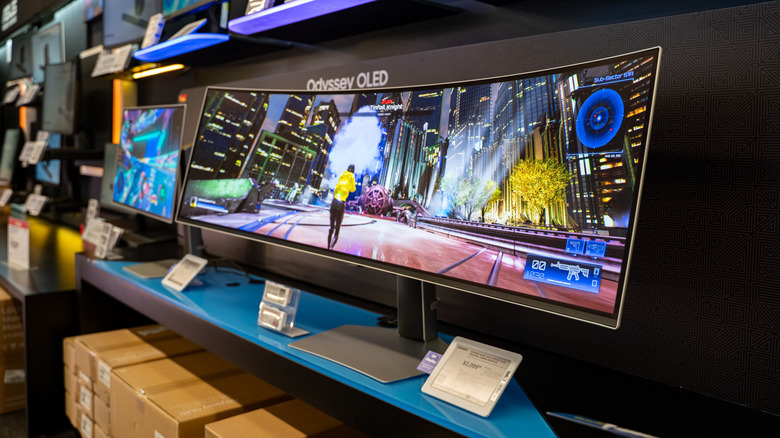
OLED is generally considered a superior panel type due to its ability to display colors that look pleasing to the eye. As it has self-illuminating pixels, it can simply turn them off to create true blacks, resulting in an impressive contrast ratio. This also means colors simply pop on an OLED display panel. Notably, there are two types of OLED panels: W-OLED and QD-OLED. Both have different pixel layouts and differ in how they produce the three primary colors — red, green, and blue. While the basics remain the same for both, you may get slightly different performance based on whether your monitor has a W-OLED or QD-OLED panel. For example, OLEDs generally have good color accuracy and color volume. However, QD-OLEDs are known for better color fidelity than W-OLEDs because of the use of quantum dots. Otherwise, you can expect near instant response time, zero motion blur, and superb viewing angles from both types of OLED panels.
That said, OLEDs are far from perfect. The most common issue is that OLED panels are susceptible to burn-in, which is a problem that occurs when certain pixels deteriorate faster than others because of constant use. The result is that images or text that are repeatedly displayed get permanently burned into the display. This can impact how long an OLED monitor lasts. Fortunately, modern monitors and TVs have tons of tools to increase longevity, and you can also try several ways to avoid OLED burn-in. Plus, OLED monitors are generally more expensive and not all OLEDs can get very bright, which can hamper their HDR performance and result in very dark parts of a scene becoming almost imperceptible, a phenomenon that's called "black crush." Still, OLED monitors are generally considered great for gaming and media consumption.
IPS panels are cheaper and can get brighter
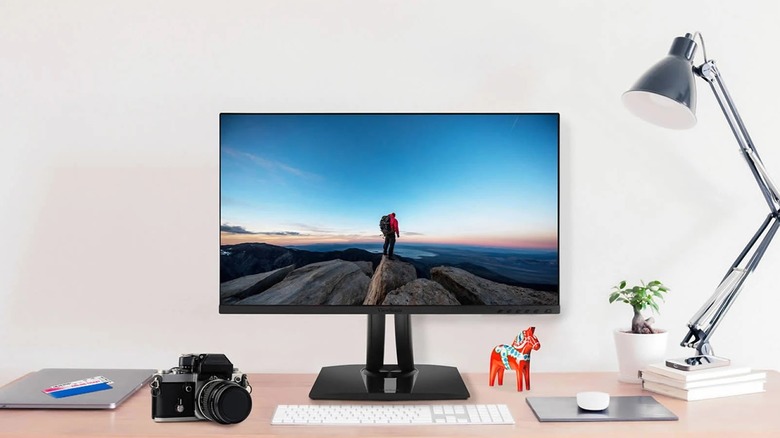
An IPS panel is a type of LCD panel. So, it has to leverage the built-in LEDs to illuminate the pixels and create the visuals. The size of the LEDs and their placements depend on the make of the monitor. However, both of these details can impact how your IPS monitor performs. IPS panels can also have different shapes of their RGB sub-pixels, which can slightly affect the viewing angles and text rendering. That said, IPS-type panels generally offer good viewing angles. The one big advantage of an IPS panel is that it can get significantly brighter, but the level of brightness really depends on the type of backlighting a manufacturer uses. As a result, IPS monitors are great at countering glare and reflections, and can be used in bright rooms without trouble. There is also no concern of burn-in, and the text clarity is superior, as they typically have a standard RGB sub-pixel layout, which is not the case with OLED panels. Additionally, you can get an IPS monitor for much less than an OLED monitor.
Unfortunately, IPS panels are not great in other areas, such as black levels, contrast ratio, and motion clarity. As blacks essentially look gray on IPS panels, they have a poor contrast ratio. That said, some IPS monitors that use Mini-LED backlighting with full-array local dimming can offer respectable black levels and contrast ratios, but they still fall short of OLEDs. Plus, as the pixels on an IPS panel don't have an instantaneous response time like OLED pixels, you may experience motion blur as pixels change colors. You can go with an IPS monitor if you have a tight budget, work with a lot of ambient light, or don't want to be worried about burn-in.