

Is It Safe To Use Your Laptop USB-C Charger With A Steam Deck?
We may receive a commission on purchases made from links.
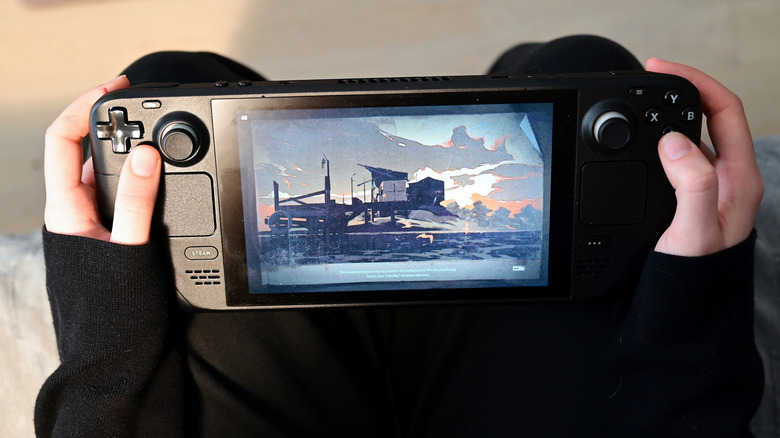
With the introduction of USB-C, a primary benefit of the new standard is the ease of usability. It's meant to be universal, thanks to a symmetrical, reversible 24-pin connector. But there are many different types of USB-C offerings out there — cables and connectors alike. Not all of them support fast-charging, meaning some chargers or cables won't work as intended when plugged into various devices. The Steam Deck is an excellent example of this; according to Valve, the Steam Deck is equipped with a 45-watt USB-C PD 3.0 charger.
PD is the key there, which stands for Power Delivery. The USB-C Power Delivery standard is a protocol that allows up to 240 watts of power, as explained by USB-IF, which is necessary for higher power delivery and fast-charging situations, like what the Steam Deck uses. The question is whether all USB-C chargers are compatible with the Steam Deck, including phone and laptop chargers.
The answer is yes and no. You can use them, but it doesn't mean you should. There are also some factors to keep in mind, like whether the third-party charger supports PD and what power output it supports. If it doesn't provide enough watts (45 to be exact), the Steam Deck likely won't charge fast enough and may even experience battery drain while plugged in, especially if you're playing games on it. Then, there's also the matter of safety. Most OEM phone and laptop chargers are made to high standards, but cheap offerings should be avoided, as they can damage your devices.
Is it safe to use a phone or laptop charger with your Steam Deck
Whether a charger is safe to use with the Steam Deck is going to depend entirely on the charger itself. To be on the safe side, you should avoid using third-party chargers unless you know for a fact they support the necessary requirements. There is a good chance that if you plug in a charger that's not supported, Steam Deck will warn you via a notification, as Reddit users have pointed out.
One of the most common issues people have with their Steam Deck stems from the device not charging properly when plugged in. The best way to tell a charger's specifications is to look at the label on the adapter, if there is one, or refer to the user manual for the original device, whether it's for a laptop or a phone. On the label or printed somewhere on the adapter, you should see an "Output" line that lists Volts x Amps. For instance, the original Steam Deck charger lists four outputs: 5V==3A, 9V==3A, 15V==3A, and 20V==2.25A.
You can take the largest number and multiply volts by amps to see the max wattage, in this case, 20 by 2.25, which equals 45 — 45 watts. We already know the Steam Deck charger supports 45 watts, but we also now know how to check other chargers. That still doesn't address the quality of the charger in question. Chargers could be made with poorly-supplied materials or may not incorporate modern safety standards like overvoltage or overcharge protection.
These concerns are also applicable to other power sources. When looking for Steam Deck accessories on Amazon, like a portable charger, you'll want to look for 45 watts, fast charging, and PD support.
The Steam Deck needs USB-C PD capable chargers
The official Steam Deck charger supplies 45 watts, but it also supports the USB-C PD 3.0 protocol. Ideally, you need a charger rated for 45 watts or higher, with the PD 3.0 protocol. That significantly narrows down the third-party chargers you can use, including phone and laptop chargers. It's also important to note that using the Steam Deck at the same time it's charging is going to consume a lot of power. The power draw will be higher with demanding games. The 45-watt and PD support are non-negotiable in that case. Anything less and the charger will not be able to supply enough power to maintain the battery, let alone charge it. That's also how you can squeeze more battery out of your Steam Deck – by effectively reducing the power it's using through software tweaks.
If, for some reason, you don't have the official charger that came with your Steam Deck, you can order a new one from iFixit. Some alternatives you can use are the Anker Nano series as long as they're 45-watts or above, UGreen Nexode, and JSAUX Steam Deck charger, the latter of which is also compatible with Mac, iPhone and various mobile devices.
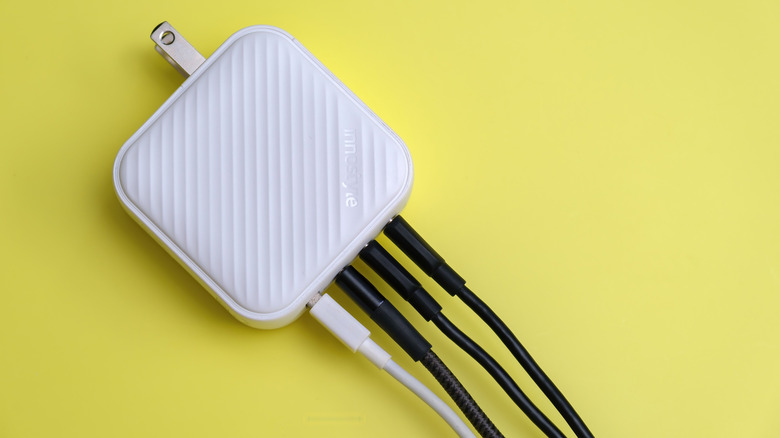
Another great feature to look for is GAN support, which stands for Gallium Nitride, a material that can handle higher voltages, fast-charging and is better at conductivity. Typically, GAN chargers, power adapters, and hubs can power multiple devices at once with ample power, like charging your Steam Deck and a mobile device simultaneously.