

Roku Users Are Getting This Useful HDMI Gadget For Free - Here's How
We may receive a commission on purchases made from links.
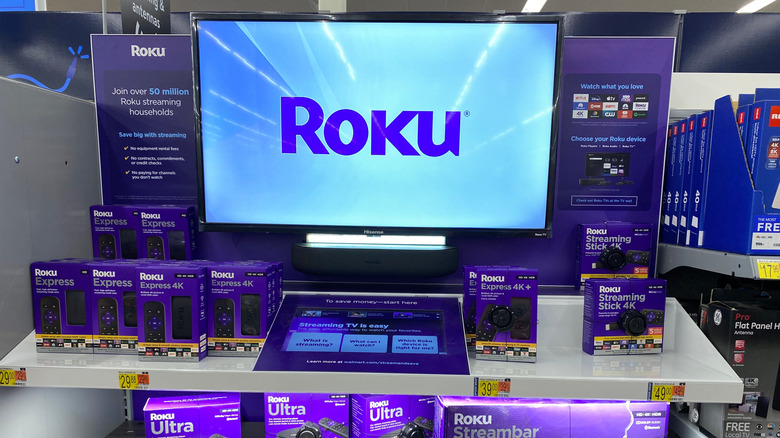
It's no secret that Roku gets a lot of hate. Despite that, the company has continued to deliver solid streaming hardware that's hard to beat. Perhaps one of the most interesting — and affordable — is the release of its streaming sticks, which have helped make Roku streamers some of the best streaming devices you can buy.
These narrower devices forego the heftier appearance of streaming boxes like the Roku Ultra in favor of a more streamlined approach that hides the device behind your TV by plugging it directly into it. However, there's one downside to this design, and that's the fact that sometimes using one of the variations of the Roku Streaming Stick might block your other ports or just lead to the back area of your TV set feeling overly cramped.
One way that other companies like Amazon have overcome this issue is by providing an HDMI extender directly in the box when you buy the device. In fact, Amazon does this with many of its Fire TV Stick streaming devices. However, Roku doesn't ship some of its best streaming devices with an HDMI extender in the box. Instead, the company offers an easy way for Roku owners to get their hands on one while still helping to cut down on wasted parts that not everyone will need. The best part? It won't cost you anything but a little time and effort to get yours.
How to claim your free HDMI extender
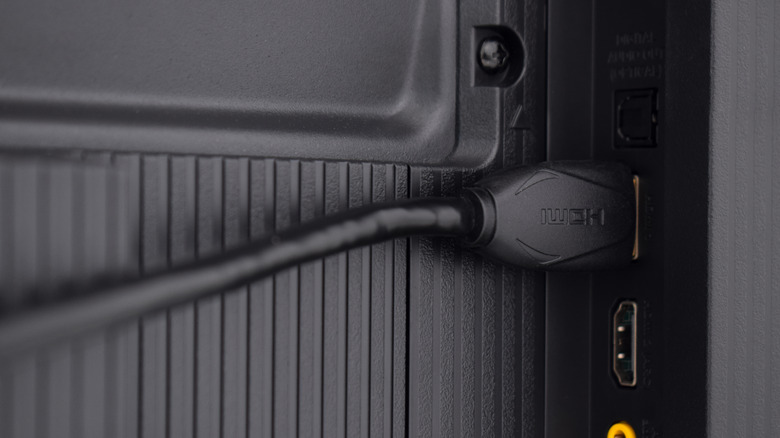
While you could go out and buy your own HDMI extender from Amazon, there are several options out there, including some 6-foot HDMI extension cables and even some smaller HDMI extenders that only measure around a foot and a half. However, why would you want to pay for something when you can just get one directly from Roku without having to hand over a single penny?
To claim your HDMI extender from Roku, all you need to do is head over to the company's website and fill out the HDMI extender request form. Here you'll need to provide your name, email address, and the serial number for your Roku device. Once you've filled out the form, follow the rest of the steps, and the company will ship out the extender.
Once it arrives in the mail, you'll want to take the extender, plug your Roku Streaming Stick into one side of it, and then plug in the other side to your TV. The main reason you might want to get one of these is if you plan on having multiple HDMI devices plugged in at a time — for example, a gaming console, Blu-ray player, or cable box. The extender is a lot thinner than the Roku Streaming Stick (at least some of the older models), which means it will fit into any recessed port slots much more easily. Alternatively, you could always look into other options to replace your streaming device altogether, like some of the best smart TV trends right now.