

5 Clever Uses For Your Old Google Home Speakers
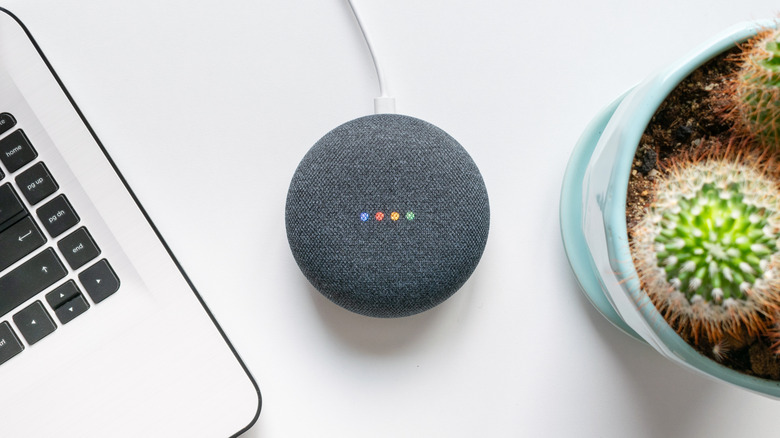
The usefulness of your old Google Home doesn't end just because Google has released new versions of its smart speakers, especially when old models are still supported by Gemini. Like Amazon, the company has made several upgraded versions of its devices over the years, offering better sound quality and integration with your smart home. However, even if the oldest Google Home and Mini don't have the same functions that you'll only find in the newer models, they are still packed with good enough hardware to be useful in your house.
With the newer technology and features that these upgraded models are equipped with, it is tempting to toss your old Google Home in a drawer or even into the trash and buy a new one. The problem is that by doing so, your smart speaker becomes part of the ever-growing mountain of e-waste, contributing even more to environmental pollution.
Giving a second chance to a perfectly fine, but old, Google Home is one of the easiest options you have to reduce waste. While some trade-offs need to be made, like using it for simpler tasks, an old Google Home can still handle a lot of functions that you'd expect from a smart speaker.
1. Create a stereo pair with your old Google Home speakers
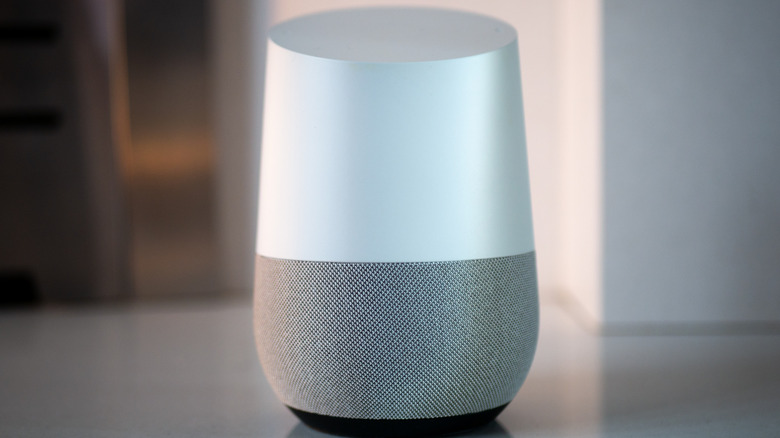
One of the best uses for your aging Google Home, especially if you have two old models lying around the house, is to transform them into stereo speakers for better sound quality. It's possible to link these devices using the Google Home app, but instead of choosing the "Groups" option in the speaker's audio settings, select the "Stereo Pair" one to assign one speaker as the left channel and another as the right.
That way, instead of having a mono speaker to fill the whole room, you get real stereo speakers that will offer a better experience when trying to listen to your favorite playlists, podcasts, or even background music while you work. Even if the Google Home doesn't have better quality than the best soundbars, this separation between two channels alone is enough to make your sound more immersive, especially in smaller rooms, like the bedroom.
To ensure the best experience with this function, it's important that both smart speakers are placed at the same height and on a solid surface. That way, you'll have greater sound quality, but without spending more money to purchase a new set of speakers. Using the aforementioned speaker "Groups" option, it's also possible to sync audio across multiple rooms if you have more Google Home devices, so the same song plays throughout the house.
2. Repurpose the device as a dedicated white noise machine

If your old Google Home is becoming slow to answer more complex questions, it can still be useful for simple tasks, like playing white noise. If you have a smart speaker lying around and want to have a new use for it, a great option is to move it to your bedroom and use the command "Hey Google, play white noise" or other sleep sounds, since this is built-in. You can also keep it in a baby's room to have a hands-free way to start a calming background sound.
According to the Sleep Foundation, while it's not confirmed that white noise can help improve your sleep, some trials found that it helped people fall asleep faster, cutting the time to reach deep sleep and improving perceived sleep quality for those who struggle to drift off. In practice, your gadget can help to mask some sounds from traffic, neighbors, or pets and make it easy to stay asleep.
Using your old Google Home device as a dedicated white noise machine also saves you from spending money on another gadget to improve your sleep. And this way, you won't need to leave a white noise app running on your phone all night, using your battery.
3. Use the Broadcast feature to create a home intercom
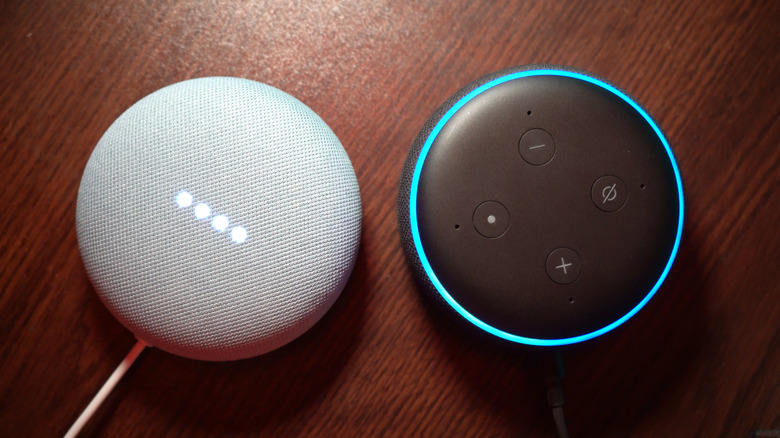
The Broadcast feature is one of the most underrated tools that your Google Home has, especially if you have a big home and people are often in different rooms. Putting your old device in one of those distant places and turning it into a mini intercom is one of the best uses for your old gadget. By sticking it in the garage, basement, or a far-off office, you can use your main Google Home to deliver messages more easily.
Once it's set up, you can say something like, "Hey Google, broadcast 'dinner is ready'" and your message will play on every Google Home on the same network — even that old speaker that you don't use anymore. It's also possible to reply to messages from the other room, so it works like a simple voice-driven intercom system. Instead of yelling or sending a text, just let your smart speaker do the job.
Because Broadcast is a built-in feature that Google Home has, it'll work fine even on older hardware. This way, even a sluggish device can stay in service instead of gathering dust or being sent to the landfill.
4. Connect via Bluetooth to use as a standard PC speaker
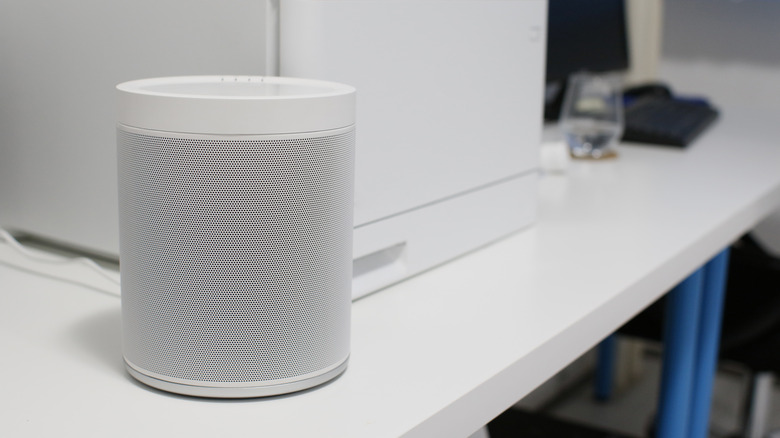
Most monitors lack a built-in sound system. Sure, headphones do exist, but there may be times when you'll need a speaker — whether that's to watch a movie with someone else or listen to music while away from the desktop. This is one area where your old Google Home can come in handy, since it can be used for exactly that purpose.
By pairing it via Bluetooth with your laptop or desktop, you can turn your old Google Home into a "dumber" speaker, since the system will treat it as a regular audio output. This means that all audio coming from the computer while the device is connected will play through your Google Home.
While using a Google Home this way likely won't offer the same quality as a proper desktop speaker for your computer, it's a cheap alternative for more casual use — like watching YouTube videos, listening to podcasts, or playing background music while you work. Instead of looking to buy a Bluetooth speaker from a major brand, give your aging smart device one last, practical job, keeping it out of the e-waste pile for a little longer.
5. Delegate an older speaker to kitchen duty for timers

Kitchens can be a hazard for many smart speakers, since it's a room where you have to deal with grease, hot steam, and even dirty hands that can damage a brand-new Google Home. So, instead of putting a newer and more expensive model there, the better alternative is to use your old one as a dedicated kitchen helper. Just place it away from the sink and stove, connect it, and you'll have a handy voice assistant.
An old Google Home can become a surprisingly powerful cooking companion, since you can ask it to set timers for your food (even more than one at a time, like having one for the pasta and another for the oven) and use it to convert measurements on the fly. It's also great for helping with recipes and for playing background music while you cook, especially when you don't want to touch your phone with dirty hands.
And if the speaker eventually gets damaged by the hazardous environment that a kitchen offers, it won't be a huge loss, since it was an old device already. By delegating kitchen duty to your older Google Home, you protect your newer gadgets, avoid buying a separate cooking timer or radio, and squeeze one last round of usefulness out of hardware that might otherwise be collecting dust in a drawer.