

4 Surprising Uses For Your Motherboard's Second Ethernet Port
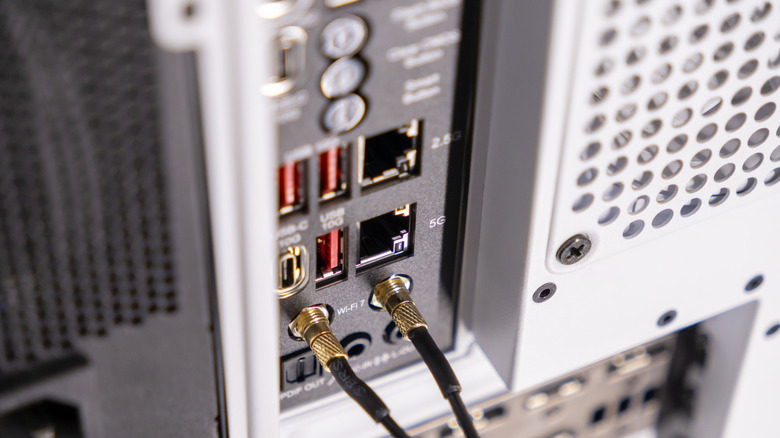
If you've gotten your hands on a new motherboard — or even a mini PC — you might have seen that sometimes there are two Ethernet ports. What's the point of motherboards having more than one Ethernet port? Especially when you can use adaptors to turn USB ports into LAN ports. It's a great question, considering the average user only needs one to connect to the internet.
Ethernet ports allow computers to connect to a Local Area Network (LAN), which lets multiple devices use the same internet connection and share documents with one another. It is the most secure and fastest way for different devices to communicate with each other or access the internet via a router or modem.
For use cases where reliability, separation, and control of network traffic are paramount, it's a necessity. While it's a feature more often tackled by professionals who operate enterprise servers, it can also be taken advantage of by the general public.
Use as a backup internet connection, or split the internet from your network
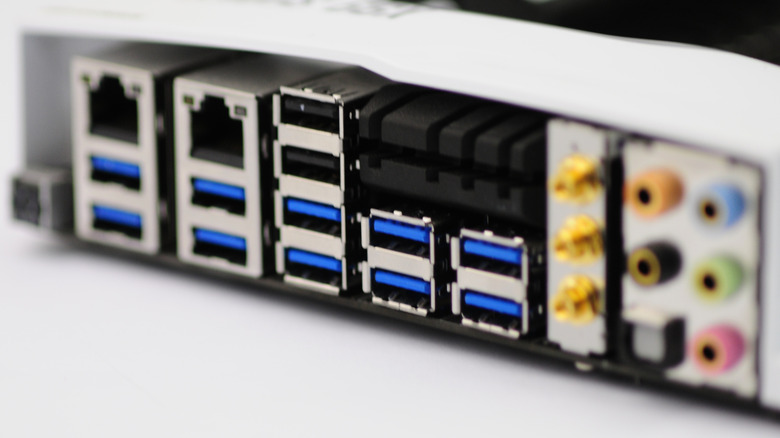
An Ethernet port on a PC can be used for a backup internet connection if you have one. Dual LAN designs are commonly used to improve network stability by providing a fail-safe if the primary Ethernet port, cable, or switch stops working. When considering remote working setups, home servers and systems that need to stay online, such as server rooms, it's a valuable backup.
Having a secondary Ethernet port plugged into a backup network or internet connection is a quality fail-safe. For example, you can have a Fiber gigabit connection hooked up to one port and your updated Starlink router to the other one. A second Ethernet port also makes it possible to separate Internet and local network traffic.
This is known as network segmentation, and it's a great way to enhance security and local network performance, dividing traffic as needed. This just means one Ethernet Port is used for an internet connection, while the other accesses local offline servers and files. This includes hooking up one PC to another, keeping one online and the other offline, like with your latest Raspberry Pi project.
Easier troubleshooting and turning another PC into a router or firewall
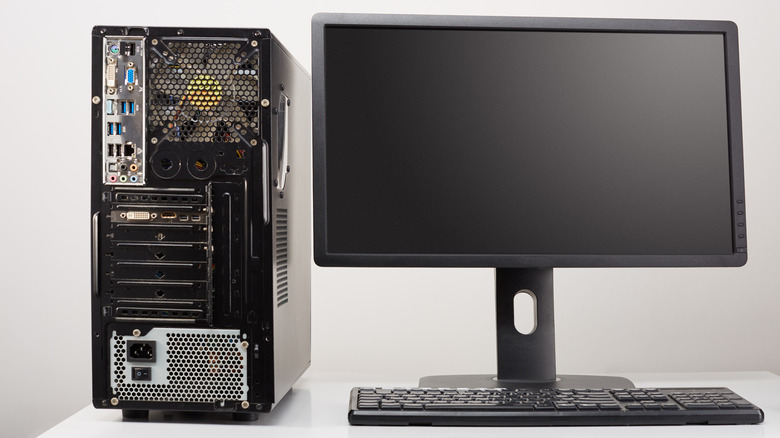
With two LAN connections, a single system could act as a router, firewall, or secure gateway between networks. Dedicated, open-source firewalls and routing operating systems are great for getting another PC set up for these functions. There are systems that professionals will often use that provide them with automated firewall software alongside other bells and whistles like real-time traffic visibility and management.
The overall idea here is to use another PC's dual LAN ports to take in internet traffic, make sure it's clean, then feed the internet connection to a user's network. It also stops any malicious internet traffic from hitting any devices on your network, instead of just relying on Windows Firewall and Antivirus software. It's still wise to have these enabled, but it's a no-brainer when there's a PC or laptop collecting dust.
Having two Ethernet ports helps with troubleshooting, as well, giving users the ability to isolate issues caused by the network, router, or computer itself. Users can test connections, temporarily bridge networks when a connection fails, and diagnose issues without proper routing equipment.