

Are SSDs Reliable For Long-Term Storage? 3 Problems You Need To Know
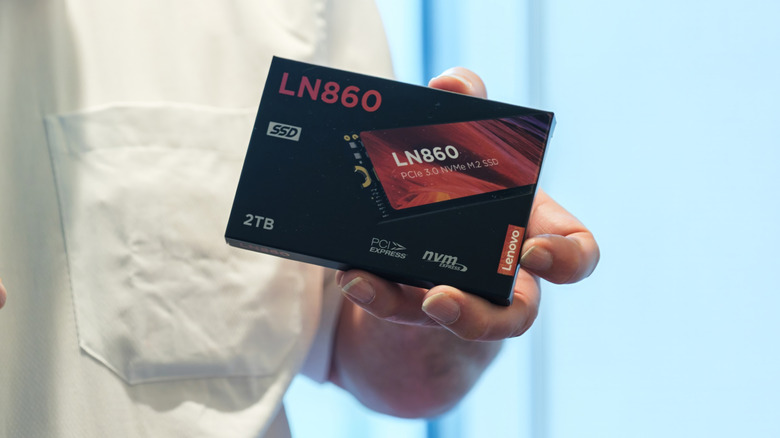
Modern solid-state drives are fast, silent, shock-resistant, and can be used with any computer, from laptops to enterprise servers. Unlike hard drives with spinning platters, SSDs use flash memory to store the data. They deliver instant access to data and dramatically improve performance compared to older storage technologies. It's no surprise that SSDs became the default choice for operating systems, applications, and on-the-go storage.
Unfortunately, SSDs have a downside. What makes them great for daily use also makes them a poor choice for long-term and archival storage. Although SSDs are fast and powerful, the data inside quietly degrades and does so rather quickly. If you're preserving family photos, personal projects, or your work, they can all disappear in the blink of an eye. That can happen because SSDs store data as electrical charge, which will leak away over time.
Traditional hard disk drives (HDDs) are slower and have mechanical parts. They're better for long-term storage because they store data magnetically. If properly cared for, HDDs can keep data more reliably for up to five years, maybe as long as 10 years. SSDs may be more reliable in the short term, but they cost more than HDDs and are worse for cold storage. The safest approach to long-term data storage is to diversify and use multiple options. That said, there are problems you should know about before you entrust an SSD with your valuable documents.
Cold storage and charge leaks might cause SSD data loss
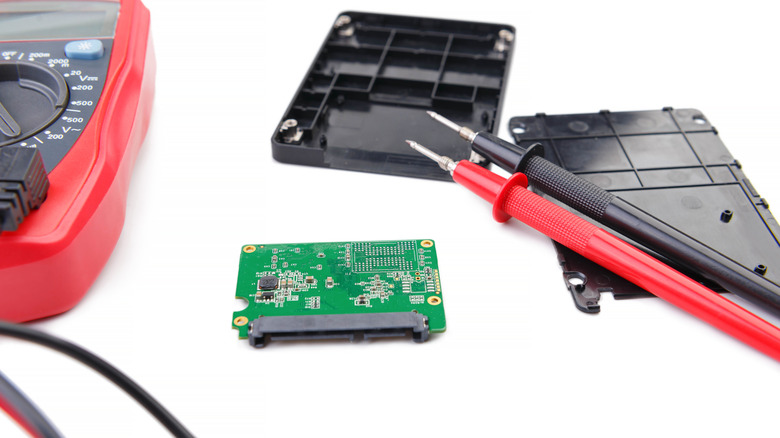
While traditional HDDs etch data magnetically onto spinning platters, SSDs rely on blocks of electric charge trapped in NAND flash cells. SSDs are non-volatile, which means they retain data even when there's no power supply. However, the period they can reliably hold information without electricity is very short, making SSDs unsuited for unplugged long-term storage.
The electrical charges in NAND cells aren't locked permanently. Over months or years without power, electrons will slowly leak out of the cells. This phenomenon is well-documented and known as a charge leakage or a data retention issue. When the charge levels drop below thresholds that distinguish bits, the controller is no longer capable of accurately reading the information from the SSD. The results are bit errors, data corruption, or complete data loss. This means you can't simply set an SSD and forget it. The first protective measure would be to reconnect and power on your SSD every three to six months. Reading and rewriting stored data will refresh it. In fact, the controller will refresh cells and correct any errors in data before it becomes unrecoverable.
Commercial SSDs typically use triple-level cell (TLC) or quad-level cell (QLC) NAND. These are especially sensitive to data loss when placed in cold storage for prolonged periods. Depending on your SSD's technology, you might be killing your PC's storage more quickly than you realize. The charge leakage process speeds up at higher temperatures, so if you keep your SSD unplugged and in a warm space, you may notice data loss. Store your drive in a cool, dry, and stable environment, ideally at a temperature below 77 degrees Fahrenheit. This will slow down charge leakage and extend how long your SSD can retain data.
It will be difficult to recover data from a dead SSD
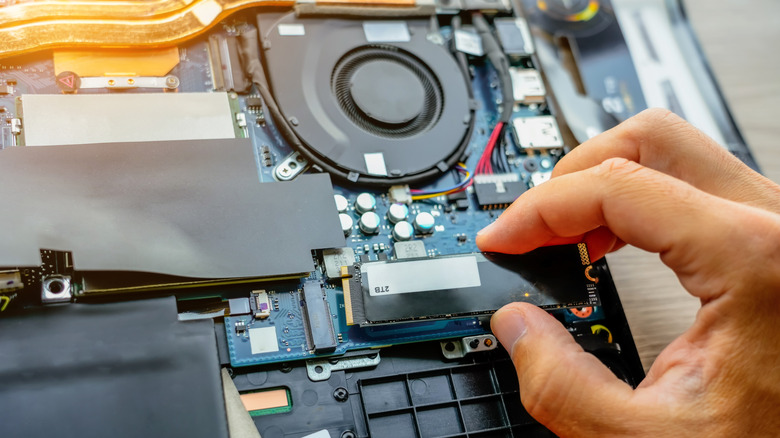
When you stash an SSD away for too long, you're also betting that nothing else in its complex electronics will fail while it's tucked away. Unlike HDDs, which often give signs of mechanical wear and tear (making noise, slowing down, and increasing the number of bad sectors), SSDs can fail abruptly. There might be signs when your SSD is about to fail, but not always. The solid-state drive depends on a delicate controller and firmware. Together, they manage data storage, how wear leveling works, and how error correction is applied. If that controller or its firmware fails, the entire drive can become inaccessible.
This unpredictability is especially problematic for long-term storage. The data might still be physically present in the NAND chips, but you'll have no way of accessing it without a working controller. That means recovering your data will be incredibly difficult, or even impossible. SSDs tend to scatter data across many chips and layers of abstraction. If the controller dies, the data map is lost forever. You may need specialized tools and expert help to recover data from a dead SSD. For true long-term cold storage, you need predictability, which SSDs won't give.
SSDs are more expensive and come in smaller capacities
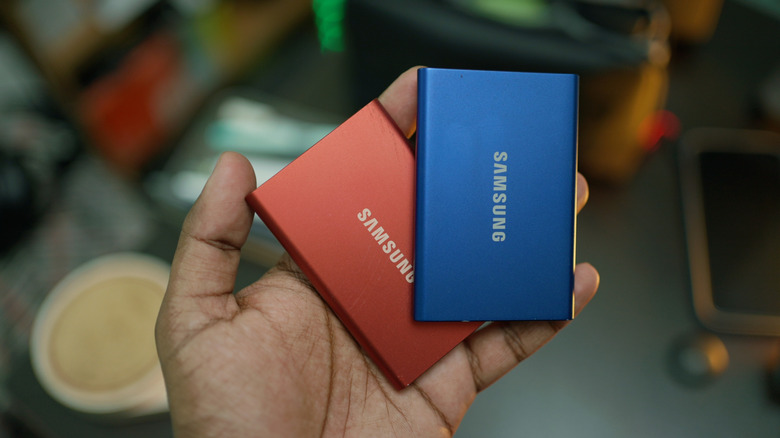
When evaluating storage for long-term archival use, a low cost per gigabyte is crucial. On this front, SSDs still lag behind HDDs. Generally, SSDs cost two times more per gigabyte due to the cost of NAND flash chips, sophisticated controllers, and advanced fabrication processes. That's why even midrange SSDs can cost more per gigabyte than some of the best external hard drives. With rising flash memory prices, the gap is growing to the point where using SSDs for backup storage is no longer financially feasible.
It's not only the high cost of SSDs that poses a problem. Off-the-shelf consumer SSDs come with limited capacities, topping out at 8TB. Compare that to high-capacity HDDs that can exceed 20TB. Very high-capacity SSDs do exist as enterprise models, but they're much more expensive overall than high-capacity HDDs. For long-term storage of photos, documents, videos, and backup data, where price and capacity matter more than read and write speed, HDDs remain a more cost-effective choice.