

The 5 Best Apple Watch Apps I Use Every Day
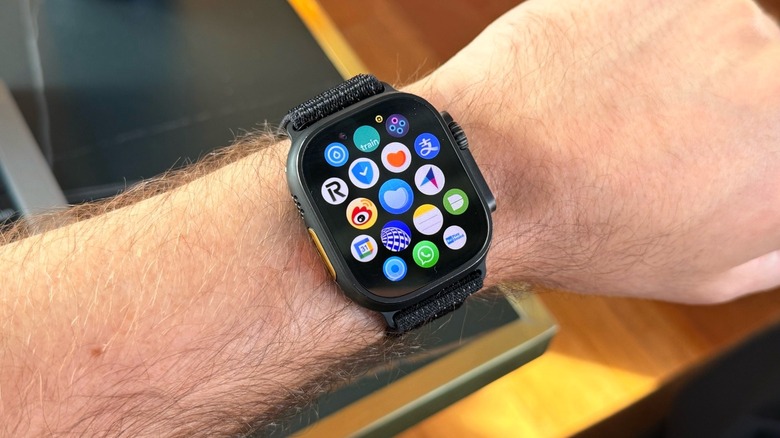
The Apple Watch might not have the biggest App Store in the world, but it's full of valuable tools, especially if you need to access information on-the-go, track your health, or communicate with others. Some of my favorite apps include Gentler Streak, Apple Music, and Morpho Converter, but they're just a small fraction of everything available for watchOS.
For example, serious athletes could swap Gentler Streak for The Outsiders, which takes health tracking a step further. On the other hand, if you're not an Apple Music user, Spotify does a great job with its app by offering both music and podcasts in a single service. Other favorites I could include are Flighty, HidrateSpark, and Carrot Weather.
Even though many apps have been removed from the watchOS App Store throughout the years, such as Uber, Slack, and Instagram, you can see that there are still many good options if you use an Apple Watch every day and are looking for useful software. Here are my favorite Apple Watch apps, why they are so important in my daily routine, and how I take the most out of them.
Gentler Streak
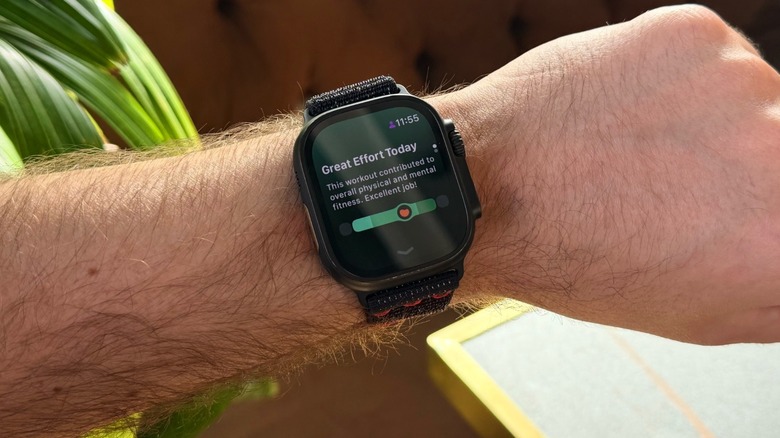
In a health world dominated by personal bests, pushing forward no matter what, and pretty Strava pictures, Gentler Streak focuses on your well-being by keeping you at the center of the experience. The app is all about how you feel and how working out can improve your life. While the iPhone and iPad apps offer insights and stories from other people who had their lives changed using this service, the Apple Watch version is focused on knowing your readiness for an activity using the Activity Path, using Go Gentler suggestions to discover your next workout, and track hundreds of different activities, even some that are not available on the Apple Watch built-in Workouts app.
When you track a workout with Gentler Streak, not only does it show what heart rate zone you are in, but also how far you are from overreaching. This way, the app lets you know that you might injure yourself if you go a few extra miles of running, cycling, or swimming. More importantly, the program usually recommends resting as a way of listening to your body and understanding that rest is part of your regular workout routines. No shame in taking days off.
The Apple Watch app version also features a few complications, and my favorite is the small orange heart that shows my readiness based on my Activity Path. Gentler Streak is free to download, but a subscription is required to enjoy additional perks.
Authenticator by 2Stable
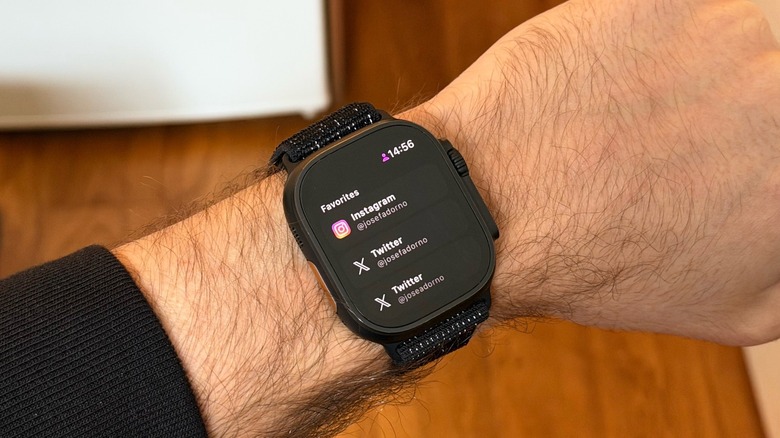
The App Store is full of two-factor authentication apps, and even big players like Microsoft and Google offer their own solutions. However, my favorite by far is the Authenticator app by 2Stable. It doesn't require an account, stores all your data locally, and lets you choose to share that information with your other Apple devices using your Apple Account. All you need is a master password, but you can also authenticate with Touch ID or Face ID if you prefer.
The Authenticator does everything you might expect from a 2FA app. You can add any kind of authentication service and choose custom emojis to represent them, but how handy it makes getting access to your code is what makes the smartwatch app so special.
With the Apple Watch on your wrist, you just need to open the Authenticator app and check all of your codes there. No fuss, simple as that. Since your watch is authenticated by a code, it's as seamless as using Express Mode. This way, even if I'm without my phone or just feeling lazy to get it, I can still use my 2FA code. The app is free to download but requires a subscription to unlock all features.
Morpho Converter
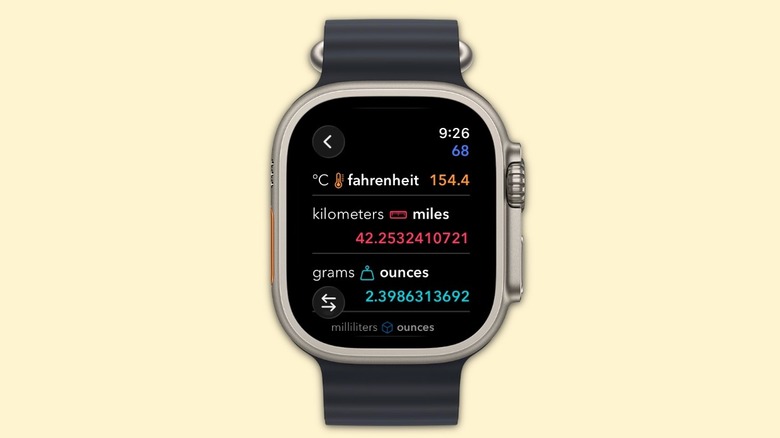
Morpho Converter is probably the nerdiest app I've ever tried — and I love it. I've been a user since pretty much day one, which was around five years ago. Developed by Think Tap Work, the app has recently been updated to support Liquid Glass, so it features a new interface, improved widgets, and complications for the Apple Watch app.
Just like Authenticator, what makes Morpho a great Apple Watch app is that you can just tap a number and see all the possible conversions, like kilometers for miles, grams for ounces, ml to ounces, currency conversion, or how many degrees Fahrenheit 10 degrees Celsius is. The app uses the most common conversions based on your region, but if you tap any of the metrics, you can see even more data.
Users can take advantage of an always-on complication for currency conversion or quickly launching the app. With that, whether you're abroad or you just have a quick question, you can hop into the Apple Watch app and tap a number to convert it. On the iPhone app, you can even get information about the wall outlets used in a region, and so on. In other words, Morpho Converter never leaves you without precise information. You need a subscription to unlock all the features Morpho has to offer, but you can download it for free.
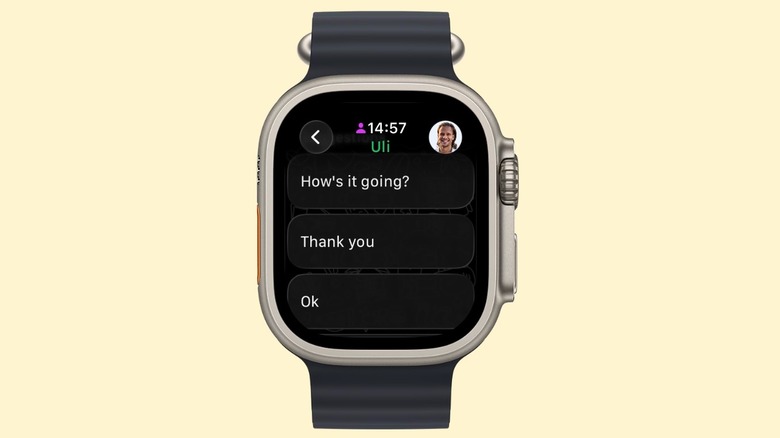
If you're lucky enough to have your entire life on Apple's base Messages app, great for you. However, that's not the reality of millions of people using messaging apps every day. WhatsApp is a key part of my day, whether to talk to most of my friends, family members, sources, or work colleagues. When Meta announced that WhatsApp was releasing on the Apple Watch, I almost couldn't believe it.
Still, after years of delay, Meta introduced not only the Apple Watch app for WhatsApp, but also a version for the iPad along with Instagram. While the app is still very basic, which means you can only see your most recent chats, at least you can now continue a conversation even if you miss a WhatsApp notification.
The app lets you dictate an answer, write a message using the Apple Watch's tiny keyboard, and even send 10-second audio messages. The software is far from perfect, as it doesn't let you call people or interact well with media, but at least it is a huge improvement over not having anything. Even though Meta is slow to implement changes, now that an Apple Watch app is available, it's only a matter of time until it becomes more mature, gets new functionalities, and continues to make having conversations with people easier. As in every other platform, WhatsApp is free to download on the Apple Watch.
Apple Music
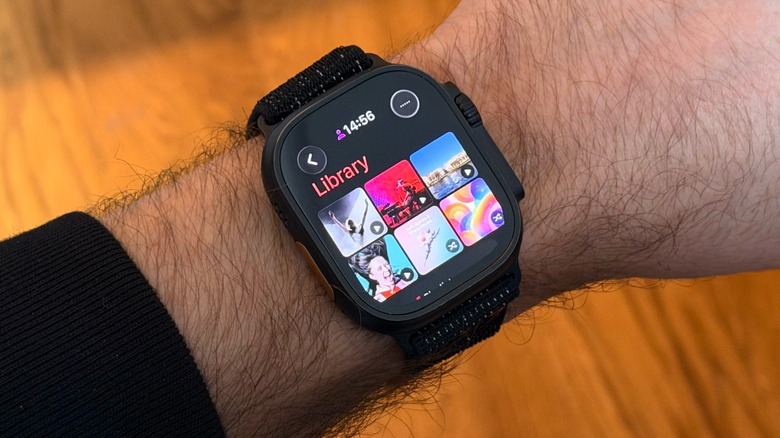
Apple Music is anything but a hidden gem, but I can't lie: This is one of my favorite apps on Apple Watch. I can control media playing on my iPhone or HomePods with it, but most importantly, I can leave my phone behind and go for a run with only my Apple Watch and AirPods Pro 3. This combo helps me disconnect from the world and focus on my running while listening to my favorite tunes.
Apple Music gives me the option of storing playlists, albums, and my pinned content on my Apple Watch, or I can just use my cellular connection to listen to any tunes I might want to hear. Even though some settings take a few extra steps, like selecting shuffle or continuous playback, it's the most convenient way to enjoy my favorite songs on the go.
With watchOS 26, Apple updated the Music experience in iOS 26 with Liquid Glass and even introduced pinned content, which is very handy when you already know what you want to listen to. Of course, if you have Spotify as your main music streaming service provider, you'll also have similar options, and the Apple Watch and any music streaming service definitely are a perfect match.