

What Happens To Your TV When You Don't Update It
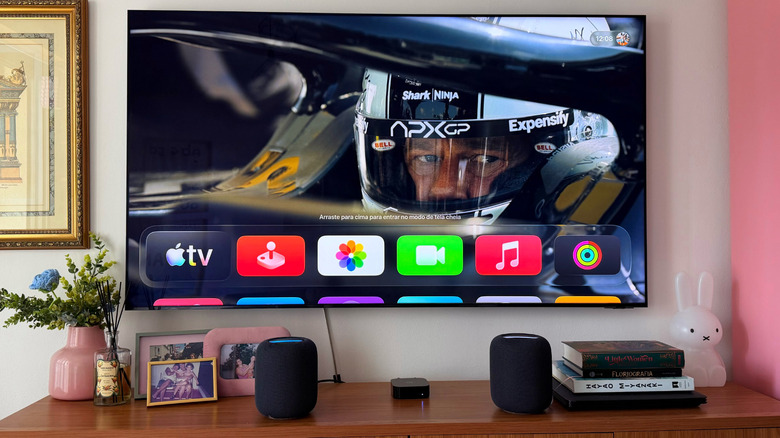
Just like your smartphone, tablet, or computer, your TV also needs software updates. While they're not as regular as with other tech devices, they do exist and can be important for ensuring you have the latest technologies, app compatibility, and even improved security features. Still, if you don't update your display by the time a new update is available, you don't need to worry.
After all, updating your TV can lead to other issues, as many users have reported over the years, such as deteriorated image quality, poor Wi-Fi connectivity, and even getting an unusual bug that will disrupt your usual experience. While an update can go sideways with any device, factory resetting your TV or returning to a previous firmware update can be tricky, if not impossible.
There are arguments for always updating your TV's software or leaving it the way it is. Fortunately, in this article, you'll better understand when it's a great option to update your television and when the best you can do is to leave it the way it has always been.
Practical perks of updating your TV
Updating your smart TV can come with important features. For example, Samsung has added new functions to its TVs, such as support for HDR10+ on compatible QLED and NeoQLED TVs, the Gaming Hub experience, and even expanded SmartThings support. If you never update your TV, you might miss a crucial feature that you're not taking advantage of.
Another perk of updating your display is avoiding app incompatibility. Sometimes streaming apps can change a requirement of usage on their end, and this means the TV manufacturers also have to run a software update to prevent your favorite streaming app from not working properly. While this is rare, it can avoid a headache when you just want to catch up with the latest episode of HBO Max's "The Knight of the Seven Kingdoms."
Last but not least, updating your TV can protect you from possible attacks from hackers. Even though these attacks also don't happen often, hackers might be able to get permissions from your TV to connect with several other home devices, such as security cameras, sensors, fridges, and more, putting your house in danger. That said, updating your TV takes only a few minutes and can give you some real peace of mind.
When waiting to update your TV could be your best ally
As mentioned at the beginning of this article, most manufacturers take forever to update their TVs because there's usually no reason to do so. However, if you find online that people are complaining about a worse HDR experience, washed-out colors, Wi-Fi issues, or TVs bricking after a software update, you might think twice before rushing to get the latest firmware version.
Just like a smartphone, tablet, or computer, it's good to be cautious about software updates. The first recommendation is to check online if other people had issues with the version your TV is trying to install; if not, go for it. After all, companies claim those firmware updates are made to improve your general experience, not the other way around. Still, unlike the manufacturer, who reported an actual security flaw or that something will stop working, you don't need to worry about updating your technology's software as soon as they become available.
Besides that, if you're happy with the performance of your TV, using a set-top box, like an Apple TV, can ensure you don't need to worry about faulty firmware updates, as the Apple TV will do all your display's work since all your streaming apps, AirPlay support, which are things Apple TV does better than your smart TV. and everything else will be running there. That said, between not updating and always updating, the golden tip is to check online what changes in that version, and if there isn't something major, just keep your TV the way it is.