

9 Common Mistakes People Make When Upgrading To A Smart Home

We may receive a commission on purchases made from links.
When the smart home bug bites and you glimpse the elusive dream of home automation utopia, it's hard to resist diving right in and filling your Amazon basket with shiny, expensive possibilities. But you need to slow down and plan things carefully, or your dream will rapidly turn into a nightmare and a colossal waste of money (you really don't need a smart toaster).
There are many things that can go wrong before you smart home journey is complete, and some would argue that it's never truly finished because there's always some new automation to work on or a buggy device that needs to be reset and re-paired. Making the right choices from the start — not just on what devices to buy or what ecosystem, but seemingly trivial things like what to call your lights — can make all the difference. Don't focus on what one device can offer now, but how it might all fit together in the grand scheme of things in six months time. Here's where most beginners slip up and how you can avoid making the same mistakes.
1. Locking into one ecosystem
If you've bought a houseful of "works with HomeKit" devices, you're going to have a real hard time if you ever switch to Google Home. Unfortunately, swapping entire ecosystems is more common than you'd think, especially at the moment. We're currently in a rapid transitional stage, and there are lots of ways your smart home will change this year, with every major brand rolling out or planning to upgrade their core intelligence models. Amazon is moving over to a more conversational Alexa+, while Google is adding Gemini to its devices. Apple is also planning to use Google's tech to power the next generation of Siri.
Unfortunately, this means features you know, love, and depend upon this week might be gone the next. There's a solution to this, though: Matter. It's the latest smart home standard that's compatible across all the major ecosystems, removing the traditional vendor lock-in. You can even use different systems to manage the same devices simultaneously, sharing the same sensors or lights across both without having to choose one or the other. In my home, our bedrooms have a Google voice assistant, our phones are Apple, and there's some Alexa devices dotted around, too. Our recent Matter smart devices can be used from any of them.
2. Buying into anything cloud-based
If your shiny new smart home device requires a cloud connection for core functionality, at some point it's going to fail — or at the very least, frustrate. Either because your internet goes down, their servers are temporarily unavailable, or because they go out of business and the entire thing shuts down with the app eventually deleted or not updated to work with the latest OS. This happens more often than anyone would like to admit.
But how do you know which smart devices require a cloud connection? A good clue is that it usually has its own app and won't work with anything else — or you need to create an account in the app just to use it, with no guest mode. The best thing to check for is Matter certification. We hate to keep harping on about this, but Matter was designed to fix so many of these smart home frustrations. All Matter devices are required to work locally, even if the manufacturers apps offer additional cloud functionality.
3. Lack of infrastructure planning or bad Wi-Fi
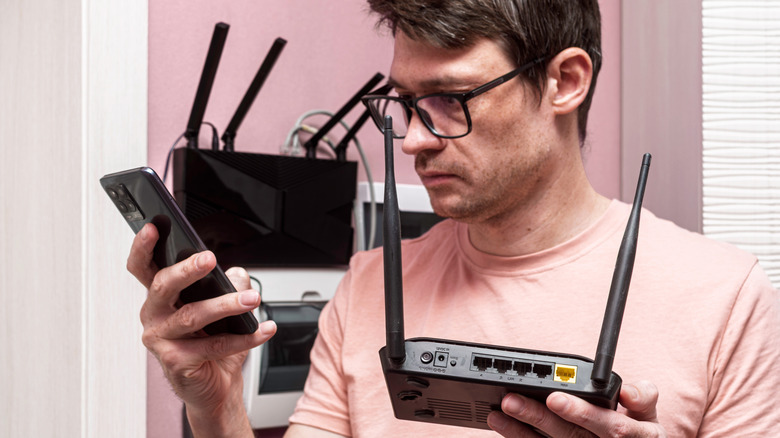
Most consumer routers max out at fewer than 50 devices; exceed that, and you'll find things start dropping off randomly. Prosumer and enterprise grade systems like Ubiquiti Unifi don't suffer from this — but they're a lot more expensive, and more complex to install and manage.
Not all smart home gear runs on Wi-Fi, however. Zigbee and Thread are great alternatives that won't clog up your Wi-Fi network and can form their own mesh rather than relying one central router. But you should keep in mind that only always-on powered devices — like plug sockets and light switches — will contribute to the mesh. Battery-powered sensors are only capable of being endpoints, and will not rebroadcast signals they receive.
The best infrastructure advice we can possibly give is to hardwire everything to Ethernet if possible. Many smart devices can draw power over Ethernet, too, eliminating battery concerns. Wireless connections and battery power should be reserved for devices with no alternative. But if you can't run cables, Ubiquiti makes one of the best mesh Wi-Fi systems, too.
4. Not checking for a neutral wire
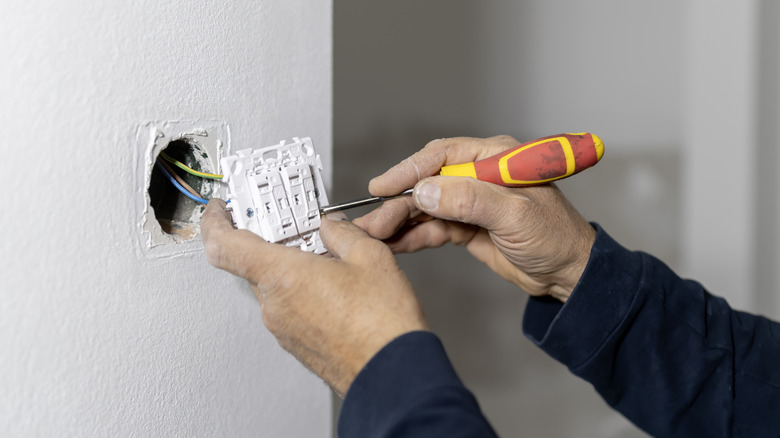
Replacing your light switches with smart ones is a brilliant retrofit to make complex ceiling lighting smart without having to redo the lot — but you should check if your light switches have a neutral wire first. Unfortunately, nearly all smart light switches and relays require neutral wiring. That means your light switch must have its own power source, rather than simply being a physical break on the live wire.
If your house was built after the mid-1980s, you probably have a neutral wire in your switches, but it's not guaranteed. If your house was built prior to that and the wiring wasn't recently updated, it probably doesn't — which rules out most smart switches. It's an expensive and messy job to upgrade, unfortunately. The only way to really know is to remove the light switch cover and take a look. If you're not confident doing that, get an electrician to survey your home before buying the new switches. You'll find some workarounds that involve forcing a low voltage to permanently run through your lighting circuit with a capacitor, but I'd recommend not following those unless you understands the risks. Home electrical systems really aren't something to try DIY hacks on.
5. Buying too much to start
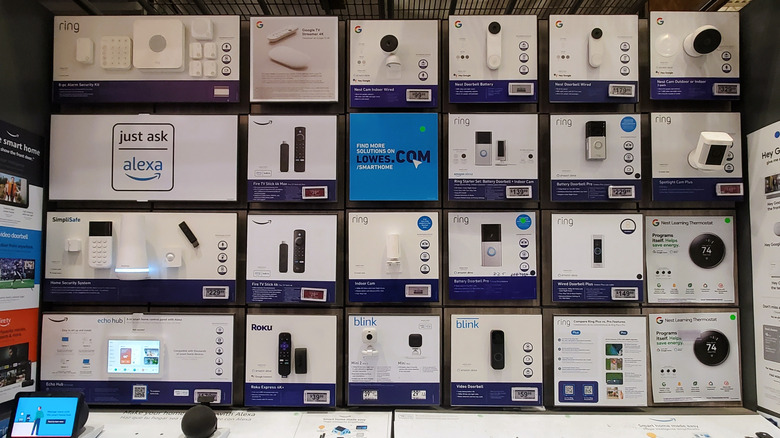
It's easy to make grand plans when kitting out a smart home for the first — maybe you're taking advantage of Prime Day sales. You end up with a box full of shiny new smart switches, lights, and all manner of sensors. There's two reasons why this is a bad idea, though. For one, you might end up buying things that just don't work in your setup (such as needing a neutral wire). Buy one device to test and play around with, see if it works with your home and use case, then expand once you're confident it does what you want, reliably.
The other reason is that it can be overwhelming. Even for a seasoned pro like myself, smart home devices can be finicky, and it might take hours to get a single plug socket paired. It's frustrating, and looking at a whole box of the things is enough to make you file them away to the shelf of perpetual next weekend's projects. Figure out one thing that you want to automate first, and do it. You'll feel a sense of accomplishment and be empowered to tackle the next thing. Or you'll learn that device might not have been the best option, and be better informed.
6. Not having a naming convention

I know what you're thinking: you're getting all excited about the interactive home of the future with intelligent voice assistants and coffee that makes itself when you wake up, and we want you think about... naming conventions for what to call devices. Exciting stuff! But one of the most frustrating things about having a smart home you can talk to is forgetting what you called everything. "I'm sorry, I can't find a device called bedroom table lamp," despite it clearly being a table lamp that's located in your bedroom.
Unfortunately, there's no single right answer that we can advise on how you should name yours, because it's a deeply personal decision. In our household, some devices have a quirky but memorable name, like "Stink" for the SwitchBot Candle Warmer; or the official name given to the model, like the Govee "Skyline." Other lighting is simply named by physical location like "left," "wall," or "ceiling." Smart speakers are named only by their room name, because we use them with Spotify or the Sonos app rather than the usual home controller. Again, this is another reason to start small and experiment as you go with what feels most comfortable and natural to you. But you should also consider other members of your household, which brings us neatly to the next point.
7. Forgetting other people in the household

In a family environment, you'll face a mix of technical abilities and device capabilities — and it's not uncommon to have both Apple and Android phones in one family. Children are a particular complication if they don't yet have a smartphone, and what to do about guests?
So you'll need to consider how to make things as accessible as possible. That's one of the reasons we recommend using voice assistants in your smart home: the human voice is a universal tool that anyone can interact with. But you'll also want to consult others when it comes to your naming convention to find something that works for everyone. Again, if you're using Matter-compatible devices and hubs, it's easy to share your smart devices from one ecosystem to another, so your voice assistant of choice doesn't need to be the same system as your main controller.
8. Automating all the things

Home automation is fun, we get it. But not everything should be automated. The more automation you have, the more chaotic your system becomes. Things turn off unexpectedly because you put a countdown timer on them; activating one device turns on another, but then you move it to another room and nothing makes sense anymore. Anything involving location (do X when I leave the house) is guaranteed to misfire at some point. Sure, you can automate things like that, but it takes time to craft them in such a way that they have failsafes and can deal with unexpected device states in a graceful way. In my experience, the simplest automations are the best, as well as time saver commands that trigger a sequence of disconnected but simple events — like dimming the lights and turning your home theater projector on for family movie time!
9. Starting with Home Assistant
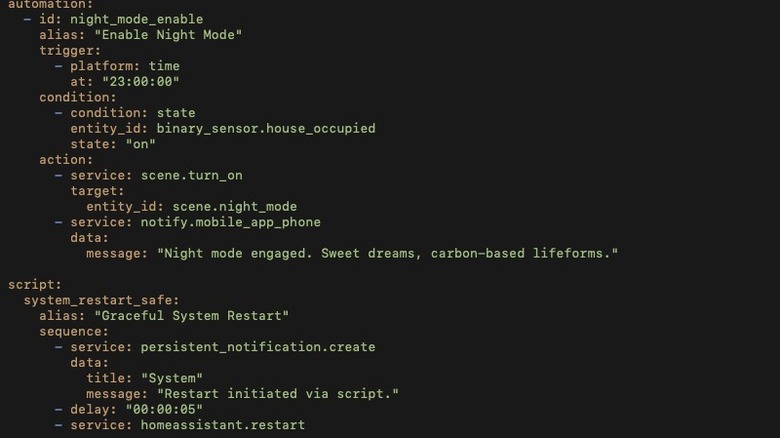
We're all for open source projects, and Home Assistant is undoubtedly the most powerful self-hosted smart home controller around — it's one of our picks for the top 10 smart home Raspberry Pi projects. There's very little you can't hack together with it. In fact, I have a Home Assistant server running some elements of my own smart home, but only as a sticking plaster for devices and automations that aren't possible elsewhere.
Home Assistant is such a powerful system thanks to an extensive plugin ecosystem, but it's hopeless for beginners. Do you know the difference between devices and entities? Can you write a YAML configuration file? Don't forget to take regular backups of your install, because updates often break the multitude of third party add-ons you'll have used to get everything working. The sheer power of the system is a clear advantage for those who know how to wield it and recover from catastrophic failures, but a source of frustration for everyone else. Instead, we recommend starting with whatever is native to your smart phone: Apple Home if you're an iPhone user, or Google Home for Android. That provides deep integration with the smart device you already have in your pocket all day.