

You Can Power Your Raspberry Pi With A Battery - Here's How
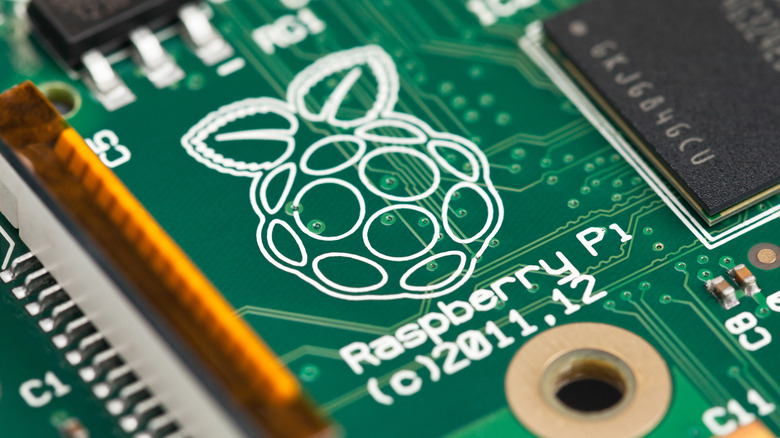
Raspberry Pis are robust little all-in-one computer boards that are ideal for people who want to get started on computer engineering projects. There are plenty of easy Raspberry Pi projects for new users, like high-tech photo frames and retro gaming consoles. Of course, you need to supply your Pi board with a source of electricity, and while the Raspberry Pi 27W USB-C power supply should suit most of your needs, you can also run them on batteries.
The most obvious solution is to buy a purpose-built battery pack. While you can't purchase any through the official Pi store — the RTC battery can only power the Raspberry Pi 5 clock — you can find alternative solutions through affiliated resellers. For instance, PiShop sells the Waveshare Uninterruptible Power Supply (UPS) HAT and their own Raspberry Pi UPS HAT, both of which are rechargeable batteries.
However, these are best-suited as backup power sources for when you are in the middle of a project. If you need long-lasting power, the PiSugar line of batteries are up to the task. They come in several capacities, ranging from 1,200 to 5,0000 mAH. Lastly, LiPo battery packs, like the ones sold at Pimoroni are inexpensive, but don't plug natively into a Raspberry Pi. To use one, you need an adapter like the Adafruit Powerboost 500.
How to DIY a Raspberry Pi battery
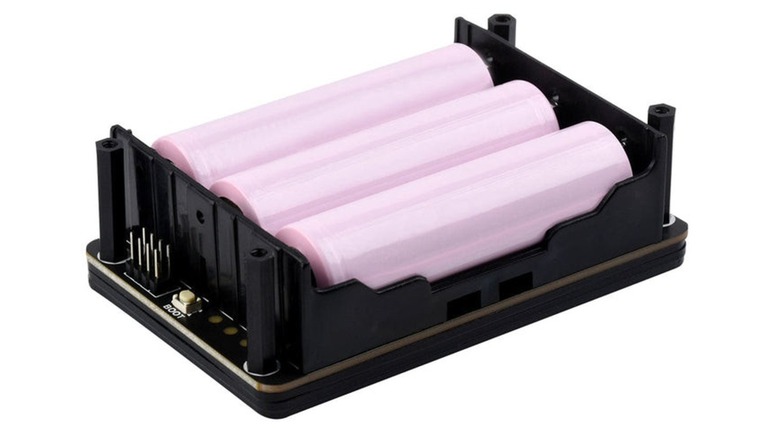
If you don't want to spend the money on a dedicated battery for a Raspberry Pi, you can attach a power supply module that runs on AA batteries. PiShop sells several of these products, although if you don't install it properly, you could damage your Raspberry Pi. Also PiShop's AA Pi battery adapters aren't compatible with the Pi 5 (yet).
Sites like Circuit Basics provide easy guides to help you install such devices and determine how long the batteries will last. If you were eying a cheap DIY Raspberry Pi project, like using your Pi to run Steam games, but weren't sure you could supply enough energy, consider this route. Another method is just hooking up a power bank to your Raspberry Pi board.
While this is easier than installing a PiSugar battery, you have to make sure that your power bank of choice fits the Pi board's power slot — often USB-C — and provides enough amperage. Since the official Raspberry Pi power cables can provide 9V at 3A, 12V at 2.25A, and 15V at 1.8A, try to find a power bank that matches those profiles. Oh, and make sure its capped at 27 watts.