

5 Pros And Cons Of Buying A Used iPad
We may receive a commission on purchases made from links.
With the imminent arrival of the iPhone Fold and the M6 MacBook Pro models that will reportedly feature OLED displays and touchscreen support, some people may think there's no need to buy an iPad. Other consumers who still find tablets useful may not like Apple's prices for the model they want. Those customers can always purchase a used iPad from Apple, an electronics retailer, or a previous owner to find a better price.
When buying a used iPad, you should know there are a few downsides that might not be immediately evident. You'll likely be saving some money, as Apple's cheapest iPad, the 128GB 11-inch iPad (A16), starting at $349 (Wi-Fi) or $499 (Wi-Fi + Cellular),, while more expensive models, like the 256GB 13-inch iPad Pro (M5), start at a staggering $1,299 (Wi-Fi) or $1,499 (Wi-Fi + Cellular). You'll also wind up paying extra if you need more than the 128GB or 256GB of flash memory, and you'll need to splurge on a Pro model for more than 8GB of RAM (the 256GB and 512GB options feature 12GB of RAM, while the 1TB and 2TB models come with 16GB of RAM.) Add in cellular connectivity (which adds a $150 to $200 premium on top of the regular price) and a new iPad quickly becomes an expensive endeavor, so how does it compare to a used model?
Pro: The cheaper upgrades
Before choosing a used model, remember that Amazon routinely slashes prices for new iPads. Still, buying a used iPad will be cheaper. Websites like eBay and Craigslist will list bigger discounts. You can also try Apple's refurbished store, which stocks some used iPad models. The advantage of buying from Apple instead of a stranger on eBay is that Apple will still offer a 12-month warranty for the refurbished tablet. Other electronics vendors who resell used tablets may offer similar perks, including Amazon, but their prices may not be as good as eBay or Craigslist.
Buying the tablet from a previous owner may help you obtain the storage version you want or a premium iPad for a lower price. For example, you may be working with an $800 budget, which is good for a brand-new iPad Air (M3). But you may be able to buy a used iPad Pro from the current M5 generation (as of mid-February 2026) or the previous M-series models. Similarly, you may find the storage, RAM, and cellular upgrades you want for cheaper premiums than Apple's price structure
Keep in mind that the newer the iPad you want, the more expensive the used version will be. This is where eBay can come in handy, as it's likely you'll find listings for older models. A good option would be to buy a brand-new, sealed iPad from a private reseller, if you can find one. Also, if you're buying a new or used iPad from unofficial resellers, you may want to check our iPhone buying guide that tells you what to look for in an Apple mobile device to ensure you're not getting scammed.
Pro and con: The warranty
Buying a new iPad from Apple means you're getting a 12-month warranty. You can add AppleCare+ to that to ensure your device is protected against other types of accidental damage. In regions like the European Union, Apple may offer two years of warranty for the tablet. If you buy a relatively new used iPad from a private reseller, you should check the tablet's remaining warranty by going to Settings > General > AppleCare & Warranty. If the iPad has been used for more than a year, you won't get any warranty, but the price will be lower. If the limited warranty is still valid, you may want to add AppleCare+ for added peace of mind, assuming you're in the 60-day period after the original activation. If the previous owner bought AppleCare+, and it's still valid, it may transfer to the next owner, but you'll have to check which sort of plan the device has.
However, the warranty isn't mandatory for buying a used tablet. If the device is in good condition upon inspection, and if you're the kind of mobile user who buys protective gear, like screen protectors and cases, and who handles mobile devices with care, you won't need an extended warranty or AppleCare+. Instead, you will probably find an even cheaper used iPad because its coverage has expired. For example, you may buy an M4 iPad Pro (without warranty) from a private reseller for a better price than an M5 iPad Pro that has some warranty left. Or, you may be able to purchase an older, upgraded iPad Pro (storage, RAM, and screen type) with no coverage, instead of a base M5 model that has some warranty left.
Con: Battery health
When setting your budget for a new or used iPad, you may want to consider how many years you plan on using the device. The more years you use the device, the better the battery health you'll want from the tablet. If it's new, you get a new battery. If it's used, then battery health can turn out to be a big reason to avoid a heavily discounted tablet. You'll want a used tablet with battery health as close to 100% as possible. To check the status of the battery, go to Settings > Battery > Battery Health. Newer iPads will display the battery health, the maximum capacity (up to 100%), and the number of cycles. Older models may not have that information visible, and you'll need other software installed on a computer to make that determination.
If you purchase a used iPad, you need to consider that battery life may be a problem, which may result in additional costs. At the very least, you will want to aim for battery health over 80% to ensure the device runs at peak performance. Below 80%, you may need to replace the battery.
Pro and con: Software updates
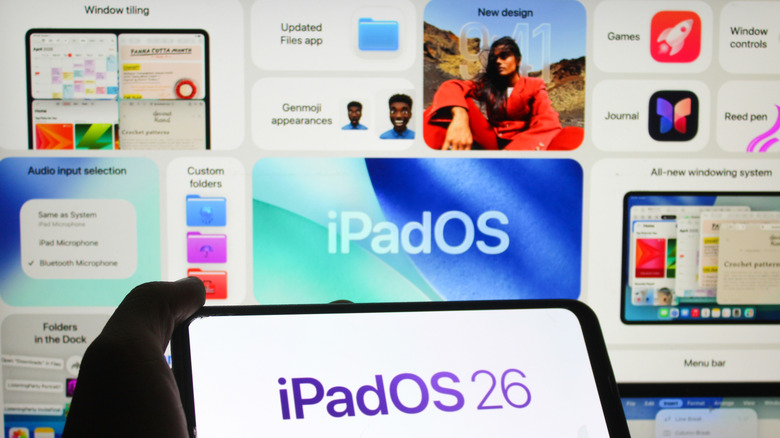
It's not just battery life that you want to pay attention to when buying a used tablet. Software updates should also be a key factor. The newer the tablet, the more iPadOS major updates it'll support, with Apple routinely offering five or six years of coverage. You also get security updates, which keep you safe while using the tablet online. That's a good reason to buy iPads, even used models. For example, the oldest iPads running iPadOS 26 as of this writing are the first-generation iPad Pro (2018), iPad mini 5 (2019), iPad Air 3 (2019), and iPad 8 (2020). But these devices aren't guaranteed to receive the iPadOS 27 release or future updates.
The more recent the iPad is, the better positioned it is for future updates. That means it'll receive several additional iPadOS updates, while also offering dependable battery life along the way. You should also take into account your AI needs, especially Apple Intelligence. Apple requires its devices to feature at least 8GB of RAM to support Apple Intelligence. If that's something you care about, you may want to buy one of the newer models and check their specs to ensure that they support Apple Intelligence. Also consider that some older iPads may feature only 64GB of storage at the base level, which may not be enough for your needs.
Finally, the more premium the iPad, the longer it may last. The 2018 first-generation iPad Pro can run the latest version of iPadOS more than seven years after its release. It might need a battery replacement after so many years of continuous use, and some iPadOS 26 features may not be supported on the older Pro, but it still shows that high-end tablets can age more gracefully than standard models.
Pro and con: The state of the hardware
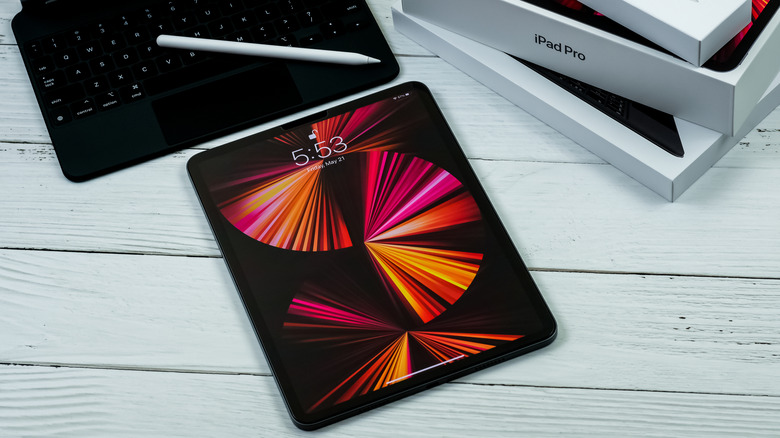
Apple currently sells iPads with two different processors. The iPad Pro and iPad Air feature the same M-series chips as the MacBook Pro and MacBook Air. The base iPad and the iPad mini feature A-series chips that debuted with previous iPhone models. The 2021 iPad Pro is the first tablet in Apple's lineup to feature an M-series processor, the Apple M1. It's paired with 8GB or 16GB of memory. The 2022 iPad Air features the M1 chip that comes with 8GB of RAM. Instead of buying a newer used iPad mini or base iPad, you may want to look for an older used iPad with an M-series chip inside.
You also need to take into account the rest of the hardware and how it has aged. The older the tablet, the more likely it is to have dents and scratches. You'll want to inspect the display to ensure it's not scratched and that it doesn't have lines or dead pixels. The visual inspection of the iPad will only do so much, as the previous owner may have damaged the iPad and repaired it before selling it. Some iPad models let you inspect their repair history. Go to Settings > General > About menu to see if the iPad has undergone any repairs. Not all iPads may show that information. The older the device, the less likely it is to display repair data.
Finally, remember that unlike the iPhone, the iPad doesn't get a water and dust resistance rating. That used iPad you've found on eBay may have had contact with liquids, and there's no way to check it. You'll have to trust the seller about their history using the iPad.