

5 Mistakes You Don't Want To Make When Setting Up Your Smart Home

We may receive a commission on purchases made from links.
Turning a home into a smart home is a hobby in itself, fitting voice-activated lighting, blinds that open and close on schedule, and routines that handle the boring stuff like vacuuming and mopping. Smart devices are a layer of software over basics like power, motors, switches, and Wi-Fi, which is great when it's implemented properly. But when devices are installed without thinking about power outages, compatibility, and human habits, it can turn a smart idea into a useless one.
It's not about packing a home out with loads of technology, it's about building a smart setup that works, has a failsafe in the event of an emergency or failure, and can be upgraded without starting back at square one. That means choosing devices with predictable online/offline behavior, having a manual control solution, and considering your network part of the project, not an afterthought.
A little planning upfront goes a long way, which includes being tempted by flashy gimmicks. The idea is making sure there's less troubleshooting after fitting so those smart devices can do their thing and be invisible in day-to-day life. Here are five common mistakes people make when creating a smart home setup, how to avoid them, and some little-known facts along the way:
Smart homes glitch, even expensive ones
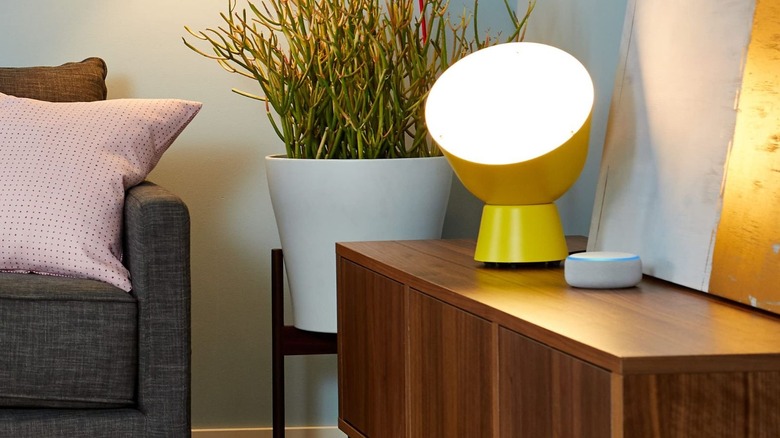
While it would be ideal, never assume a smart home installation and setup is going to go smoothly. From a professionally installed system to a DIY selection of IoT (Internet of Things) devices, something in the chain will occasionally glitch and need attention. Rather than starting off with a full setup, fit things that are easy to set up and handle first, like smart switches for living room lights and a voice-assisted speaker for on and off commands. Start off with things you can live with instead of something overly complicated, as it's the best way to avoid an over-complicated failure.
The best way to find weak spots in a smart home setup is by performing an "increasing outage" drill. To do this, you need to disconnect the modem from the router so the cloud services are unreachable. Second, unplug any hubs and controllers to see what devices do without their coordinator. Finally, power down the router and access points to simulate a local network outage. Automations will likely fail during this test, which is normal, but it's a great way to troubleshoot where something is going wrong and fix it.
Another good tip while doing the drill is to walk around the house, making notes of any bleeps or usual LED warning lights on equipment. Then check if the lights still turn on, doors can unlock, and anything else that might be fitting with a smart device.
Don't replace simple controls with fragile smart ones
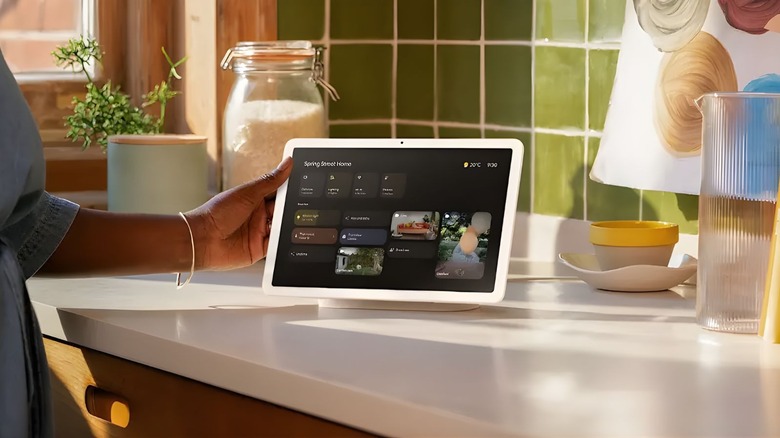
Smart home devices shouldn't make life harder. For example, if a smart bulb requires a different socket, or a set of motorized curtains that can't be moved by hand, that's trading reliability for a feature that could make life difficult if it fails. The best approach in a situation like this is to prioritize the manual control, then fit the smart control or device to make sure there's a fail-safe.
When comparing smart devices, focus on how they act when they fail, not just the specifications. What happens if WiFi drops out, the hub reboots, or the manufacturer's servers go down? Ideally, users will have smart devices that can function locally in events like this, but many rely on app or cloud management for basic actions. Knowing the difference will save multiple headaches down the line and help you take advantage of your smart home.
Most importantly, anything critical or responsible for human safety needs to stay reliable. When it comes to things like water shut-offs and smoke alarms, either keep the manual reliable equipment in place and fit smart sensors and alarms instead, or ensure the smart kit in question has the standard manual functionality in case of an emergency. Taking the first option gives users the best of both worlds without potentially creating a problem.
Use backups and keep notes

Smart home setups grow in layers, which means it can be challenging to remember everything when it comes down to maintenance and upgrades. A setup that took an hour to do, plus renaming rooms, replacing devices, and updating hubs, can look like a bag of Spaghetti 12 months later. That's why it's a good idea to keep documentation that came with the equipment while making notes about the setup, a quick and easy fix.
That doesn't mean keeping a notepad on hand either. Open up a shared document like a spreadsheet, folder of photos, or, at a bare minimum, make a record of any paired hubs and controllers, special wiring, reset steps, and model numbers. If there's any automation setup, make a note of the trigger (device, voice command, etc.) and what the intended fallback is. For those using a local network or platform, save those login details and integration choices because they're easy to forget if you're not using them every day.
Backups are also important when it comes to smart home setups. Before any major updates, export your configuration, save a copy off of the device (ideally offline), and label it with a date. If something goes wrong during the update or a new device doesn't play nice with your setup, a wasted day reconfiguring goes down to a quick 10-minute fix.
Have a plan before buying smart home devices

Picking up brand new smart home gear is exciting, but grabbing a pile of smart bulbs, plugs, speakers, and a robot vacuum while hoping they'll just work isn't a good game plan. Opting for this strategy often ends up with wasted money, a drawer full of devices that don't play well with the chosen smart home system, routines that break, and even unplugged devices due to family members realizing it's easier to just flick a switch. Start small and plan out a network of smart devices that play nice with each other.
Think about what the priority is: smart heating, lighting, WiFi, plugs, or even cleaning? Then think about how they'll connect to each other, as having too many WiFi-enabled devices running through older routers, for example, will overload the system, considering most IoT devices only run on older 2.4GHz WiFi bands instead of 5GHz. If there's going to be a significant amount of smart home devices eventually, take the plunge and upgrade that old router.
Netgear's Orbi 370 WiFi mesh is great for covering large areas on multiple floors, while the Netgear Nighthawk BE9300 is a good router for gaming and prioritizing network signals, and they both put out fast WiFi 7 speeds. If there will be multiple smart devices from different brands, save the hassle of having multiple apps doing the same job with a multi-protocol hub. It gives users a single point of control whilst keeping devices and automations responsive.
Think long-term before buying anything

It's not a good idea to build a smart home network by buying cheap devices, and it's a worse idea to run a smart home with two different voice assistant brands. Both cause compatibility issues and chaos in the household, with a family needing to remember which devices answer to Google or Alexa. So to start, pick a lane and stick to it. There's cheap ways to turn a house into a smart home, like using smart plugs to turn an analog product like a lamp or chargers into smart products instead of buying new devices, but avoid no-brand cheap smart home products.
Cheap no-name smart plugs, lights, and sensors usually don't perform as intended or have poor security, while pricier named-brands tend to be a safer bet. Even if there's great reviews on Amazon, it's worth searching for any recent security breaches or find external reviews just to be safe. The same goes for security cameras and doorbells. Cheaper models lock premium features behind a subscription. Go for on-device recording, storage, and detection for a safe bet.
It also helps to invest in products that are enabled with a universal standard, like Matter. It's designed to let devices work across major platforms like Alexa and Google, aiming for local network control as well as Wi-Fi and Thread to enable smart homes to remain responsive even when a user's internet goes down.