

5 Underrated Amazon Fire TV Apps You Should Be Using
We may receive a commission on purchases made from links.
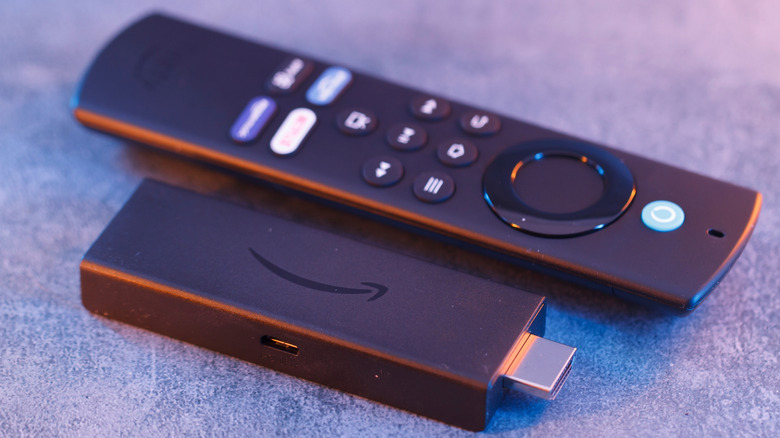
There is no shortage of streaming devices and smart TVs on the market. Popular TV brands like Samsung and LG offer apps, games, and other internet features through custom interfaces like Tizen OS and webOS. You may have also heard of Fire TV, which is Amazon's smart TV software you'll find built into hardware like the Amazon Fire TV Stick and Amazon's first-party TVs. Companies like Hisense, TCL, and Insignia license the use of the Fire TV platform to deliver streaming content and other web tools to viewers, and there are thousands of Fire TV apps available.
Of course, we're all pretty familiar with popular services like Netflix, Hulu, Disney+, and Apple TV. These are the old reliables of movie and TV show streaming, and while all of these apps are built into Fire TV, each requires a monthly subscription. Free Fire TV apps like YouTube, Tubi, and Pluto TV present the occasional advertisement (similar to watching cable TV or an over-the-air broadcast) to prevent users from having to pay membership fees. But if you're looking to maximize your Fire TV experience, there are numerous lesser-known apps that will take your streaming sessions to the next level.
AirScreen
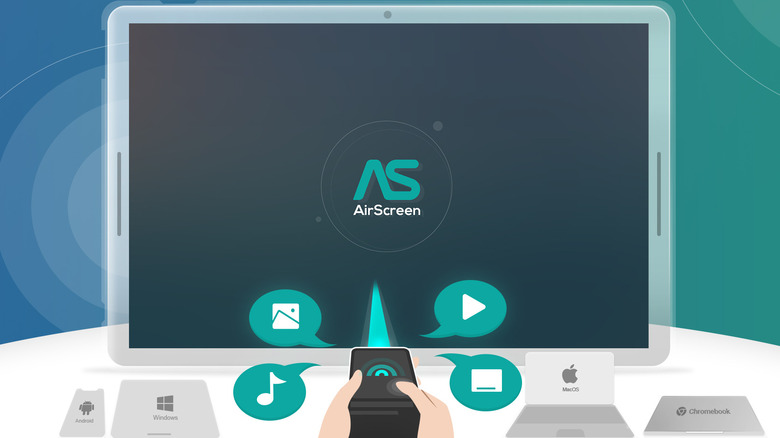
Fire TV offers a boatload of apps, along with the ability to control smart home devices with Alexa. But native support for casting protocols like AirPlay and Google Cast can be kind of tricky. Fortunately, you can download the free AirScreen app to solve that problem. Whether you're using an iPhone or Android device, you'll only need to install AirScreen on your Fire TV hardware to start wirelessly casting content to your TV.
On top of AirPlay and Google Cast, the app also supports the Miracast and DLNA protocols, and it opens up compatibility to thousands of popular services, including iTunes, YouTube, Safari, and more. All of your wireless casting is protected by AES, RSA, and SHA encryption, and you should even be able to mirror your mobile device's screen to your Fire TV tech.
Unfortunately, you'll be interrupted by the occasional ad when using the app, and we did a handful of reports suggesting that AirScreen can be a bit laggy when using certain protocols. Still, we think it's one of the most reliable ways to introduce casting to the Fire TV family.
Emby
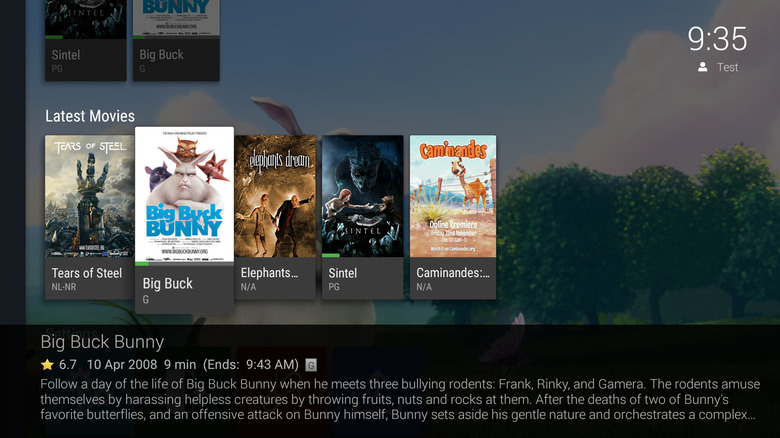
Hosting your own movies, shows, music, and photos is easy with apps like Plex, but it's not the only server-building tool on the market. One alternative we recommend is Emby, a content-hosting platform that will convert your files in real-time, so you'll never have to worry about a video file giving you guff on your Fire TV. Getting started is as simple as creating a free Emby Connect account, and then you can get to work uploading files to your Emby server.
To access media from your Fire TV streamer or smart TV, simply search for the Emby app on the Fire TV interface. Similar to Plex, we like how Emby auto-loads in certain metadata, including posters, ratings, genre, etc., and can even be set up for offline access (Emby Premiere subscription required) if your phone or tablet doesn't have internet access. You'll also be able to share media with other approved users.
While the app is free to download, some Fire TV users have reported laggy performance at times. For best results, you'll want to make sure your streaming device or smart TV is in an area where it's able to receive clear Wi-Fi reception.
Hoopla Digital
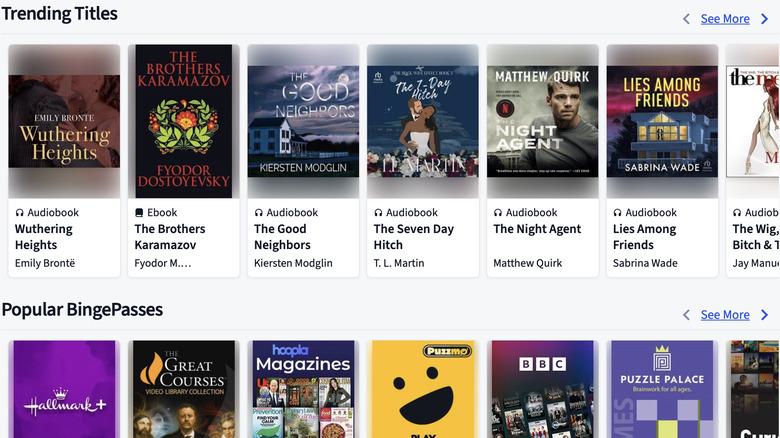
If you're an avid reader and want to cast an even wider reading net, Hoopla Digital will be a great addition to your Fire TV. A top-rated library app (based on more than 20,000 reviews on Amazon), Hoopla makes it easy to access more than 1.5 million eBooks, comics, manga, and even movies and TV shows. To get started, you'll need a free library card, and you'll want to make sure that one of your local libraries is participating in the Hoopla service.
Hoopla Digital provides 24/7 access to library content without any ad interruptions, and the BingePass feature makes it easy to reserve a series of magazines or several movies at a time, as part of a single library reservation. Hoopla also provides access to numerous audiobooks and a massive music library, which bodes well for those of us with a Fire TV connected to a soundbar or an awesome pair of headphones.
A couple of things to know ahead of time are that the built-in search tools could do with some improvement (one user compared the search engine to one you'd use in 2005), and some Hoopla subscribers had issues with chapter progress syncing between devices.
Downloader
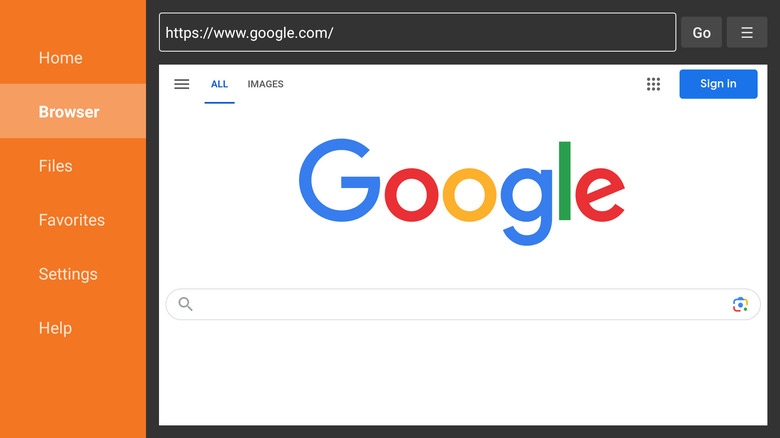
A file management app may not be the first thing to come to mind when you think of a Fire TV, but a tool like Downloader is a great add-on for those looking for an intuitive way to side-load files onto a Fire TV device. With its simple download system (search for a file by URL or short code) and browser-based UI, Downloader is fully compatible with Fire TV remotes, so you won't need to worry about hooking up a keyboard or mouse.
When you're using the browser, you'll be able to enter full-screen mode, zoom, resize text, and even add bookmarks and favorites. Best of all, once you've downloaded a file you want to side-load, Downloader will let you install it if it's an APK extension, and can also be used to delete and organize the files you've added to your queue. The app also scored 4 out of 5 stars, based on over 667,000 reviews.
Perfect for a tech hobbyist that wants to upgrade and optimize a Fire TV device, Downloader isn't the kind of app that adds instant entertainment to your streaming, but with a little patience and know-how, you'll be able to onboard third-party apps and plug-ins to your Fire TV Stick like a pro.
Volley Games
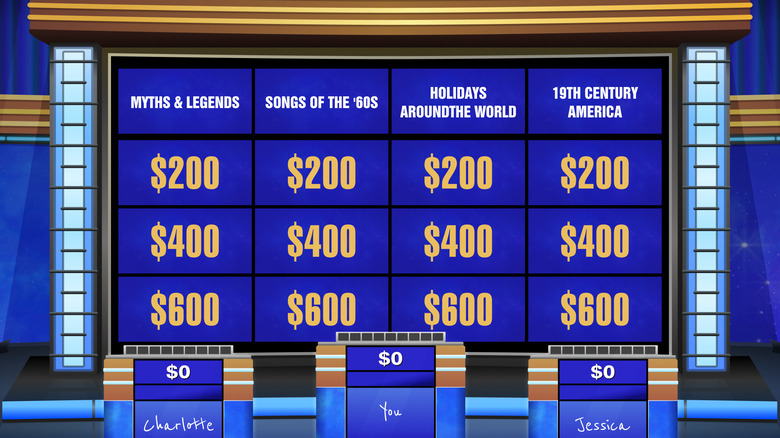
Now we'll shift the focus to pure entertainment for the whole family, and it's brought to you by a Fire TV app called Volley Games. Free to download, the Volley app gives you access to two interactive games: Jeopardy! and Song Quiz. You'll use voice commands to choose your questions and categories — as well as provide answers — and can play solo or with a living room full of friends. Based on user feedback (over 2,000 reviews), it also seems like the voice controls work very well.
For something a bit more musical, the Song Quiz game plays a short clip of music, and you'll be tasked with guessing the song and artist. You'll be able to sort music by decade and genre, as well as categories like "Hip Hop Classics" and "Emo Music." There's even a CoComelon: Sing & Play with JJ game for kids, so even the youngsters will be able to have a great time on family game night.