

4 Signs It's Time To Replace Your Old iPad
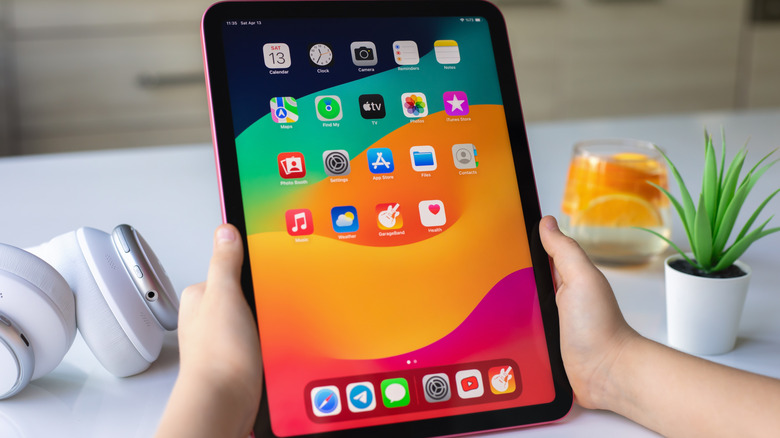
When you spend hundreds of dollars on an iPad, maybe even over a thousand, you want it to last. But the inevitability of any electronic is that it doesn't last forever. You can usually push an iPad for years, through the period that software and security support is offered, and sometimes even longer. Unfortunately, there comes a point in time when replacing it is the only option.
It's tough to determine how long an iPad generally lasts because that comes down to a lot of factors, like usage patterns and handling. The question is, how do you know when it might be fixable or it's time for a replacement? There are some clear signs you can look out for, like ultra-slow operation, unsupported apps, and the battery draining more quickly than usual.
It's best to consider all options to rectify common issues first, like clearing out storage, removing unused apps, and even replacing the battery if you find the cost of doing so is much cheaper than investing in a new tablet. But if you've exhausted all options and you're still having trouble, it's time to go shopping for an upgrade.
Slow, laggy operation
There's nothing worse than clicking on an app and waiting for it to load, watching a video or playing a game and having it buffer every few seconds, or trying to scroll a website and it freezes. If you notice that the iPad is running slowly, there are a few steps you can try to improve matters. As mentioned, that might be clearing up storage, removing unused apps, or making sure you don't have apps running in the background and thus hogging processing power.
However, if the iPad has lots of free storage, only essential apps, and you've shut down everything you aren't actively using, but it's still slow as molasses, that's a good hint that something is up. If the iPad is sluggish, especially if it freezes or crashes often, there's no quick fix. It simply means the device is old, it can't run the OS properly, and it needs to be replaced with something newer. These signs point to a potential imminent failure, so your best bet is to upgrade before the iPad completely dies.
Don't forget to upload all your important files, photos, apps, and more to iCloud as a backup, just in case. You can get better value by signing up for Apple One, which offers additional benefits for services you might already use, like Apple TV and Apple Fitness, and others you might enjoy, like Apple News and Apple Arcade, alongside additional iCloud storage.
Lapsed support for apps

Even if the iPad can support the latest iPadOS and many basic apps still work, if you find that certain apps you use often are no longer supported, it's a good sign that the iPad is too outdated for use. You most often find this with mobile games or productivity apps, whereby the iPad you have simply isn't powerful enough to run them with the latest updates, which could add additional strain.
If you can live without these apps, you might be able to hang onto the iPad for a bit longer, but chances are as soon as a few apps become unsupported, it will be a domino effect, and you'll see more coming. While this isn't an urgent indication that you need to toss the old iPad and get a new one, it's an early warning sign to keep an eye out for deals. Once you can no longer use apps you enjoy, or in some cases maybe even need for work or school, the value of the iPad drops significantly.
Quick battery drain
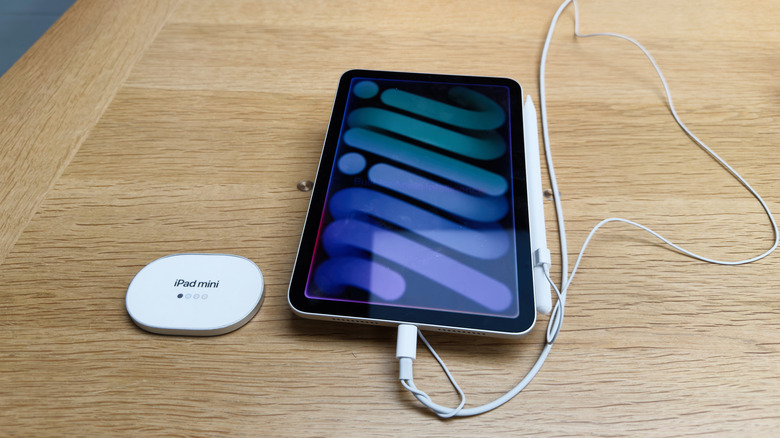
Batteries are one of the most common things to go on a tablet. If it's still under warranty, you can usually get a replacement for free (if it was a defect) or for a nominal fee, depending on if you got an Apple Care plan upon purchase. Those don't cover the device forever, though, and if your iPad is really old, chances are that all coverage has long since lapsed.
If you notice the battery is depleting more quickly, even after leaving it to charge up to 100%, that's a surefire sign that you either need a new battery or a replacement. The best way to tell is if the battery doesn't retain 80% of its original capacity, it's no longer viable. For iPad, it should do this for at least 1,000 charge cycles.
Batteries are expensive, and Apple's general warranties do not cover batteries. Further, Apple may not even offer battery replacements for models that are out of circulation at all. You might be able to find a third-party repair shop that can do it for a fee. But at that point, you're better off just buying a new one. If you find you can't use your iPad for any length of time without it being plugged in, or it doesn't hold a charge at all, it's time to replace it.
No more software or security support
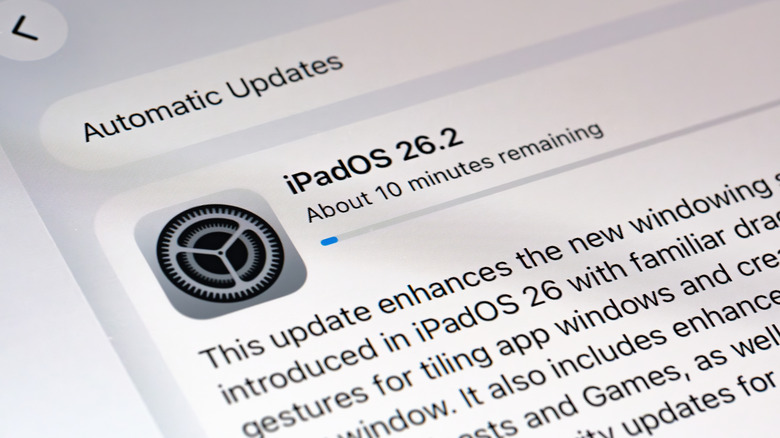
Apple typically supports its iPads for many years, with the latest iPadOS 26 supporting models dating back to ones that launched in 2018, like the third-gen iPad Pro. If you notice you can't get the latest security updates, which typically fall in line with the same dates and models for the software updates, it may be time to upgrade. Sometimes, the latest software works but doesn't run as well on an older model.
You may also be missing some functions, like Apple Intelligence features that are exclusive to the latest iPads with powerful enough processors to handle them. If the iPad still runs well on the latest software, even if you are missing some features, there's no reason to get a new one if you aren't itching for the latest and greatest AI-powered capabilities. But if it slows the iPad down, you're better off getting something newer.
The good news is that if you're on a budget, you can often do a trade-in to save some money, buy refurbished, or wait for sales on models that are a generation or two older, but newer than the one you have. Don't forget to leverage one of the many ways you can repurpose an old iPad if you decide to hang onto it alongside your new one. Instead of tossing it in a drawer to gather dust, learn all the cool things you can with it, even if it's no longer your primary tablet.