

TV Vs. Computer Monitor - Which Is Best For Playing Video Games?
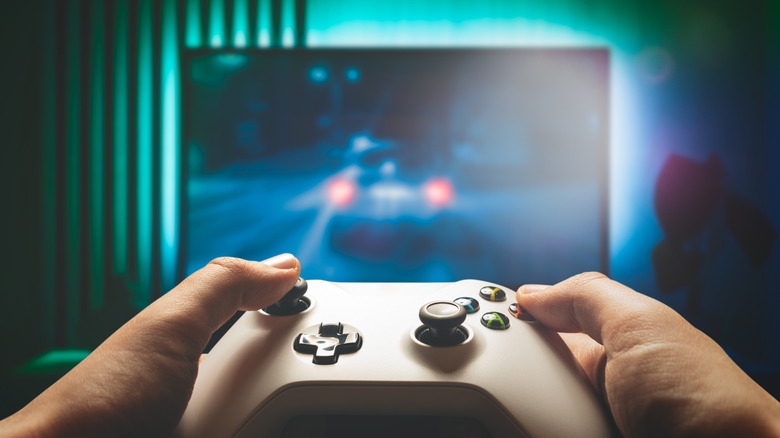
Despite TVs and monitors both largely doing the same thing, they've always had different use cases for gaming. Most users advise getting a dedicated monitor if you're a competitive PC gamer and to just use your TV if you're a casual console player. In recent times, this isn't as straightforward as it used to be. You should still get a monitor that fits your needs if you're able to, but a good TV can do (almost) just as good of a job.
Monitors have always had an edge in terms of performance and cost. They provide higher refresh rates — 120Hz is quite common, but high-end monitors go beyond 400Hz — which makes them better for games requiring quick response times, such as competitive shooters. They also come with DisplayPort capabilities that further reduce lag, whereas TVs typically only have HDMI. This, like many other differences, isn't as big a deal nowadays if you plan on getting a high-end TV, as those will likely come with HDMI 2.1 ports that are competitive in response times.
For TVs, the most obvious advantage is the size, as you can't get the same immersion on a monitor as when you're using a large 75-inch TV in a home theater setup. This size also makes it easier to play with friends or family on the same screen offline. Nowadays you can even find TVs that have special gaming modes and can go up to 120Hz.
It depends on your use case and budget
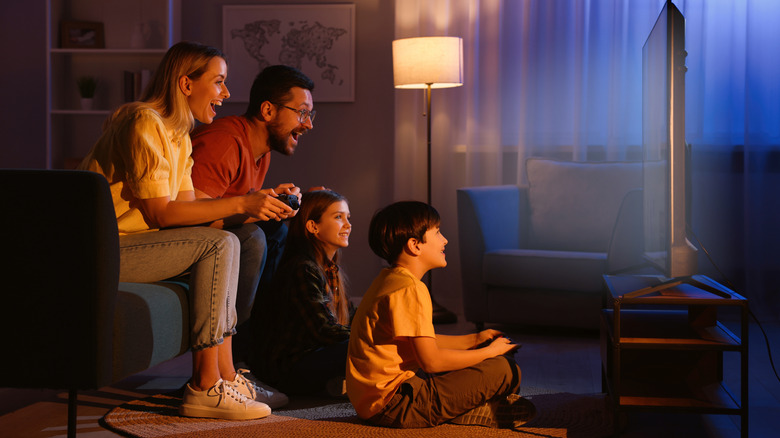
Despite the gap in performance being smaller than ever, the advice on whether to use a monitor or a TV for gaming remains the same. A TV is fine for casual use; the bigger screen helps with immersion in cinematic games. If you want something more competitive that can give you an edge in reaction time, a monitor is the better choice at most price points. You can still get a TV that supports native 120Hz that can perform the same as a monitor, and you can get a larger monitor that has all the benefits of a TV.
Cost is another thing to consider if you're planning on buying a new screen for gaming, as TVs built for gaming are generally more expensive. This is because higher refresh rates require HDMI 2.1r, as HDMI 2.0 only supports up to 18Gbps compared to DisplayPort 2.1's 80Gbps or even the 1.4's 32.4Gbps. This addition of HDMI 2.1 is only present in mid-to-high-end TVs. Getting a higher refresh rate on a TV often means paying $150 more than if you were getting the same TV with 60Hz and without HDMI 2.1, whereas you can easily get a 120Hz or higher monitor for as low as $80. Retailers like Costco are often running great TV deals that lower this difference in prices, but a monitor is always cheaper.
There are also some features that a TV simply cannot compete with, such as the high refresh rates supported in the most expensive gaming monitors. Additionally, even with HDMI 2.1 bridging the gap between DisplayPort and HDMI technologies, using a DP cable will always be slightly smoother than HDMI transfer as it has a higher data transfer rate of 80Gbps compared to HDMI 2.1's 48Gbps.