

Here's How Long Your Printer Should Last, According To HP
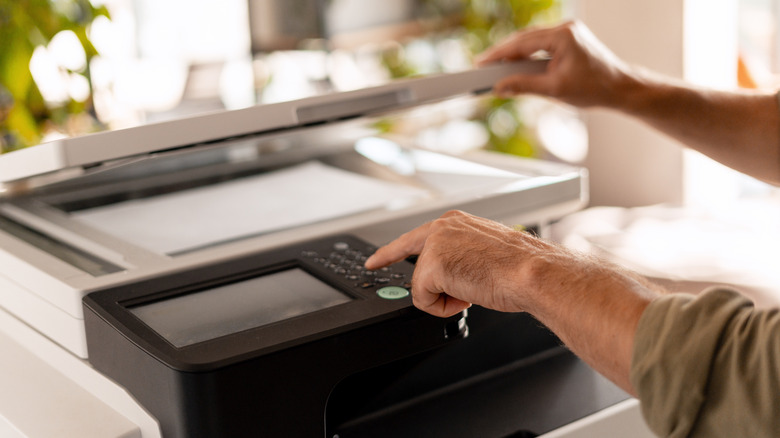
We may have a love-hate relationship with our printers, enjoying the convenience they bring for in-house printing while grumbling about how they always seem to have an error right when we need them. Printers aren't always necessarily a cheap purchase, depending on the type you buy, and as such they aren't something you want to replace often. According to the printer brand HP, the average lifespan for a printer is from three to seven years.
HP, short for the Hewlett-Packard Company, was founded in 1939 and is famous for its printers, despite also being one of the least reliable printer brands thanks to its Inkjet series.
Despite the company's claims on the average printer life, users on Reddit share different experiences. Reports on the printer life of their at-home printers included 20 years for an HP Laser, 14 years for a 7520 Inkjet, and 12 years for a Canon Pixma MG5320 — though some reported only two years of life for their devices. Printer companies like HP have something to gain by saying your printer will only last up to five years, as that means you may purchase their products more regularly. Still, you can take plenty of steps to ensure your printer has the longest and healthiest life.
How to keep your printer running longer

First off, buying a high-quality device may already mean it will have a longer lifespan than average, so you may want to aim for the most reliable printers. Using yourregularly helps to keep it running smoothly, as it can wear down if it just sits for months.
Just like dust can build up in any electronic and cause problems, the same can happen with your printer. Keeping it clean from dust and in an area that is not too cold or too hot can keep the mechanical parts working well. If you don't plan on using your printer for a while, it's a good idea to turn it off and let it rest, so to speak. Just be sure to turn it off via the actual power button, not just by pulling the cord from the wall.
According to HP, you should do regular maintenance to ensure your printer runs well. This includes a daily print alignment test, a weekly deep clean that includes the roller and ventilation system, a weekly network connectivity test, and a monthly lubrication of internal components. Oh, and also have a professional come in once in a while to check your printer, as often as quarterly if you're a heavy user. Unless you are printing important work documents on a daily basis, it's reasonable to think most people are not going to do this type of maintenance on a routine, but it's still worth following these steps regularly.
Common issues that kill printers
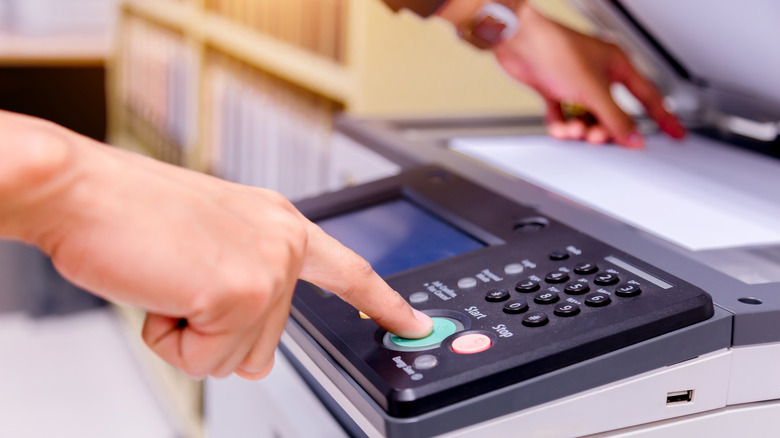
While you may or may not want to adhere to HP's maintenance schedule, there are still some common issues that can end your printer's life early that you can avoid. Low-quality ink and paper can cause debris buildup, frequent jams, and the clogging of ink nozzles, so it is worth spending the extra money to buy high-quality items for the printer. Power surges can create issues for the electrical components, so it may be best to unplug your device during thunderstorms. The older your printer is, and as the hardware endures years of wear and tear, the more likely it is to break down, so keep your eye on older devices to catch problems early.
Software updates or the lack thereof can also cause issues with your printer. It's good to be aware of what type of software customer service support your model has, especially since the new Windows update is stopping support for some printers.
So while HP may say the average printer has a lifespan of three to seven years, owners of certain models have had much better outcomes. With some proper care and maintenance, and being aware of what issues can happen to your printer, hopefully yours can last much longer.