

4 Clever Uses For A USB-C To HDMI Adapter Cable
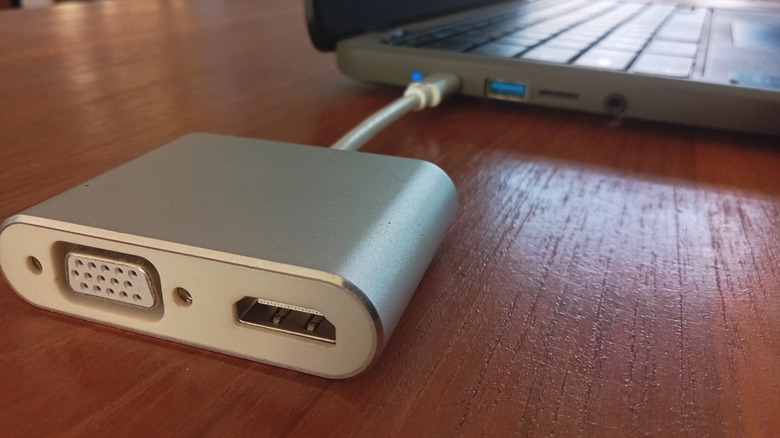
Type-C to HDMI adapter cables represent one of the most effective products for getting video output to a secondary screen from laptops, phones, tablets, and other Type-C compatible devices. Most of the time, these cables are used to hook up smaller/portable devices to larger TVs or monitors, to devices that lack dedicated HDMI ports, making them effective for streaming movies, playing games, or getting work done.
But there are several niche use cases that you might not know of that can take advantage of a Type-C to HDMI adapter cable specifically. Type-C and HDMI are some of the most popular connectors on the planet, and you can find them in almost every system or device that requires charging, data, or video output, making it almost guaranteed that there is a use case for a Type-C to HDMI adapter cable you haven't thought of. Type-C with DisplayAlt has the same video capabilities as HDMI 2.0a, so you aren't sacrificing video quality going with a Type-C to HDMI adapter.
Turn your smartphone into a gaming PC with Android emulation
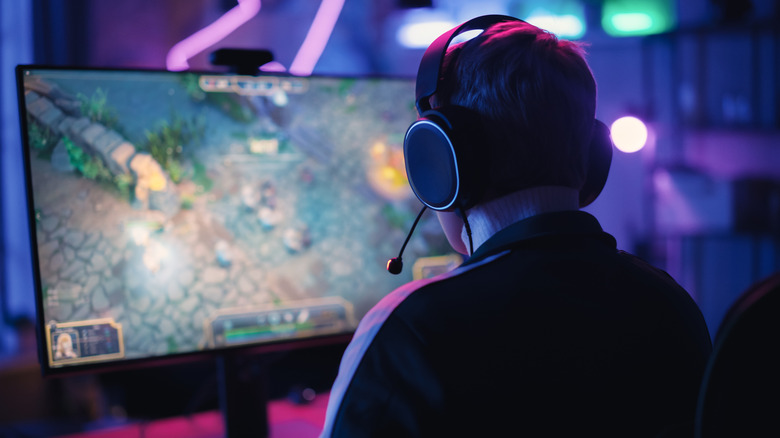
PC gaming has become significantly more accessible over the past few years, thanks to cloud gaming services and handheld gaming PCs. But PC gaming is starting to grow in popularity in the smartphone space, thanks to apps that can emulate PC games on Android. Emulation has reached a point where high-end Android devices can emulate AAA PC games at playable frame rates, including popular titles such as Cyberpunk 2077. Game Hub, for example, comes with all the necessary emulators needed to get up and running quickly and comes with built-in Steam integration.
While playing PC games on an Android device's screen can be sufficient, projecting the game on a larger screen or TV will offer a better experience since PC games are tuned for traditional monitor sizes. A USB Type-C to HDMI adapter cable can provide the necessary connection to run a large monitor or TV off of the smartphone, and hooking up a controller to your phone through Bluetooth can provide a PC-like gaming experience without having a PC.
Using a Type-C To HDMI cable on Type-C equipped GPUs
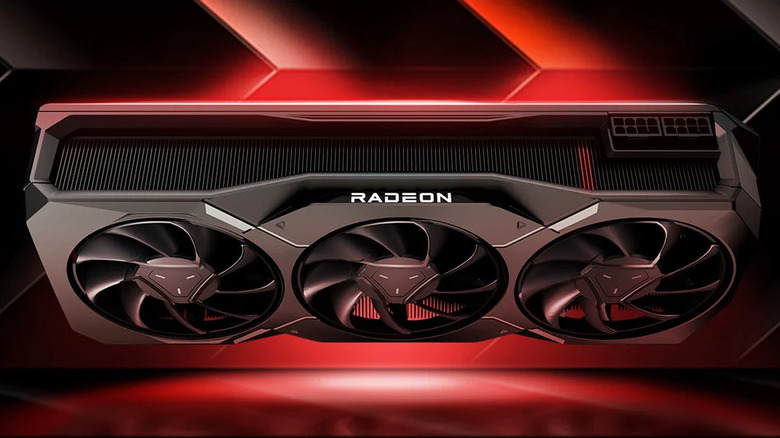
Type-C is widely used on mobile devices, but a small group of graphics cards also come with the compact USB connector. Nvidia RTX 20 series graphics cards and AMD's Radeon RX 7900 XTX are among the few graphics cards that come with Type-C connectivity. Type-C ports on graphics cards were initially pushed by VirtualLink for connecting VR headsets to GPUs with a single cable, but the standard was apparently canceled in 2020. Still, GPUs with dedicated Type-C ports can be used like any other Type-C port and support external displays, not just VR headsets.
There's not much reason to use Type-C on a GPU, but if one or more of the GPU's DisplayPort or HDMI ports get damaged, the Type-C port can come in handy as a backup connector to replace at least one of the display connectors if the other connectors on the card are already being used. This is applicable to RTX 20 series cards, which have five display outputs (including Type-C) but only support up to four displays simultaneously. AMD cards like the RX 7900 XTX that have a Type-C port only have four ports, so you have to use the Type-C port if you want to run four monitors off of just one card.
Turn your DSLR into a webcam with a Type-C only laptop
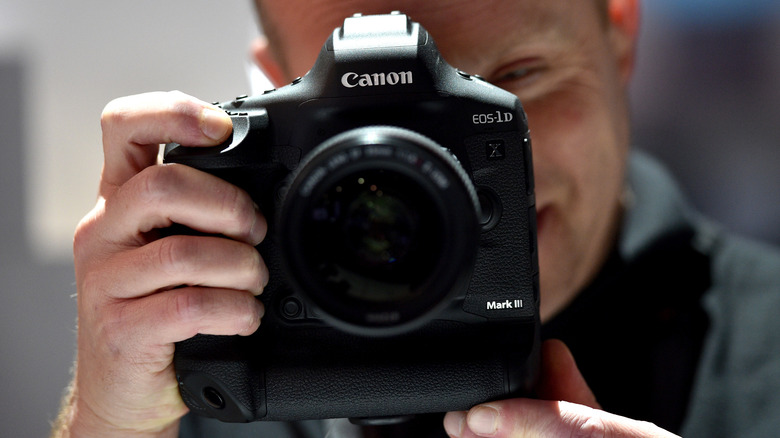
Webcams don't typically provide image quality on par with DSLRs or mirrorless cameras. While high-end webcams can stream footage at up to 4K resolution, other attributes such as depth of field, low-light performance, and dynamic range are still limited by the small sensors webcams have. Swapping to a DSLR or mirrorless camera for webcam duty can offer noticeably better image quality during video calls.
For DSLRs and mirrorless cameras sporting dedicated HDMI outputs, you can use the HDMI port to stream content to a PC. If the PC is a laptop that lacks an HDMI port but has Type-C with DisplayAlt functionality, a Type-C to HDMI adapter cable will be required to hook up the camera to the laptop. A few other things you'll also need to account for are room in your setup for the camera and a tripod to mount the camera in the right position above your monitor.
Stream content to an older TV with an HDMI-less laptop

Watching whatever is on your laptop on your TV is nothing new, whether that's through an HDMI cable or wireless display sharing. However, not all laptops or TVs support all display-sharing technologies. Older laptops and TVs won't support any type of display-sharing tech at all. If you end up with a TV and laptop combination that can't display-share, you will be stuck hooking your laptop to your TV with an HDMI cable, which can be inconvenient if you have to run a lengthy cord across your living room floor. This is even more inconvenient with certain Chromebooks and MacBooks, which lack HDMI ports and require you to hook everything to the laptop with a Type-C cord or dongle.
In this specific situation, you can use a wireless HDMI adapter and a Type-C to HDMI adapter cable together to remedy the issue and get wireless video streaming to your TV without the hassle of plugging in an HDMI cable. Wireless HDMI adapters can be found for well under $100, and have a typical wireless range between 30 and 200 feet.