

5 Smart Home Uses For Your Old Tech
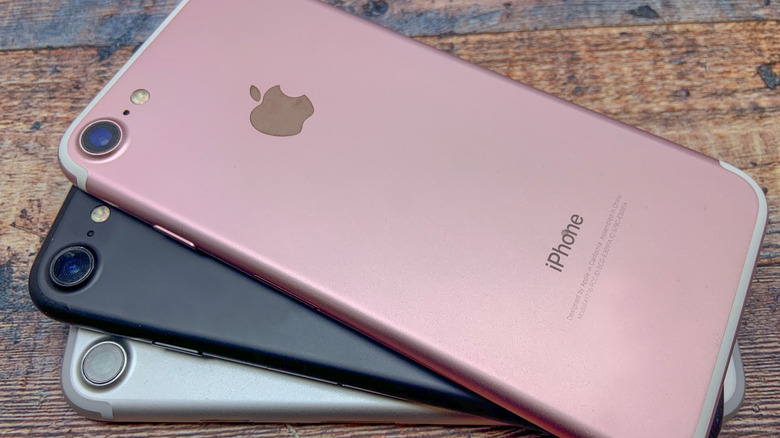
If you have old tech collecting dust in a drawer somewhere and are also interested in setting up a smart home, you might be sitting on a goldmine of potential without even realizing it. Gadgets like that old Android phone, a retired tablet, or even an outdated laptop don't have to end up sitting idle and forgotten, since they can actually become a surprisingly useful upgrade to your smart home setup. All that it needs is a little creativity and the right apps for your old tech to become useful again.
That's particularly useful, since dedicated devices for your smart home can be expensive. A quality security camera, smart display, or home automation hub can easily cost hundreds of dollars. So instead of investing in those products, it's possible to use one of the many gadgets that you might have sitting in your home to replicate these functions at no extra cost. This is not only a budget-friendly choice, but also a sustainable way to give a new purpose for devices that you've already paid for.
Whether you're looking to have a better security monitor, build a DIY smart display, or automate parts of your home on a budget, there's likely an old device that fits this role well, and you might already own one. So here are some of the best ways to use old tech to build a smarter home setup without spending more, and also to stop letting those gadgets go to waste.
Turn your old tablet into a smart home command center
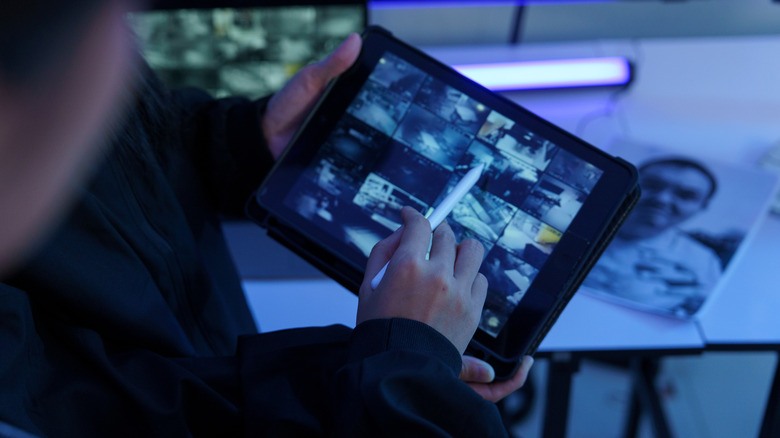
Instead of letting an old iPad or tablet gather dust, the best thing to do is turn it into a dedicated smart home control panel, a move homeowners are using to save money on their setups. Mount it, keep it plugged in, set the screen to always stay on, and you'll have a new purpose for them. With Apple Home, Google Home, or Alexa, anyone can have control of your smart home devices connected to it, without the need to have the "admin" phone.
Where this setup really shines is with the "problem" devices that won't integrate cleanly with your hub, like robot vacuums, air purifiers, or smart washers with their own apps. Install those standalone apps on the tablet and keep them in one place for the whole family to have access to. Then disable personal accounts, and leave it on a charging dock so you'll get a shared control screen in your home without worrying about personal stuff.
Additionally, a tablet is a versatile device for a connected home and if you don't need a smart hub, the same gadget can double as a budget display for security. Connect your cameras to your preferred app, then park it somewhere, and you'll get an at-a-glance feed of the front door, driveway, and any other place that you have cameras installed. It's not the same as a true smart display, but it delivers the same experience for half the price.
Use your old phone as the TV remote
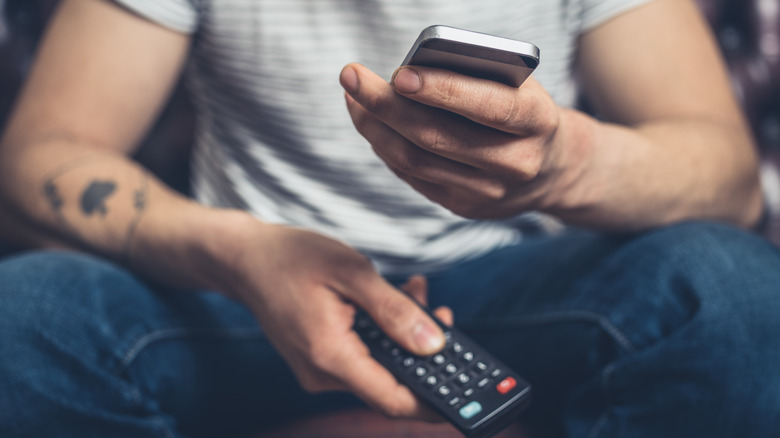
This idea can be used with a tablet, but also works with an old phone and is one of the best ways to give an outdated tech a new meaning at your home, since these devices can become a practical tool in the living room. For example, most smart TVs support Wi-Fi control through their official apps. Samsung has SmartThings, which can also turn your old Samsung phone into a smart home sensor or LG with ThinQ, which lets you control volume, channels, or even control any streaming app easily.
Buying a replacement remote, especially for premium smart TVs, can be something expensive and if you lose it unexpectedly and can't buy a new one at that moment, an old smartphone already has the hardware needed to handle the task. So with a few clicks and keeping it on the charger, it becomes a reliable backup that everyone can use without much worry.
Additionally, some older smartphone models also include a built-in IR blaster, and if your device comes with this sensor, it can function just like a traditional remote control by sending signals directly to your TV. This is useful if you don't have a smart device with access to Wi-Fi and only need to have a universal remote app installed, which lets you control TVs, but also sound systems using the same device.
Turn dumb speakers into a simple audio Streaming Hub
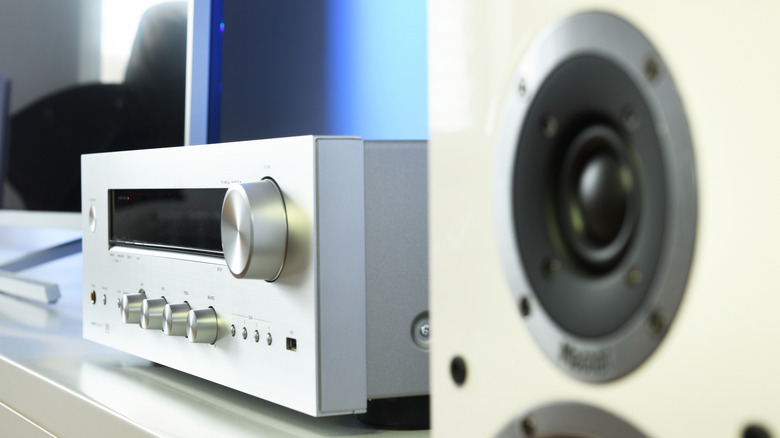
Fancy smart speakers are great, since they come with some neat features, such as voice control, multi-room audio, and seamless integrations with your other smart devices. However, this also comes with a downside, since the price to upgrade it can get expensive fast. So if you don't really need a new device and just want something simpler, like remote control of your music, there are some alternatives, especially if you already have a dumb speaker lying around at home.
With the help of an older phone or tablet, you can make it a dedicated streaming receiver. Connect it to your stereo, home theater, or other speaker with a basic AUX cable (3.5mm/P2) and leave it plugged into a charger permanently. If you keep Spotify, Apple Music, or Alexa/Google Assistant open, it's possible to use the device as the smart part of your sound system, and it can deliver all the commands that you want remotely.
It's possible to choose songs, change playlists, and adjust volume from your main phone while the old device stays connected to the speakers. With voice assistants enabled, it's possible to do the same with voice commands, and while it might not be the most organized setup in the world, especially with an AUX cable and a charger connected to the devices, it gets the job done. If your older speaker still sounds great, this is a low-cost alternative.
Reuse old smart plugs for Watchlist devices
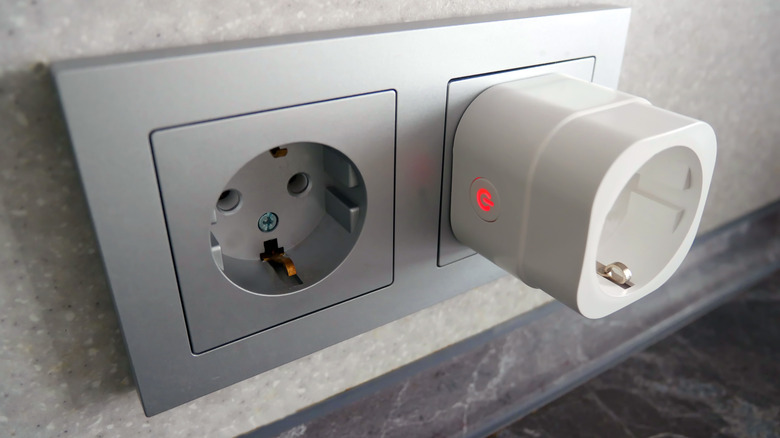
If you upgraded the smart plugs around your house and don't know what to do with the older ones, don't throw them away. Even if they're slower or less feature-packed, they're still useful for devices that don't belong in your main automations, but that you want to keep an eye on. Plug them into some appliances that don't need to be turned on and off automatically constantly, and it's possible to monitor for safety and energy usage.
There are many cool ways to use smart plugs in your home, and one of them is to monitor devices such as freezers, dehumidifiers, or a refrigerator that you use occasionally. The app may show you real-time energy usage over time, letting you spot standby drain, unusual spikes, or when something suddenly stops working. It's also possible to set some simple rules, like alerts if consumption drops to zero, or a countdown timer for tools you might forget unplugged.
It's a low-cost way to reuse what you already own and get extra control over your appliances, especially since you don't need to buy extra hardware. The only important thing to do before you plug them in is to check the load rating (10A/16A/20A) before you use them with high-power devices.
Repurpose an old smartphone as a DIY security camera
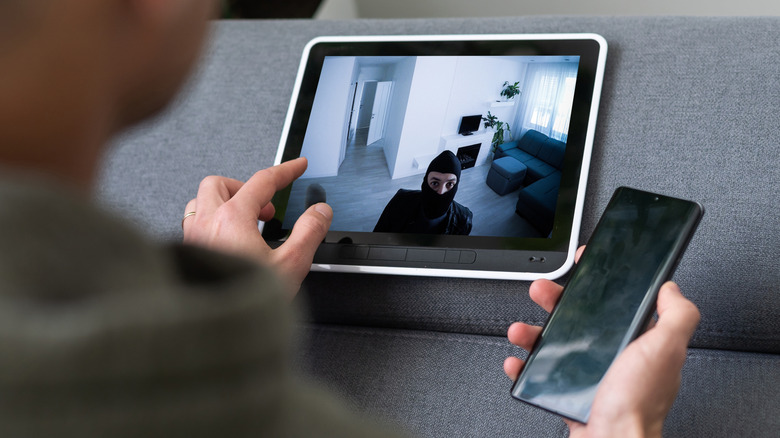
Old phones and tablets are the most jack-of-all-trades devices that you might have around your home, especially because they have many useful utilities after they're replaced by newer models. For example, since a new security camera can be expensive, it's possible to use a spare phone for the same purpose, because these devices already have the essentials, such as a camera, a microphone, a speaker, and Wi-Fi connectivity.
With the right app, such as AlfredCamera, Manything, or Presence, you can turn an old phone into a DIY security camera or baby monitor in minutes and be able to stream live video, send motion alerts, and even record clips when activity is detected. Just find the right spot for it, making sure that the camera is pointed to the correct place and keep the device plugged into a power source in order to work properly.
After everything is configured, you can also view the live feed from a computer that is Wi-Fi connected or your primary phone. A lot of apps also allow two-way audio, so you can use the old device to comfort a pet or speak to someone else, making this one of the simplest ways to make your home more secure without having to buy new security cameras.