

3 Pros And 2 Cons Of Replacing Your TV With A Projector
We may receive a commission on purchases made from links.
TVs and projectors are two of the most popular consumer tech devices for indulging in your favorite movies, shows, and video games. Shopping for a new TV or projector can be challenging, though, especially when you consider all the options at your disposal. Those with the square footage may be trying to get as big a screen as possible, and once you're talking bigger than 75 inches, a projector and projector screen may start to sound pretty appealing.
The truth is that a projector setup might be the best purchase you've ever made. But if you don't consider your viewing space, budget, and must-have features, a projector-centric home theater could quickly become a major blunder.
To that end, we've put together a list of three pros and two cons of going with a projector instead of a TV. We attempted to cover multiple home theater scenarios, and also highlighted a few projector and TV products we felt were worth mentioning.
Pro: Screen size
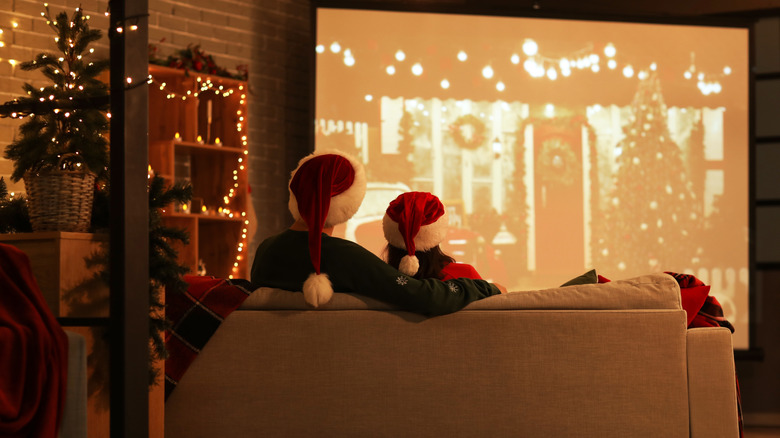
Getting your hands on a massive TV isn't overly difficult these days. Pretty much every manufacturer produces models in the 90-inch-plus range, and many retailers offer some type of delivery service (be it free or paid) that will get said TV in your home or business. But what if you're working with a viewing space that will accommodate a 100-inch display or bigger? Yes, there are a handful of TVs in this size category, but your options will be more limited than if you were shopping for a 65- to 85-inch set.
If you want to take full advantage of your home theater footprint, most projectors won't have an issue throwing an image that's 100 inches or larger, and you'll have far more hardware to choose from. Throw distance is an important consideration for non-short-throw models, but if you've got 15 feet or more to work with, a projector should have no issue throwing a 150-inch image. There are even models that get close to 200 inches — a screen size most consumer-friendly TVs can't get close to.
There's also the added benefit of portability; if you move, or simply want to relocate your home theater gear to a different room, un-mounting a ceiling-fixed projector is going to be far easier than un-mounting, or even lifting, a 90-inch-plus TV. The latter necessitates at least one helper, but many projector uninstalls can be completed by a single person — especially ultra-short-throw (UST) models like the Samsung Premiere or Hisense PX3.
Pro: Cost
Purchasing a 90-inch-plus TV can be quite the pricey investment, and the same goes for many 65 to 85-inch TVs in the midrange and premium tiers. Flagship sets like the Samsung 65-inch S95F and LG 65-inch G5 Series list for more than $3,000, and the former doesn't sell anything larger than an 83-inch ($6,500 list price). The LG G5 OLED goes up to 97 inches, but that'll cost you a whopping $25,000 if it's not on sale. Even entry-level 100-inch sets from brands like Hisense start around $2,500, with prices skyrocketing once you cross the 115-inch threshold.
This isn't to say you can't spend that much (or more) on a top-shelf home theater projector. Noteworthy brands like Sony, JVC, and Epson have a number of premium models that'll deliver phenomenal picture quality for $5,000-$10,000, if you're looking to splurge. There are plenty of projectors that cost less than $3K that deliver exceptional visuals, and just as many that cost less than $1K.
You'll get the best fidelity by combining your projector with a screen, and there's a wide range of options; from entry-level models that cost as little as $130, to fully mechanized setups for more than $2K.
Pro: Available space
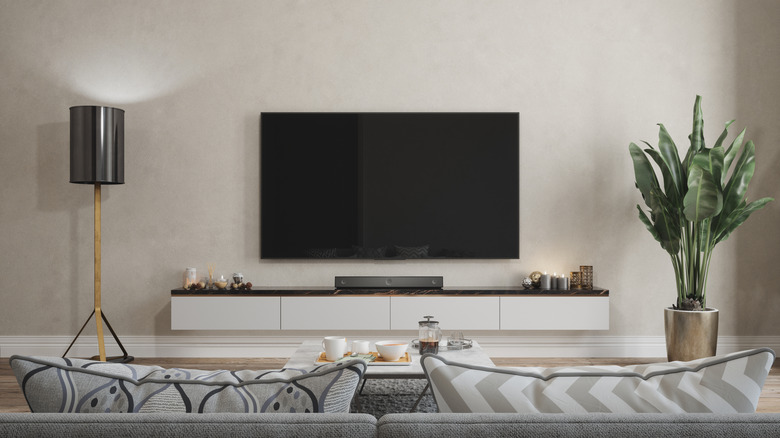
Living rooms are one of the main places TVs end up in our homes, where they're forced to share real estate with everything from furniture and family photos to whatever soundbar or audio system you decided to outfit your big screen with. Once too much clutter is introduced, though, a calm and cozy viewing space can quickly become un-immersive and disorganized. A projector won't automatically solve that problem, but there's no denying the fact that even the bulkiest projector is still smaller than the majority of TVs on the market.
Aesthetically, a projector can free up a lot of space in whatever room it lives in, especially if you end up investing in a short-throw model. Most UST projectors only need to be placed a few feet from the wall or screen you're projecting onto, but even a traditional projector that's ceiling-mounted or tabletop is going to provide ample space for furniture, home decor, and other viewing space artifacts.
On one hand, we're lucky TVs are a lot thinner than they used to be, but that's only a reduction in chassis size. The actual screens of many TVs are bigger than ever these days, and there's not much you can do to salvage space for wall art when you're dealing with a 65-inch (or larger) wall-mounted TV.
Con: Brightness and HDR limitations
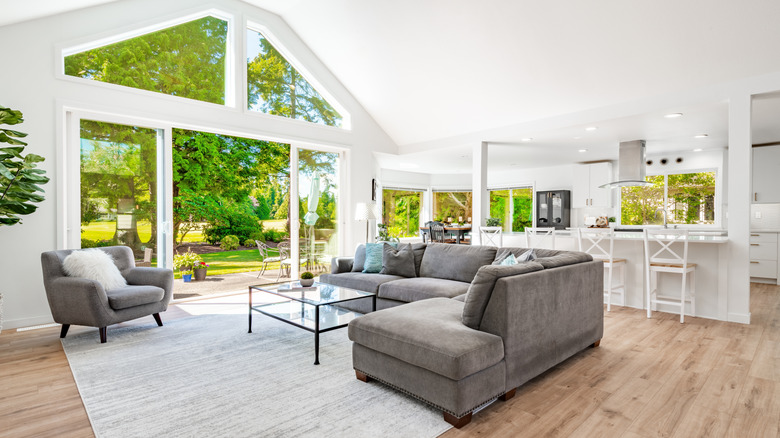
Thanks to picture features like Mini LED lighting, local dimming, and quantum dots, many TVs are able to get extremely bright. This makes many sets ideal for watching movies and shows in a brightly-lit room, even during the middle of the day when sunlight is most intense. TV makers are also getting better at anti-glare technology, to the point where even OLED TVs — which classically performed best in a dark room — are starting to triumph in brighter viewing spaces.
It probably sounds like we're gearing up to say that projectors aren't able to get as bright as TVs. Such a blanket statement simply isn't true, but many TVs do have the upper hand when it comes to peak brightness and HDR format support. If you don't have a screen with ambient light absorption, it might be tough to watch content during daytime hours. If you're the type of dedicated videophile who cares about wide color gamuts and fantastic contrast levels, even some of the best home theater projectors will likely disappoint.
For example, the class-leading $6,000 Sony VPLXW5000ES supports HDR10 and HLG formats, but skips HDR10+ and Dolby Vision (the other two mainstream HDR formats). This isn't to say that this premium Sony projector won't deliver impressive picture quality, but HDR10+ and Dolby Vision are widely-used formats for 4K UHD Blu-rays and streaming apps like Amazon Prime Video and Netflix.
Con: Audio
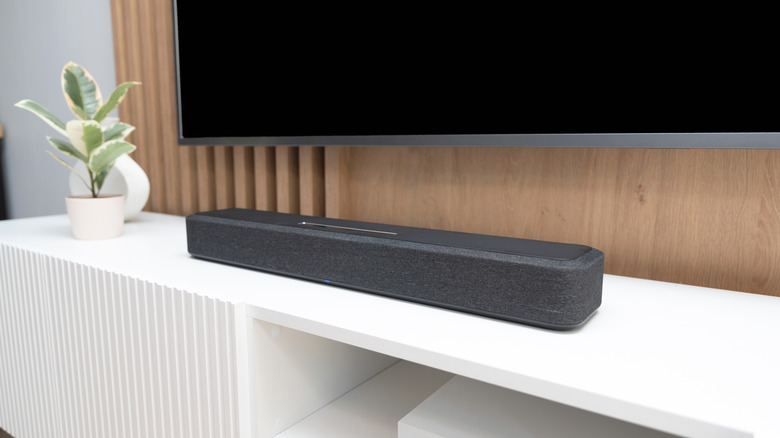
We've said it countless times: modern TVs often have lackluster built-in speakers. Unfortunately, the audible reality is similar for the world of projectors, and even more limited when you consider proper sound-staging. If your projector is located at the back of your viewing space, and your seating is toward the front, the projector's speakers aren't going to do much to direct sound to you and the rest of your audience.
The solution is a soundbar, external speaker, or some type of surround sound setup, but you'll need to make sure you're using long-enough wires to connect your audio tech to your projector. You'll also need to figure out how to hide said cables (unless you don't mind them being exposed).
Even if a TV has the worst speakers in the world, it still has the advantage of easier-to-reach-and-manage connections for soundbars and other audio components. In many cases, "easier" even translates to wireless connectivity via Bluetooth, allowing you to pair a soundbar to your TV without running an HDMI or digital optical cable.