

Why Some USB Devices Are Called Dongles (And What They're Used For)
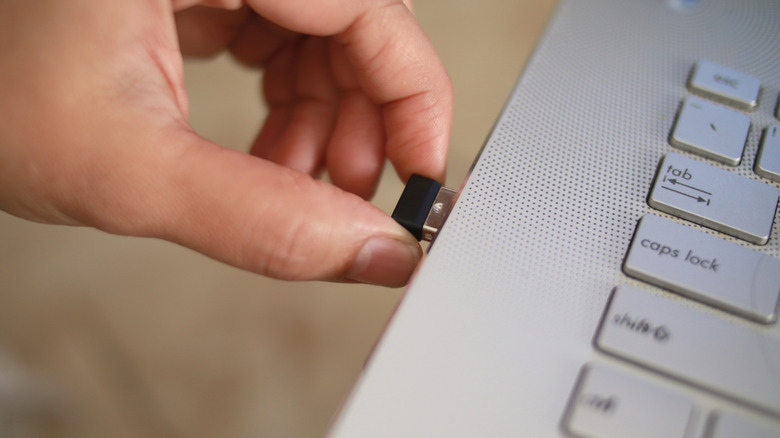
Over the last few decades, USB devices have become increasingly popular, and one we hear about the most is the dongle. Unlike general USB devices, a dongle adds functionality to the PC, provides an extra layer of security, or streamlines connection with other devices. These are typically small, usually around 1.5-2.5 cm in length, with the USB connector forming the more visible part, while the chip is often enclosed in a casing behind it.
The first documented use of the word dongle in print media can be traced back to 1981, where it was referred to as a security or memory key that was necessary to run programs. However, over time, their use case has expanded beyond that, and dongles are finding applications in different areas, from device connectivity to internet access.
Keep in mind that not every USB device is a dongle, although people sometimes use the term incorrectly, especially when it comes to storage devices. A dongle is something that adds or enables a specific functionality, while a USB device can be anything that uses a USB (Universal Serial Bus) connector. For instance, an external HDD or SSD would not be a dongle.
Common uses for dongles
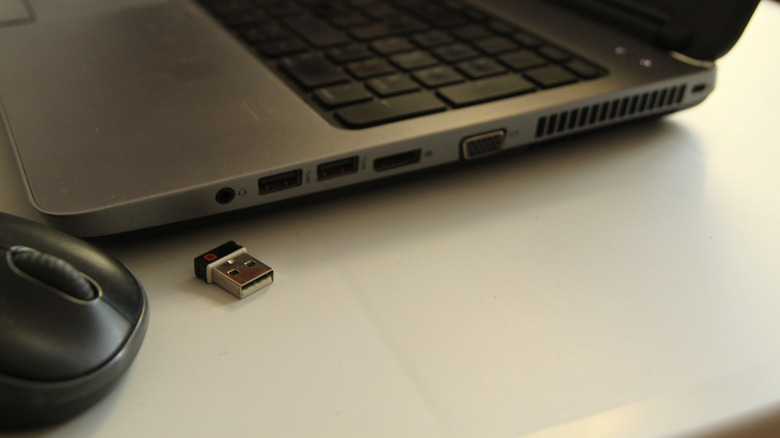
Dongles are used for both hardware connectivity and software licensing. A hardware dongle can be used to connect a keyboard or mouse to the PC. Some dongles are tied to programs and must be connected to the system for the software to run. This is usually the case with premium, high-grade software to prevent unauthorized use. Given that they act as a license to run the program, these are also referred to as the license dongle.
Apart from these, there are other common dongles that add network functionality to the computer. These include Bluetooth or Wi-Fi dongles. For older laptops that don't support the functionality or in situations where the built-in network adapter malfunctions, these dongles can be a real lifesaver. You simply plug them into a USB port, and the functionality it's tied to starts working. Another common use of dongles is as a wireless display dongle. These connect to the HDMI or USB port and are used to cast or mirror a device's screen to a larger display, say from a laptop to a monitor. Dongles are also used for internet connectivity. USB modem dongles or data cards, when plugged in, allow computers to access the internet using a cellular network.
The best part is that most of these dongles are compatible with different operating systems. This means you don't have to separately install a driver. That's why they are often referred to as plug-and-play devices.