

Are Mini USB Drives Better Than Thumb Drives?
We may receive a commission on purchases made from links.
Drives come in all shapes and sizes. They come in bricks and candybar-style shapes like phones, they come in rugged, credit card-sized forms, and they come as portable thumb drives. They also have a variety of other form factors, including slim, mini, and so on. For a long time, thumb drives and flash drives have been the go-to for portability. Thumb drives being your average USB stick, pen drive, or USB flash drive, and flash drives an overall category that includes any storage device using flash memory. To make things more confusing, mini drives are tiny hard drives — that look like a USB stick — with quite large capacities of 64GB and higher, some even in the multi-terabyte range.
Examples of mini drives include the Samsung Fit Plus series, the PNY Elite-X Fit series, Sandisk Ultra Fit, and Sandisk Extreme Fit. They're much smaller than the common USB thumb drive, about a third of the size in most cases, while still offering large storage capacities for something so lightweight. But are they better or worse than thumb drives? Well, that's a tough question to answer, because it depends. At large capacities, they're more expensive than most thumb drives.
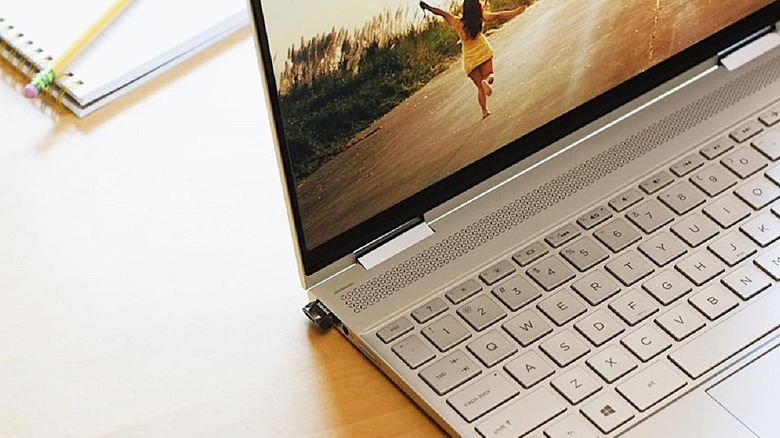
They're smaller and more portable, which is great for travel, not so great for keeping them safe. But also, they're meant to be plugged into a computer or device for data backup and ultimately, stay there. You would leave a mini drive plugged into your laptop even while stowing it in your backpack or handbag, for example. Are they better for storage, though? Yes, larger capacities, and usually much faster transfer speeds make them a lot more convenient.
Much smaller than the smaller that you know
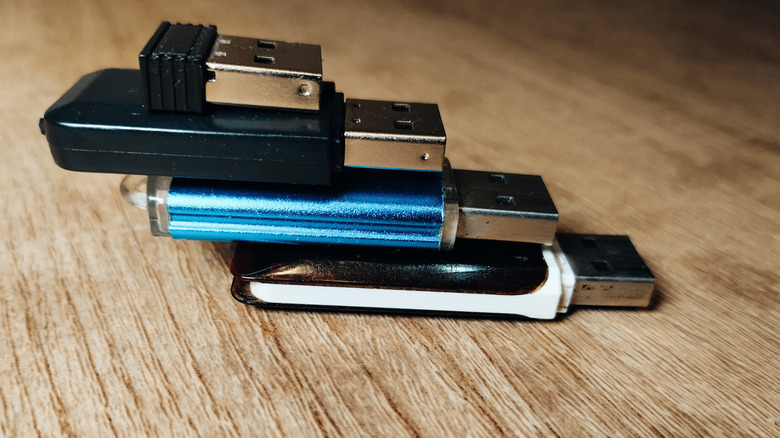
What truly sets mini drives apart is their much smaller profile. A traditional thumb drive is already retractable and meant to be portable, but they have limitations. They have slower read and write speeds, depending on the USB version, and smaller capacities, so they're meant to quickly move files or backup small individual files. Transferring a school report to a flash drive and bringing it to class to move to a school computer is a good scenario. Because the alternatives offer a lot more, however, there's simply no need for USB flash drives anymore.
Mini drives have large capacities, so you can use them as a backup hard drive. 64GB, 128GB, 256GB, sometimes over 1TB, is a lot of space to backup files. They also offer fast transfer speeds, so you're not waiting long for files to copy, as long as you use the right USB port. The Samsung Fit Plus has an advertised read speed of 400MB/s, and write speed of 110MB/s when plugged into a USB 3.2 Gen1 port. At max speeds, it would take you about 21 seconds to move a 1GB file onto or off the drive. Up to 100GB would take about 35 minutes to transfer. You probably won't get the max speeds, but the data transfer is still fast and that's the point. They're tiny but capable.
Several mini drives even have a USB Type-C connector, so you can plug them right into your phone and say goodbye to deleting old photos. Back them up anytime, anywhere. That said, mini drives can be easy to lose, which is a problem if you store sensitive data on them. Whether that's worth the additional cost or "better," is ultimately for you to decide.