

This Smart Gadget On Amazon Can Change The Way You Watch TV
We may receive a commission on purchases made from links.
After a long day, there's little else that can beat kicking back and enjoying one of your favorite shows or movies on the couch. However, even with the best smart TV brands, there are still some accessories you can use to improve your experience.
Most people tend to turn the sound up and the lights off. But what if there was a way you could use the lighting to make your TV time even more immersive? This is where smart TV backlighting comes in handy. Using the Govee Envisual T2 from Amazon, you can sync up your TV's screen with backlighting, making the room light up around your TV. Not only can backlighting improve your movies and shows, but it can also be used for gaming and even to light up your room when listening to music.
Yes, there are plenty of TV backlighting options out there, but after testing the Govee Envisual T2 among others, it offers accurate synced lighting, as well as tons of features via the app. The only downside is that it's not the cheapest option out there.
How the Govee Envisual T2 improves your experience
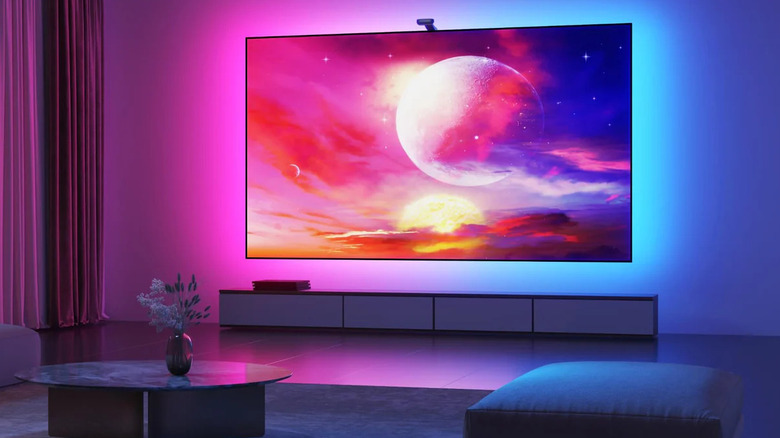
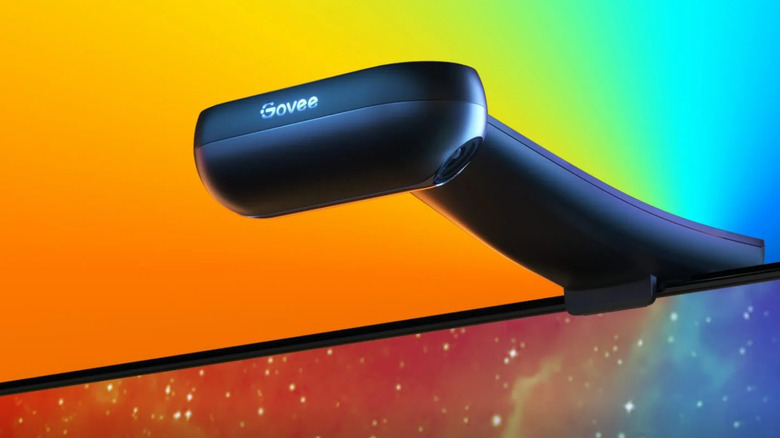
Plenty of gadgets on Amazon could potentially improve your TV setup, but the Govee Envisual T2 is one of the best accessories that really makes a difference. They're designed to fit almost any TV, and come in sizes designed to fit displays anywhere between 55-85 inches. With its dual-camera design and color matching, it's able to match the colors almost as close as what's on your display in real-time, changing your living room to a home theater in seconds.
With its own app and Alexa compatibility, the Govee Envisual T2 offers more than just basic backlighting. Choose from a range of scenes to set the mood, including festive scenes. Use your Alexa to dim the backlights, or bring your room to life using the music audio sync mode.
If you already own any of Govee's smart lights, you can even add extra lights to sync up with your TV's new backlighting, or add existing lights, expanding your lighting further and bringing your home to life. If you aren't technically minded, there's no need to worry; as with most TV backlighting, the setup is quick and easy. Just stick your lights on the back of your TV, plug the camera in, and follow the instructions on the Govee app.