

Can You Charge A Laptop With Your Phone's USB-C Charger?
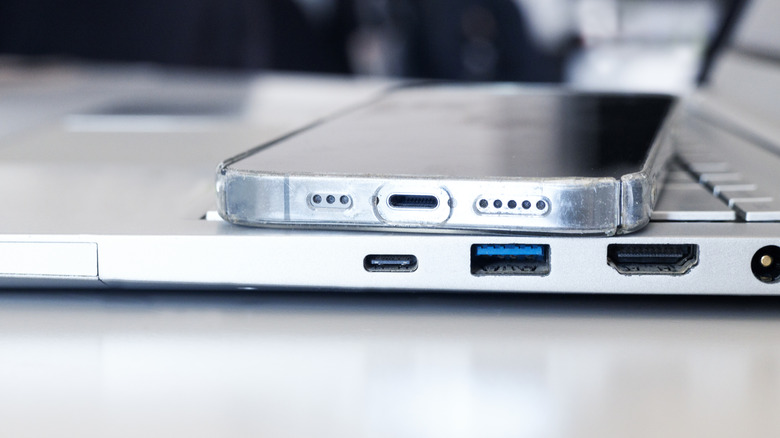
As convenient as it would be to carry around multiple chargers for all of our gadgets, it realistically doesn't always happen, especially if you're commuting to work or school and lugging around your backpack, lunch, and other items during your trips. Sometimes, you might even bring the wrong charger. These situations can happen, and they are a lot more common than you think. The good news is, if you forgot your laptop charger but have your phone charger on hand, yes, you can still charge your laptop with it.
But it isn't a simple plug-and-play solution when it comes to using just any USB-C charger for your laptop. While the parts might fit, you will want to make sure the adapter and cable can closely match the wattage your laptop charger normally gives. Otherwise, if a severe mismatch happens, your laptop either won't charge, charges at a snail's pace, or depleted more charge than you gain. And if you're severely unlucky with the compatibility, your phone's USB charger could ruin your laptop's hardware for good.
Why can you use your USB-C phone charger to charge your laptop?
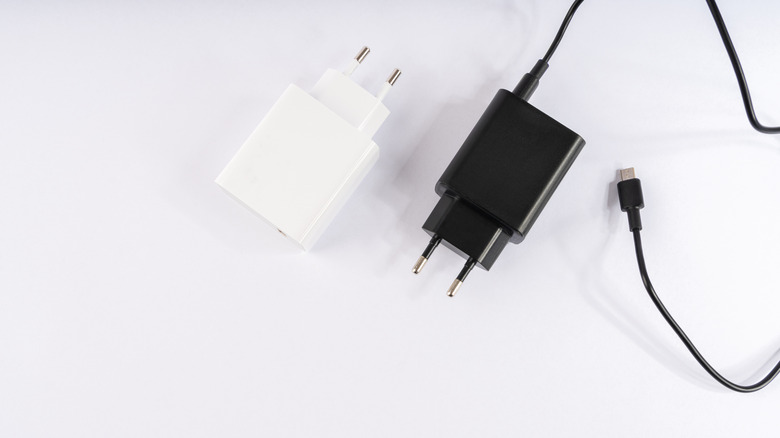
As long as the USB-C cable fits into a USB-C port on your laptop (though adaptors do exist if you need to make a USB-A port work on an older laptop), you can use it. It's just not guaranteed to be practical. When examining a phone charger, two aspects need to be considered: the power adapter, which is the piece that plugs directly into an outlet and holds the cable, and the cable going from the adapter to your laptop.
How it all works is that, by default, these cables deliver power (up to 240W) using Configuration Channel (CC) pins to conduct a digital handshake between the charger and device. This exchange decides the maximum voltage and current your electronics can operate at a safe level. Typically, a phone charger won't get anywhere near 240W (fast-charging is around 100W). Instead, you should expect around 20W-30W most of the time. A laptop charger typically delivers over 65W, so there is at least twice the power involved in charging a laptop as compared to charging your phone.
When there's a mismatch between the power draw and the charger's wattage, as in the case of a phone charger powering a device that needs higher wattage (your laptop), you'll get the maximum charge the phone charger can deliver. That means the laptop will still charge, but at a much slower rate, because it isn't receiving the power it requires for it to charge sufficiently. Sometimes the charger can even overheat if it can't handle the demand. Generally, though, it should still work and be safe to use, since many USB-PD (Power Delivery) systems negotiate safe power levels, ensuring the charger delivers only what the laptop can take.
How to verify the power requirements for your laptop
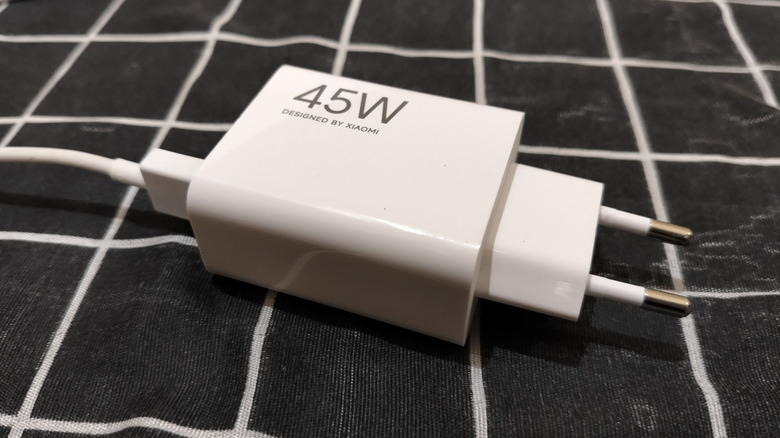
Even if using your USB-C phone charger is a last-ditch effort to save your laptop battery, you'll want to know right away whether you will end up draining the battery or getting the charge back (even if it is slow), or, more crucially, if it could ruin your laptop. To determine your laptop's power requirements, check your charger (ideally, the one that came with it). The charger should have a voltage rating (in V) and a current rating (in A). To measure power, multiply the voltage value by the current. If you don't have your laptop charger, the specs may be available on the manufacturer's website for that specific model. Once you've determined how much power your charger provides, try to match it more closely to your phone charger adapter.
Just note that, with multiport chargers, you only get the maximum power advertised by the product if you plug your laptop into it directly, without anything else sharing it. Once you start plugging in more gadgets, you're adding more load, which means power is intelligently distributed across multiple devices. Aside from the adapter, you'll need to ensure you secure a high-quality USB-C cable. Cheaper cables can cause power loss on delivery, as energy is converted to heat, and some of them don't support enough wattage to reliably charge your laptop. To be on the safe side, you'll probably want to find one with an E-marker, which ensures the cable can intelligently support higher power when you need it (as a safety precaution).