

Is It Safe To Leave Your Nintendo Switch 2 In Sleep Mode All The Time?

Since the first Switch's release, we've seen countless debates online about when you should or shouldn't use sleep mode on Nintendo's portable console. And now that the Switch 2 is here, those debates have naturally carried over to the latest generation, with one of the biggest concerns being whether the console will overheat. The short answer here is it shouldn't. Nintendo designed the Switch and Switch 2 to utilize sleep mode so that you can jump right back into whatever you were doing without fully powering off the console. As such, it should not overheat when using that mode. But does that mean it's safe to leave the console in sleep mode all the time? Well, the answer to that question is a bit complicated.
First, it is important to note that Nintendo designed the Switch 2 to be used often, which is why sleep mode even exists. It's there to help you jump back into your current game without having to boot the console up all the way each time. However, if you are going to be away from your console for an extended period of time — a few days or so — then it might be worth turning it off, just to avoid any possible issues later. If you're using your Switch 2 in its dock, then this is less of an issue, as it will always be connected to battery power and able to make use of the Switch 2's improved hardware without worry.
Can the Switch 2 overheat in sleep mode?
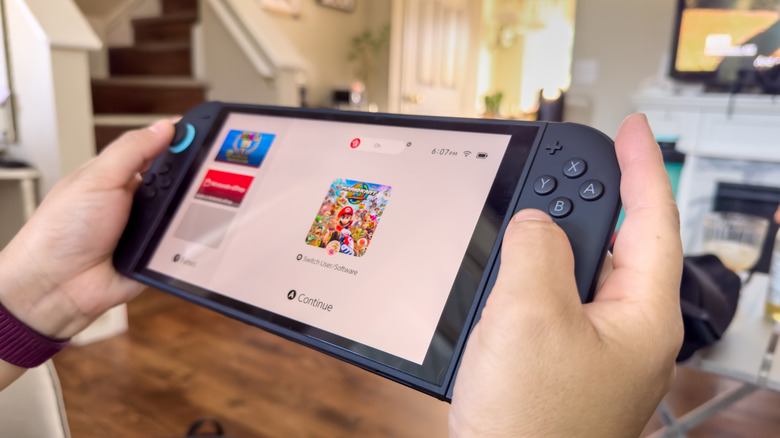
Under normal conditions, your Switch 2 should not overheat when it's in sleep mode. However, Nintendo says that you may notice the console becomes warm sometimes during sleep mode, as it connects to the internet at regular intervals to download updates, DLC for your games, and other data that the console needs to work properly. However, it should never be at risk of overheating in this lower power mode. In fact, Nintendo has a safety feature built into the Switch 2 that causes it to go into sleep mode when it becomes too hot overall. As such, sleep mode should not cause it to overheat.
However, some members of the community have made a few observations, with one person noting on Reddit that their Switch 2 got warm enough that overheating became a concern while it was stored in their bag in sleep mode. While the exact reasoning for the device getting warm is unclear — the person admits they grew worried and turned it off without knowing what exactly had happened — the situation led to some interesting conversations within the community.
When you should and shouldn't put your Switch 2 into sleep mode

First, it's important to note that we don't have all the details about this one particular Redditor's experience. However, some did speculate that perhaps something happened to wake the device and the Switch 2 wasn't actually in sleep mode. The user says that they had the console stored in a backpack designed to carry the Switch, but that it was not an actual hard case. This led many to suggest that if you aren't storing the Switch 2 in a harder case like the Belkin charging case, where button presses can be avoided, then it may be best to fully power off the console while you're transporting it.
The issue here is that softer cases cannot protect from random button presses. Nintendo requires the same button to be pressed three times in a row to wake the console from sleep when it's not in its dock — but while the chances of the same button being randomly pressed three times are slim, they're not zero. Even with a hard-shell case, some users recommend turning the console off while transporting it anyway, just to avoid issues.
Additionally, many recommend turning the console off if you're going to store it for extended periods of time, and then turning it on at least once a week to ensure it still works properly and the battery does not wear down due to disuse. Like any smart device, though, it's a good idea to turn off your Switch occasionally to clear memory and reload the OS — the same way you should turn off your PC once a week.