

Your Streaming Device Could Be Spying For Hackers, According To The FBI
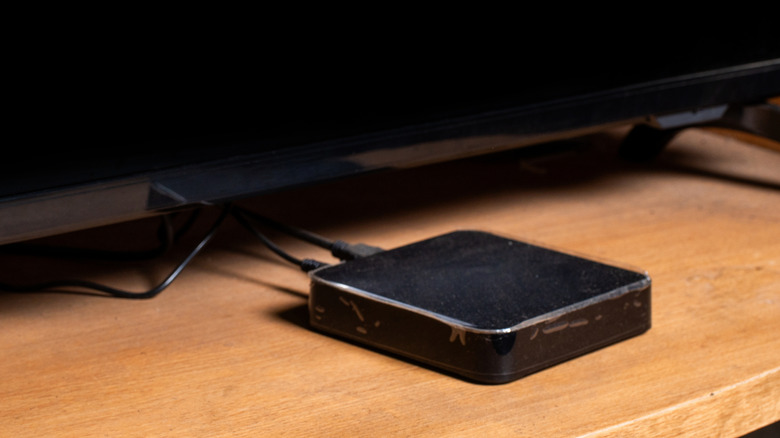
So you found yourself an off-brand Android-based streaming box with "free" movies, TV shows, and sports channels, and it costs less than $50. It seems like a steal, considering streaming services like Disney+, Hulu, and ESPN+ keep raising their prices. You might be saving hundreds of dollars up front, but you could be opening the door for hackers down the line, according to a warning issued by the FBI. This warning details how to avoid becoming part of a residential proxy network, which hackers use to conduct all manner of cybercrimes.
Websites have become adept at blocking IP addresses associated with bot-like activity like scraping, crawling, and sending automated requests. Cybercriminals get around this by using residential proxies, which are servers that route illicit traffic through the legitimate IP address (the one assigned by the internet service provider) of an internet-enabled home device. The owner of said device is unaware of the residential proxy's existence, giving the cybercriminals free rein over their internet connection.
Once these cybercriminals compromise your device, they can make their illegal activities look like they're coming from a legitimate IP address. For instance, your IP address could be used in phishing scams, illicit marketplaces, and all manner of fraudulent online activities. This is why residential proxies have become a growing threat in online fraud. Tech companies such as Google are constantly trying to disrupt residential proxy networks but knowing how your devices can become part of this malicious bot-like network is the key to protecting yourself.
Hackers could be using your internet connection without permission

The FBI outlined several ways residential proxies gain access to your IP address without you knowing. If you purchase a compromised device, usually a streaming box, smartphone, computer, home Internet of Things (IoT) appliance, or router from an unknown brand, the hackers will have preloaded it with malware that runs residential proxies or acts as a backdoor for them to do it later (among other nefarious things). Not even a factory reset can get rid of them. Another way is signing up for free VPN services, which outlines how it's going to misuse the IP address but buries the information deep within a clause of the Terms of Service (ToS), knowing that many won't read it.
Then there's malware, which can infect your device when you visit compromised websites, download questionable files, or install apps from unverified sources. This includes apps that promise passive income or give you access to free movies, TV shows, and games in exchange for using your internet bandwidth, as they will likely contain hidden malware. Surprisingly, some unscrupulous mobile app developers actually partner with these proxy services, allowing residential proxies to run within their applications. Again, it will be in the ToS, but they're banking on the likelihood that no one reads them.
How to protect yourself from residential proxies
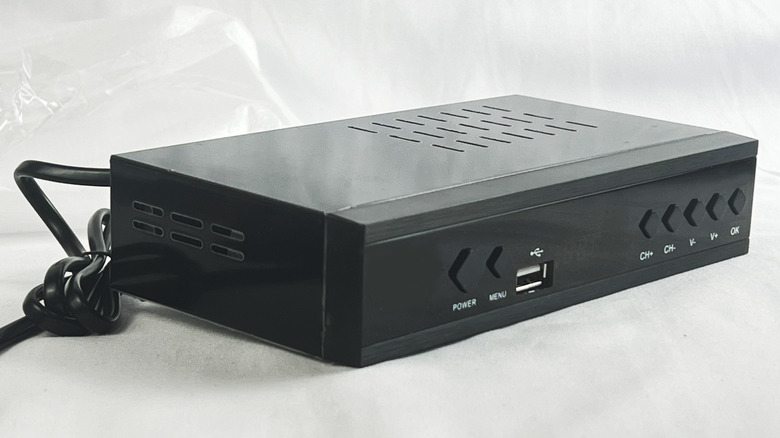
Now that you know how the hackers take advantage of your internet connection, protecting yourself is a matter of just avoiding the methods mentioned above. Nothing on the internet is truly ever "free," or "unlimited," and those TV series, movies, sports channels, games, software, and VPNs have a hidden cost beyond making your device vulnerable to hackers. This is especially true if they come from unverifiable sources. It's always best to fully research various VPN services to ensure they have good privacy and no-logging policies. Also, just don't allow any app or service to use your bandwidth, even if there's a promise of payment.
To be even more proactive, you should update your device's system software and firmware regularly to patch out any vulnerabilities hackers can use to turn your device into a residential proxy. Another line of defense is to monitor your network activity for unusual spikes, using something like Task Manager on Windows, Activity Monitor on macOS, GlassWire on Android, or your router's web interface or app. If you notice something's off, you might need to update your devices, perform malware scans, or, if all else fails, do a factory reset.